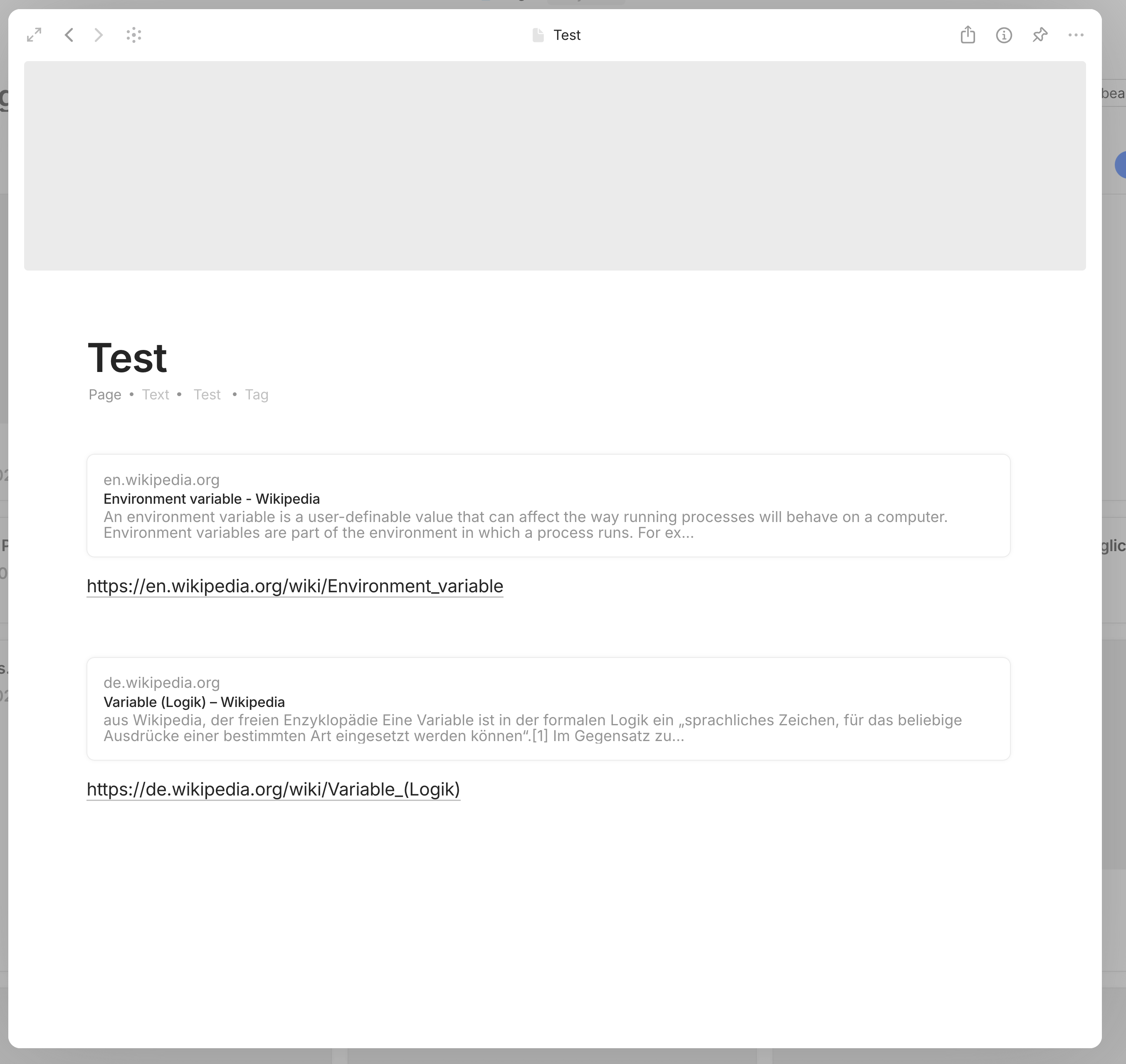
I was just writing notes and wanted to add a ‘Reference URL’ to the text. In fact, I’ve already added many URLs as bookmark favorites without encountering any problems, until I added the URL https://en.wikipedia.org/wiki/Environment_variable. It can be displayed as a block on the page, but when I try to further open and edit this bookmark object, the whole Anytype application turns blank and becomes unresponsive — I can do nothing except force kill the process via Task Manager. After restarting Anytype and trying again, the same issue persists.
How To Reproduce It
Create or open an existing Note/Page object page
Copy this URL https://en.wikipedia.org/wiki/Environment_variable, paste it in the page, and select “Create Bookmark” when pasting
Right-click on the created block and select “Open as Object”
The Expected Behavior
Just like editing a bookmark object normally, I need to add some comments to it — provided that it can be edited as an object.
Additional Context
Can anyone else reproduce this? At least that would make it clear whether this is my issue alone or a bug in the application.
Device
DIY Desktop PC
OS
Windows 10 Pro 22H2 x64
Anytype Version
v0.50.5
Network Mode
AnySync
Technical Information
OS version: win32 x64 10.0.19045
App version: 0.50.5
Build number: build on 2025-10-08 15:40:01 +0000 UTC at #e368dc067e79f7bf281ed5104e5f18df5fb21b04
Library version: v0.44.5
Anytype Identity: A63sEgxeahPYrk8415KcJmXLN5d5HdDe623vL5n7wKyGgjwj
Analytics ID: Mcy7GEjBJ1ZYCEAgEHgSJMmZXyYcmAf45LzoVyrhoUDAA9g1
Device ID: 12D3KooWPg4K9yvsnV8pDugeDgvJwdmSgwjr9o2p4KEt3aJihnaP
Confirmed for OS version:
win32 x64 10.0.19045
App version:
0.50.5
Interesting: it’s only your original link that causes that freezing: https://en.wikipedia.org/wiki/Environment_variable
A similar looking link that also contains an underline, doesn’t make any problem. https://de.wikipedia.org/wiki/Variable_(Logik)
Btw.: since then does “create Bookmark” save the whole website?
I mean, it’s nice as an option, but it’s not good at all as the standard behavior. Especially if it wasn’t always so.
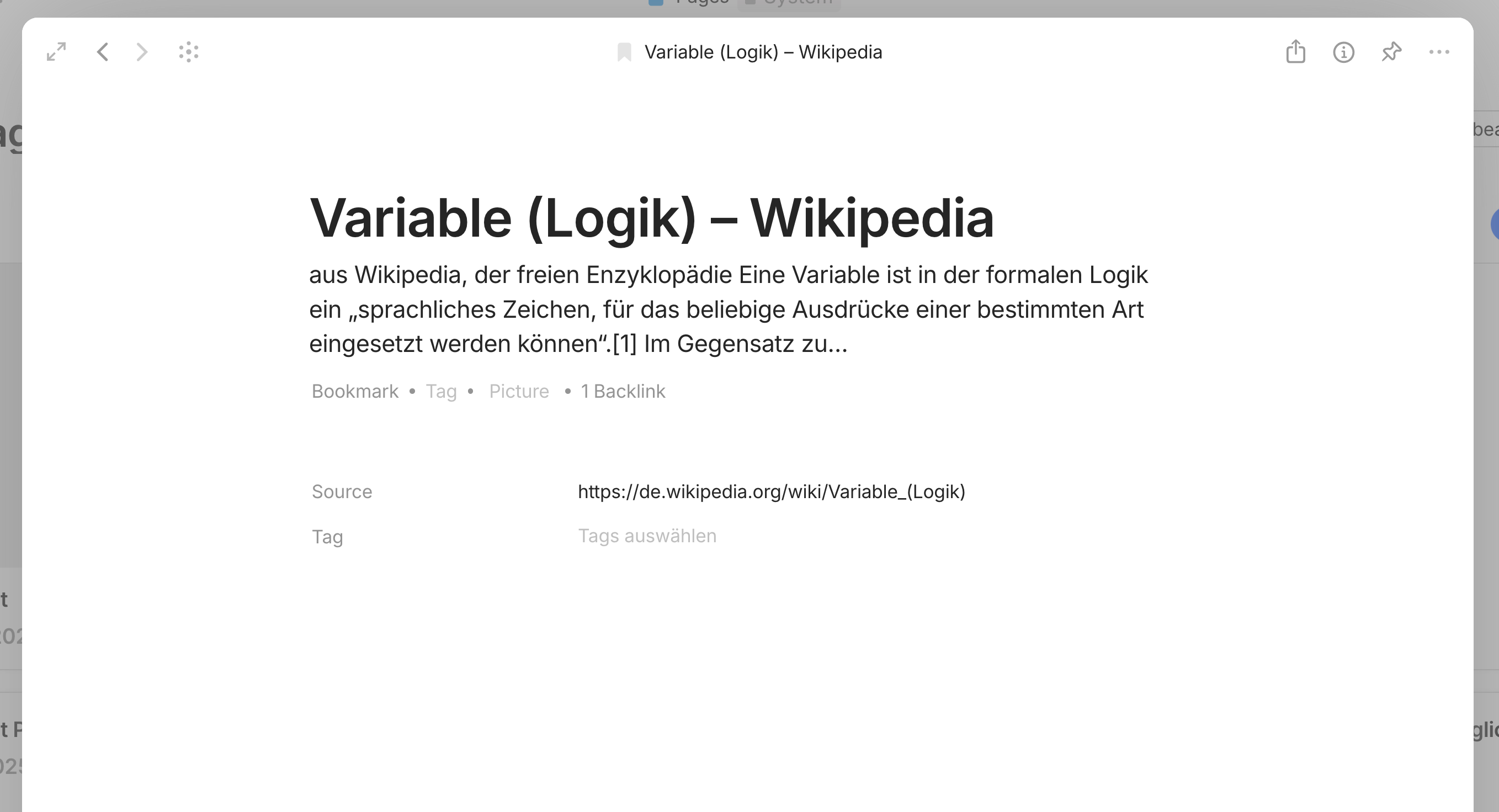
@VisualNotes interesting. What happens if you create a bookmark from this website? https://de.wikipedia.org/wiki/Variable_(Logik)
That link doesn’t cause freezing, that’s clear, but what do you see in the bookmark Object?
– I suppose that your alpha version does not the same thing as my 0.50.5-beta.
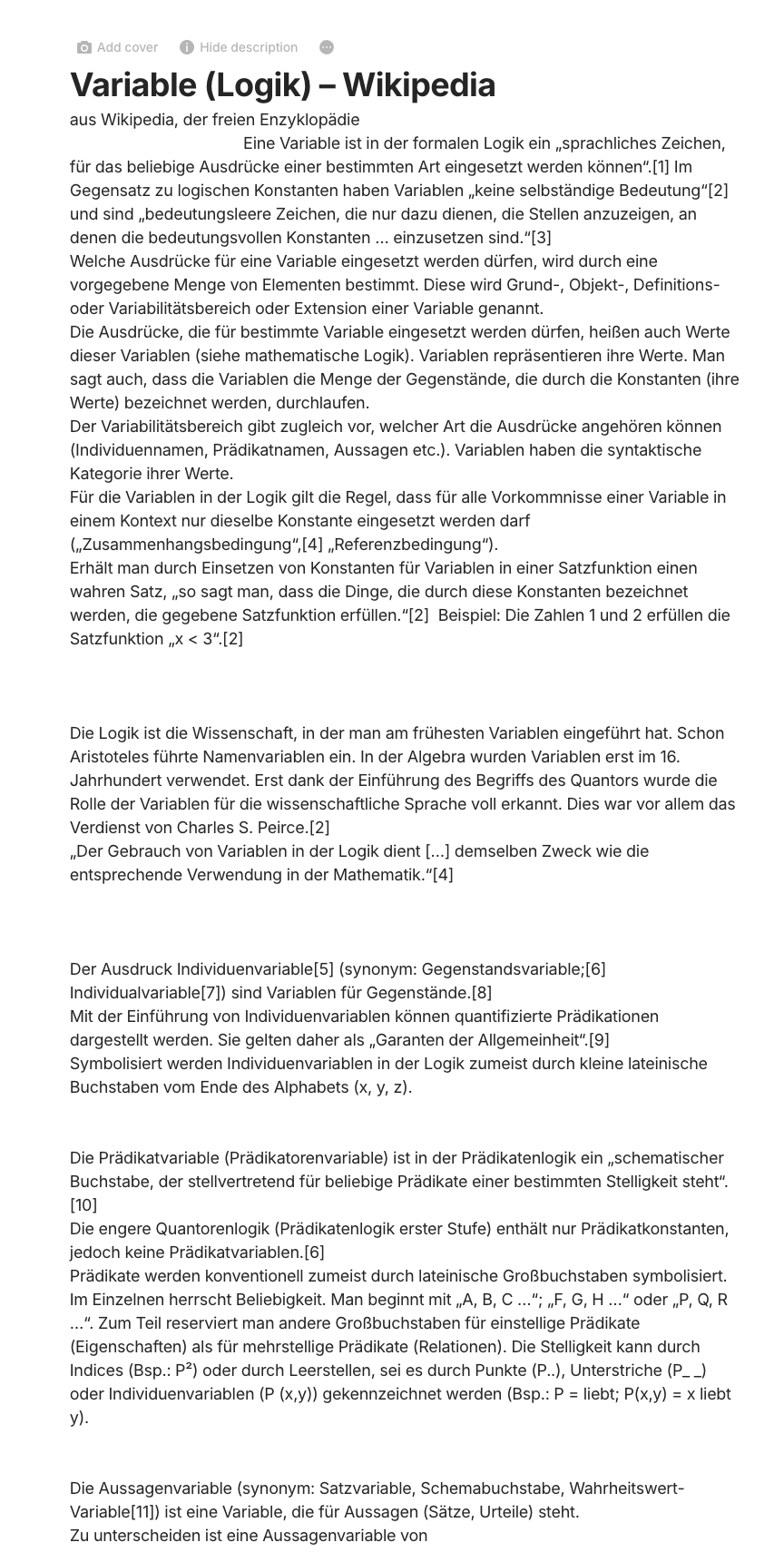
In my case, the whole content of that wiki article becomes saved in the resulting bookmark.
And I believe that this new behavior makes the trouble with the OP’s link.
Seemingly tries Anytype to interpret the code-snippets from the OP’s wiki article – IMHO a big security problem!
If your alpha version doesn’t save the whole website’s content, then there is also nothing to interpret from these code snippets inside of the OP’s link.
Yes, for you, as well as for me, as well as for the OP, is it so.
And for all of us three, Anytype freezes if the OP’s link becomes a bookmark and the user tries to open the bookmark as Object.
VisualNotes doesn’t have the freezing. He uses a newer Alpha version.
My question is, if also his version saves the websites whole text content? – I suppose no.
And I suppose that this is the reason why Anytype for him doesn’t freezes.
I believe, that saving the targets whole content opens a giant security risk.
Because Anytype seemingly does not only show that content. Instead, it seems to interpret it’s code.
doesn’t mean it also executes it, if you just run it through a parser.
I think it is just a bug in their parser and what is supported to be in the description field. I would think no proper sanitization of the content is done.
@Razor I believe this information is relevant:
I have invited VisualNotes into one of my Spaces, for testing the issue direct with that bookmark that I’ve created and that freezes Anytype for me.
Result:
He can open that Bookmark without freezing.
@Razor it seems the bug is “mostly” fixed in v0.50.65-beta but not fully.
– I opened the “bad” bookmark as Object in a modal window. Since then, Anytype behaves sometimes a bit strange (hard to explain, a lot little things) and it consumes a lot power in the task manager. But not permanent.
It’s complicated to explain, simply have a second look onto the bug, it’s not completely gone.
Ah, I believe it’s clear now:
Back in time when the bug was reported, the problem was, that the whole text from Wikipedia landed in the description field! That caused the freezing error in the Anytype version from then. And it causes some less fatal problems in v0.50.65-beta.
Today, using v0.50.65-beta, I bookmarked the “bad source” again. This time, the description field is much much shorter, it contains only a short part of the wiki text and everything works fine.
Resume:
Solved is the bug that the whole text became the content of the description field.
Anytype still doesn’t love it if the description field contains a whole Harry Potter novel (or something like that), but the new version 0.50.65-beta does a t least not freeze if there is an extraordinary long text. It makes only smaller problems in that case.
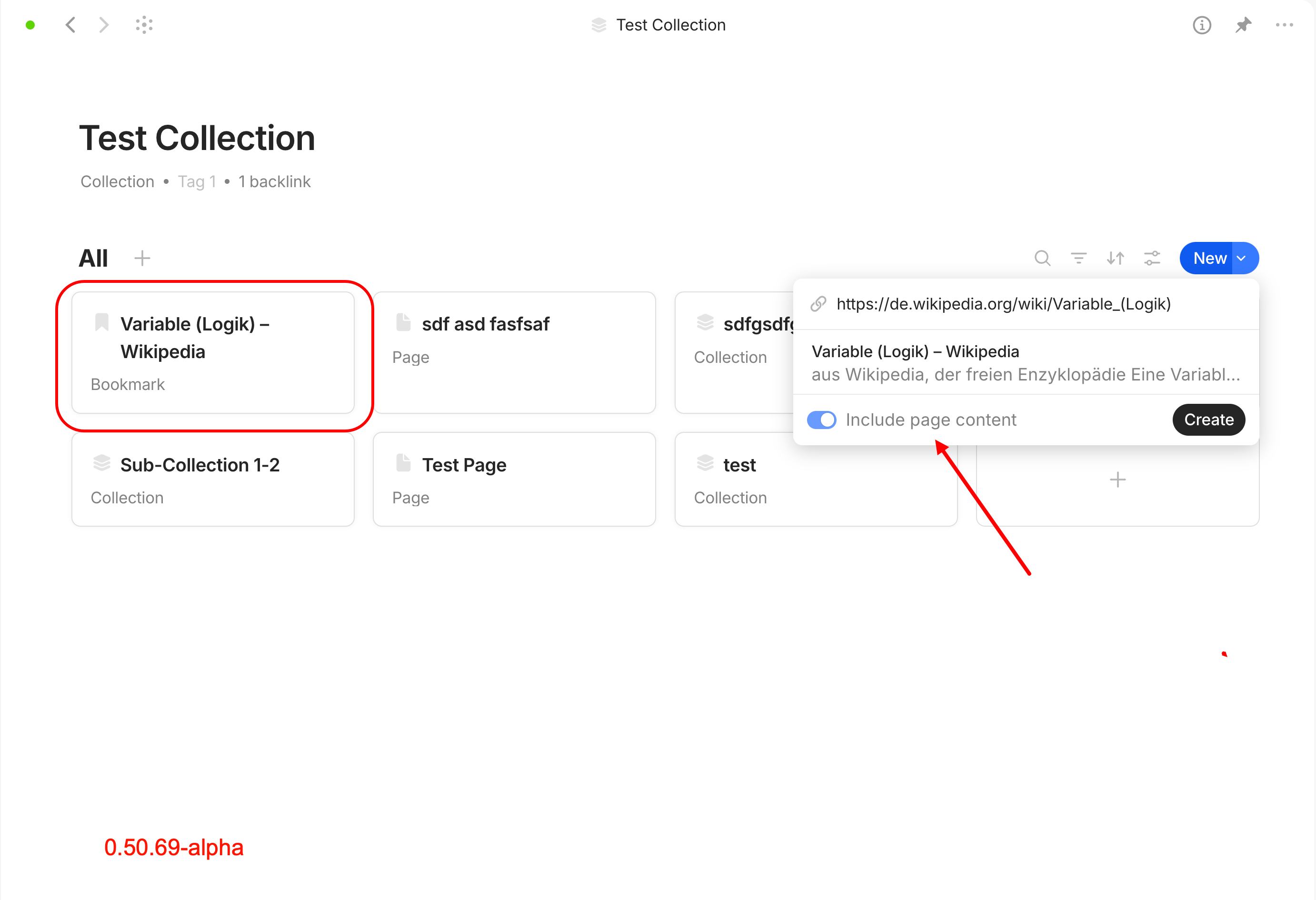
If you create a bookmark within a collection, you will find a switch to specify whether or not the page content should be saved in the bookmark. That switch appears only after you entered the URL in the field “Paste link”. Here I was able to reproduce the freeze of the application. For me, this is a problem of the web clipping function under certain circumstances.
If you create a bookmark with the same URL on a page, there is no switch, so no way to decide; the entire page content is clipped into the bookmark object without prompting.
The expected behavior would be that either
a) there is a switch to capture the page content for every type of bookmark creation, or
b) for bookmarks created in an object outside of a collection, such as on a page, the page content of a website is not added automatically to the bookmark by default.