Although we already have some Embeds for diagrams, I must say that the GUI on drawio.com (wich leads to Flowchart Maker & Online Diagram Software) is in deed more then great!
It so easy to use and absolutely nice in it’s visualizations!
With our given Embeds we can already do a lot of mighty stuff by using PlantUML. But it’s hard to create a complex diagram via text input.
Do you know if drawio.com can somehow output PlantUML code?
I couldn’t find any useful export formats. PNG didn’t work
I would default to asking you if It does haha. I’ve just used it for various diagrams I’ve made in the past. I don’t know much about plantUML but it looks like you can import it looking it up I found.
Arrange >> Insert >> Advanced >> PlantUML
So I would hope there is some to also go about exporting but I am not positive. I’ll be learning more about PlantUML though something new to learn is always a fun endeavor.
digraph G {
  rankdir=LR
  node [shape=plaintext]
  a [
     label=<
<TABLE BORDER="0" CELLBORDER="1" CELLSPACING="0">
  <TR><TD ROWSPAN="3" BGCOLOR="yellow">class</TD></TR>
  <TR><TD PORT="here" BGCOLOR="lightblue">qualifier</TD></TR>
</TABLE>>
  ]
  b [shape=ellipse style=filled
     label=<
<TABLE BGCOLOR="bisque">
  <TR>
      <TD COLSPAN="3">elephant</TD>
      <TD ROWSPAN="2" BGCOLOR="chartreuse"
          VALIGN="bottom" ALIGN="right">two</TD>
  </TR>
  <TR>
    <TD COLSPAN="2" ROWSPAN="2">
      <TABLE BGCOLOR="grey">
        <TR><TD>corn</TD></TR>
        <TR><TD BGCOLOR="yellow">c</TD></TR>
        <TR><TD>f</TD></TR>
      </TABLE>
    </TD>
    <TD BGCOLOR="white">penguin</TD>
  </TR>
  <TR>
    <TD COLSPAN="2" BORDER="4" ALIGN="right" PORT="there">4</TD>
  </TR>
</TABLE>>
  ]
  c [
  label=<long line 1<BR/>line 2<BR ALIGN="LEFT"/>line 3<BR ALIGN="RIGHT"/>>
  ]

  subgraph { rank=same b c }
  a:here -> b:there [dir=both arrowtail=diamond]
  c -> b
  d [shape=triangle]
  d -> c [label=<
<TABLE>
  <TR>
    <TD BGCOLOR="red" WIDTH="10"> </TD>
    <TD>Edge labels<BR/>also</TD>
    <TD BGCOLOR="blue" WIDTH="10"> </TD>
  </TR>
</TABLE>>
  ]
}
.
I attach an unmodified html export from drawio.com as zip.
It doesn’t work in the GraphViz embed.
But when you load the extracted html file into the Brave browser, then you can even use the expanders in the tables!
(Firefox can’t show the diagram at all!)
That means, that Brave embeds it somehow, it’s not only a simple static thing but a dynamic one.
Maybe also Chrome can do it.
I don’t need it at the moment…
But Diagrams.net/draw.io is a top product that I use and recommend in my business environment.
So if it’s available in Anytype, it’s bound to be interesting, I’m going to follow this request!
Very nice, @Shampra !
This viewer you’ve linked is exactly the thing what should become embedded in Anytype!
I opened the second one in Brave and I could switch on and of the layers or doing some stuff more.
I would love to have it for software documentation.
It has exactly my preferred visualization style which I earlier tedious made by hand in a special drawing program (a PCB layout program, which is not made for such things).
Never found a so easy to use software for it, without any need for registration and all the usual hassle!
And it can even do so much more …
It would be a pearl to have it in our beloved Anytype!
I’m really voting for this as well! We are using Confluence at work a lot and there the Draw.io integration works very nice. We draw all our business processes with BPMN 2.0 in draw.io and it is absolutely a top product.
It would be amazing to have it integrated somehow into Anytype.
Here are my top 3 reasons for why Anytype should support DrawIO embed for BPMN 2.0 and business process analysis:
Enable seamless BPMN 2.0 diagramming within Anytype by embedding DrawIO, allowing users to create and collaborate on industry-standard business process models alongside their documentation.
Provide a centralized platform for business process analysis by combining BPMN diagrams from DrawIO with process documentation, enhancing consistency and version control.
Meet the demands of businesses seeking comprehensive process modeling and analysis capabilities, positioning Anytype as a robust solution for process optimization and driving user adoption.
I mean, DrawIO already support sync with all major cloud storage. Supporting DrawIO embed is real deal and a step in the right direction for Anytype. Hopefully Anytype dev will consider this move genuinely.
@Razor
Are there any particular constraints that explain why this request hasn’t been carried out or it’s just lack of time (not a priority)?
It’s not something I’m looking forward to, I’d rather do something else .
But if so… Since there is no need for middleware or design validation, maybe I can look into it if I find the courage.
Umm, I’ve just stumbled across this topic and went to check if the embed examples actually work, but they do not. I’ve tried to make it with ChatGPT from their embed integration Github docs, but with no luck. So I’ve added a task just now with the examples, didn’t have time or priority to dig further before.
Regarding Excalidraw examples - I’ve tried to implement it 3 times but it just does not build with rspack, I do not know the reason, it just hangs and I have no option to check if the React implementation does work.
If someone would help with solving any of the above problems I will implement it.
Before posting my PR, I’d like to improve a few details:
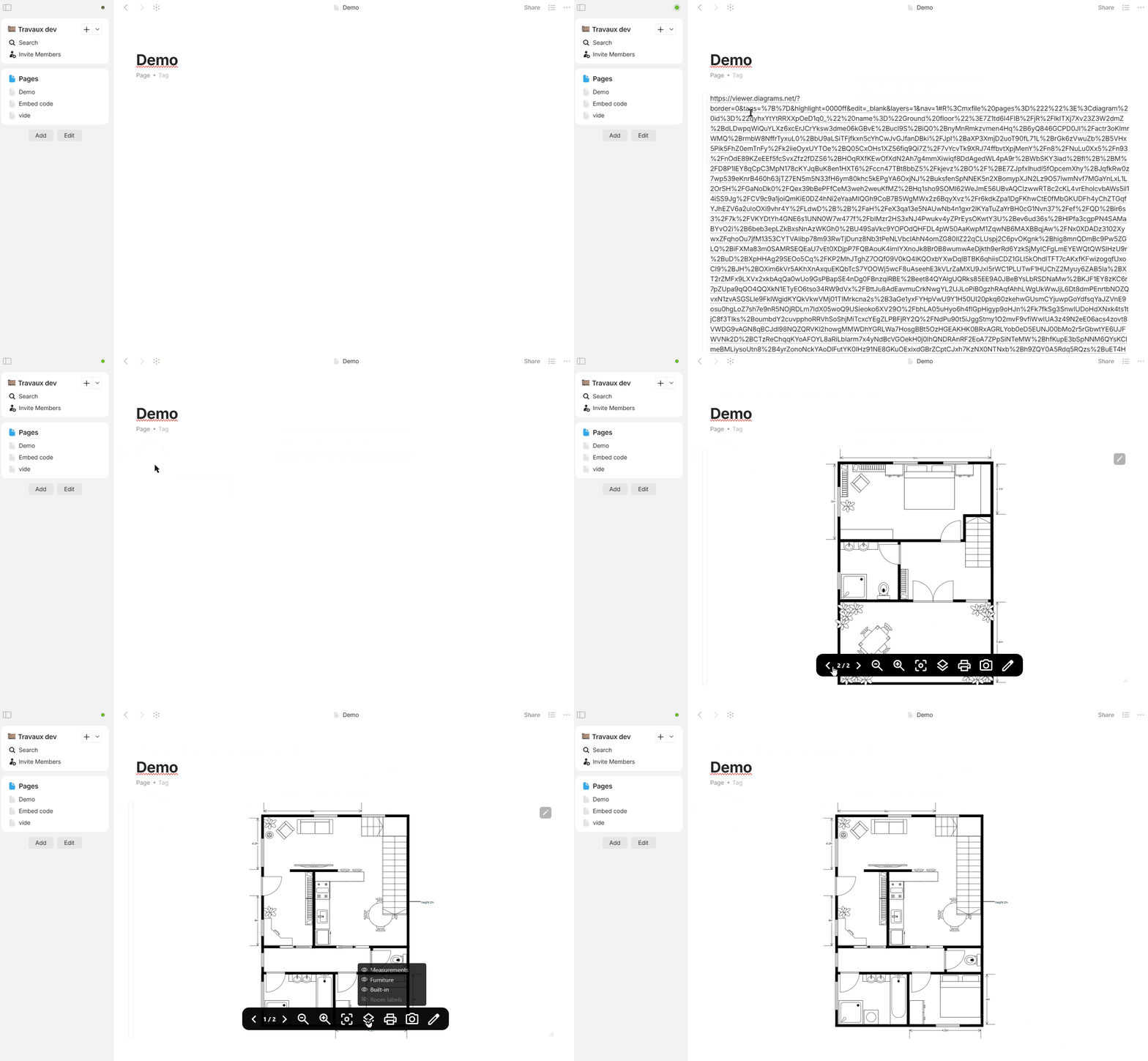
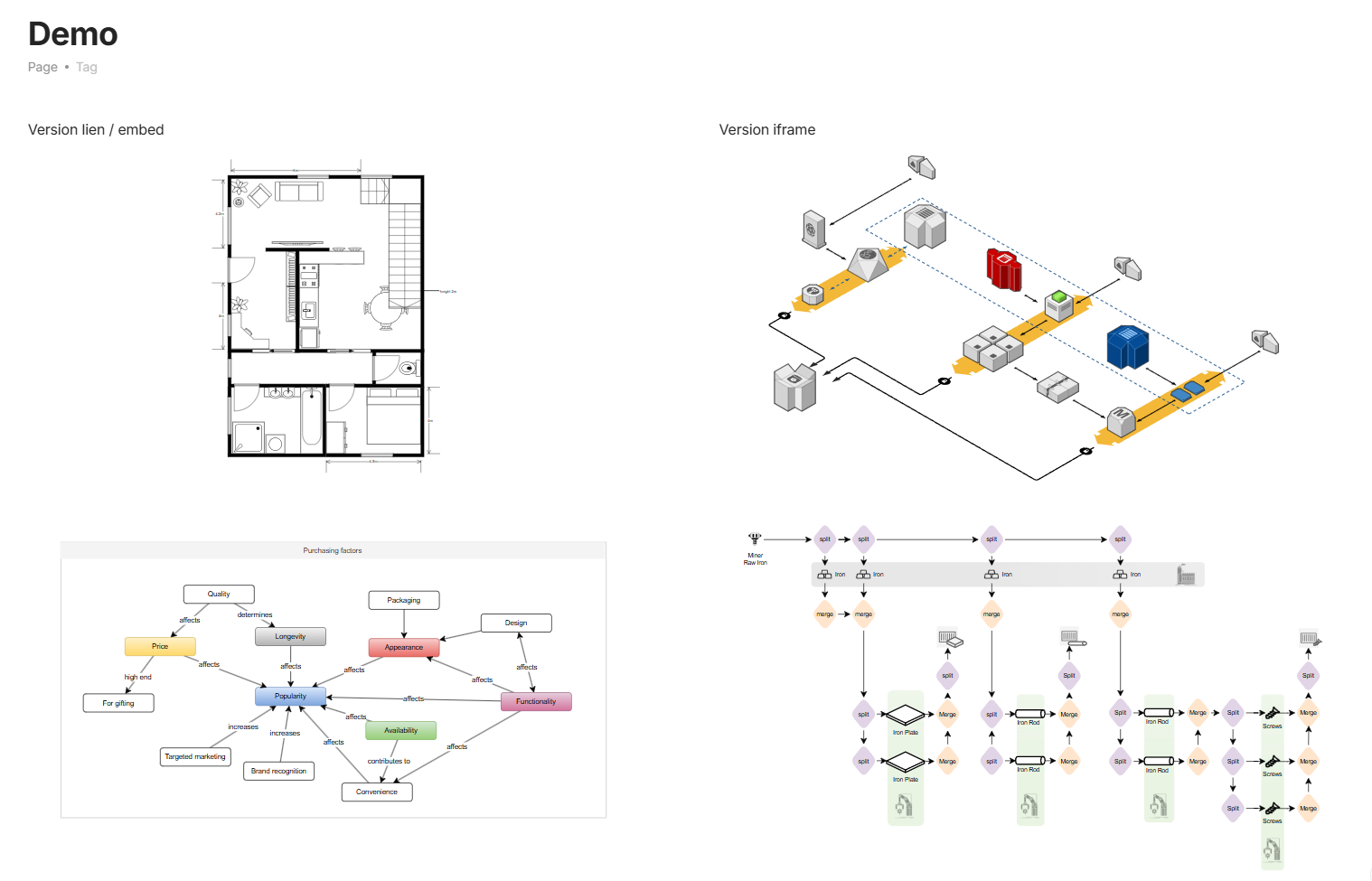
the iframe version works even with “Publish to web”, not the embed version
I want to remove the “edit” button in the iframe version, but it’s not there yet.
The reason is that editing (and other toolbar icons) try to open a popup. I haven’t found a way to redirect them to a browser, so I’m hiding the ones I can… (I’m open to better ideas).
I’ve posted an FR about this problem (if we want to edit our drawio, we have to open it in the browser, but as the internal button doesn’t work, we need an external solution).
By Edit button you mean some edit button shipped with the embed itself? I do not think there are any good solutions for this. Allowing the popups does not change anything since it will require the whole authorisation flow to work. You can try adding all required urls to cors.json and check if it works and add allow-popup logic in embed block, but it will take a lot of time to try. I didnt manage to make Figma auth flow work properly.
Drawio viewer add Print, Export (as image) and Edit (to open the full version of drawio), each open a new window. But not with openurl and they’ve locked the modification of their iframe (understandable) so it’s not possible to inject code.
I’ve tested allowpopup, but it opens a buggy anytype window (I could do some digging, it’s true…). At worst, the buttons will be visible but inactive, no big deal.
An Anytype button to open the url of the current iframe in a browser would be useful.
For the first point…
I’ve got a problem I’ve been working on, but in fact it must be a problem on the service side.
Pasting a non-iframe link works fine in the Desktop version (it’s transformed into a functional iframe), but the published version doesn’t display it, the iframe source is “/static/embed/iframe.html”.
This is also the case for CodePen, I’ll open a ticket later.
(demo)
I’m not sure I can do much about it.
Is this processing done elsewhere? On the heart side?


 .
.