Help with Collections and Views
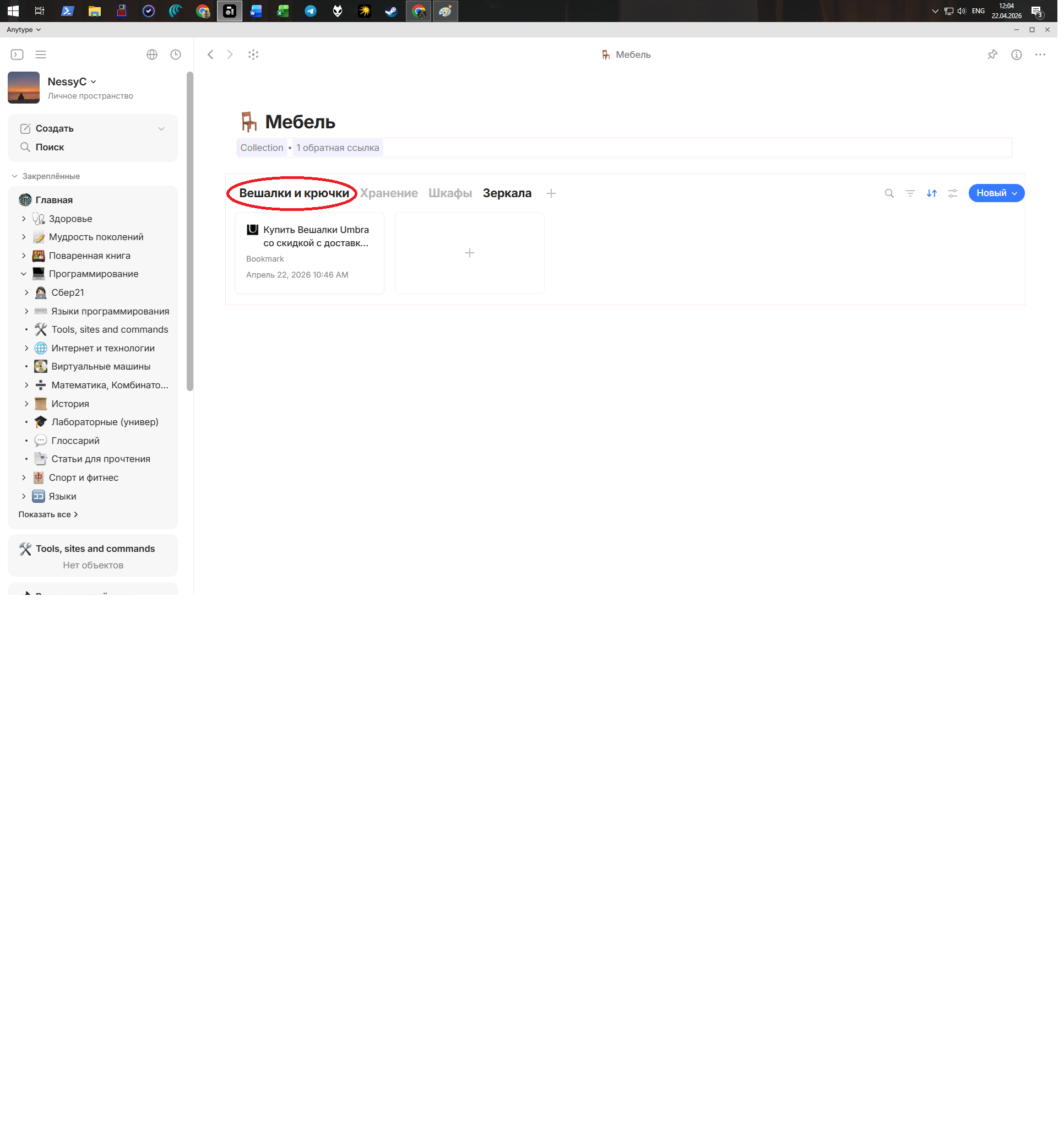
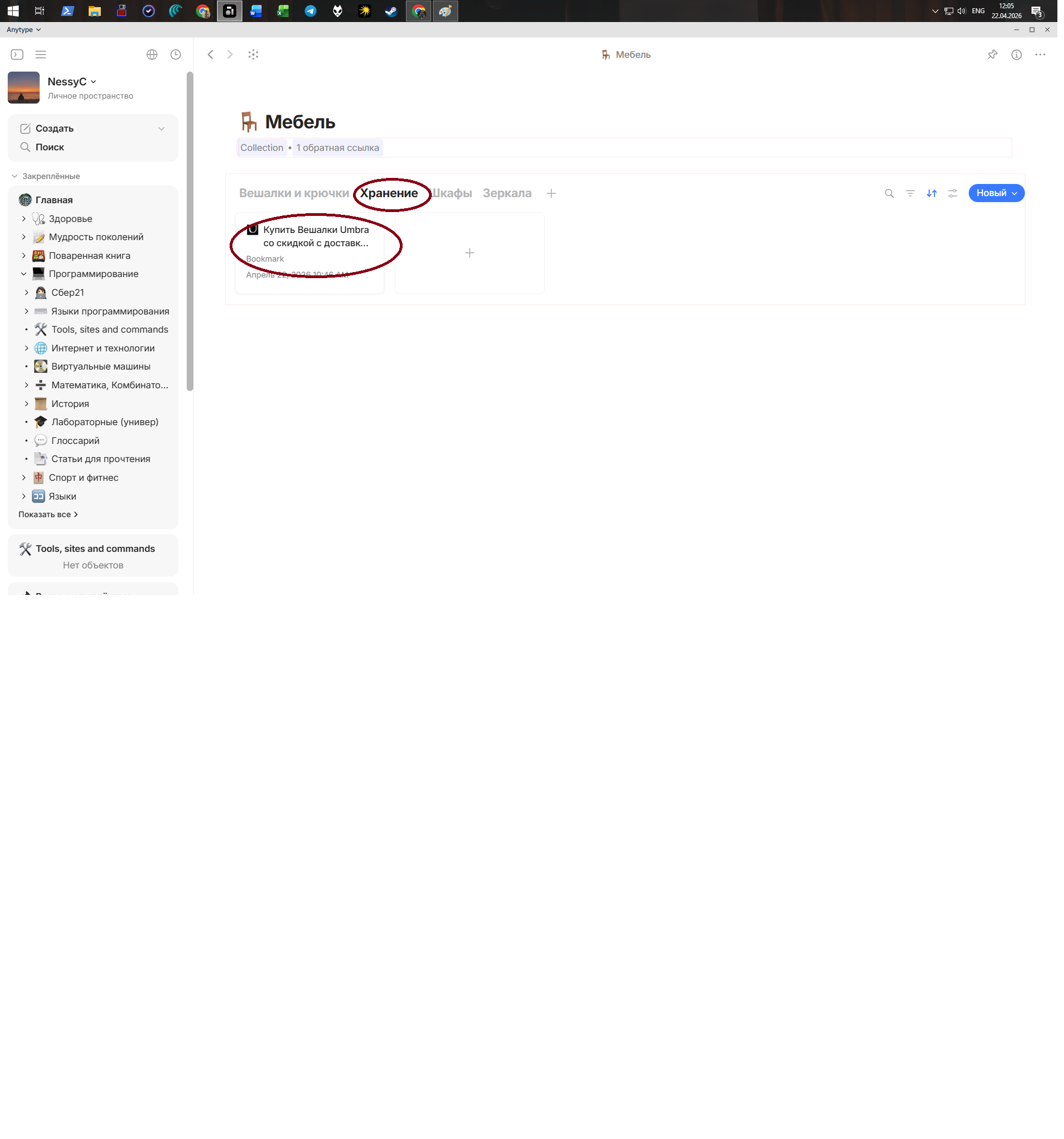
My logic here is this: when you click to open another View in Collections, there will be different objects. But when I click around, I can still see anything I’ve put there. How do I configure this correctly?
Image or Video
OS
Windows 10
Anytype Version
0.54.11
Network Mode
AnySync
Technical Information
Версия ОС: win32 x64 10.0.19044
Версия приложения: 0.54.11
Номер сборки: build on 2026-03-24 15:27:50 +0000 UTC at #c5a40d8f6ff93ccdcdbf0f5487766cc5d54bdeb9
Версия библиотеки: v0.49.0-rc08
Идентификатор Anytype: ABNhjD3BipWkoZbmfiKrLt1FBSyn3pQ6bNVhRzuAmgdR9PeW
ID аналитики: f4f2b60d-e487-43fd-9dff-c41cf75087ec
ID устройства: 12D3KooWDsEpUh8fNmRrU7NpdbAbtVdKhzHnTFR5AGCtZsD3gjaE
Адрес Ethereum: 0x97A957131D0Aca8e7F2807118569704CBE0d89B6
In short:
On the upper right of the screen, you see the symbols:
- Search
- Filters
- Sorts
- Settings
- NEW (Create new Collection Object)
- Show Templates
Interesting for configuring a View are the buttons 2 and 4.
In the settings you can make some general configurations, for example if the thew should show a table-like grid, or if it should have a different look.
But most interesting ist the button for Filters.
If you click it, a blue line appears below the View-names.
Now you can configure your filters. For example, you can add a filter for specific Tags, or for a Creation Date, etc.
It’s a bit hard to explain, simply play with it. It will need some time to grasp the concept.
A valuable tipp:
After you have configured a View nicely and you need an additional View, don’t use the “+” button that appears if you move the mouse into the line with the View-names.
Instead, do a right click on the name of the well configured View. In the appearing pop-up menu, chose “Duplicate”.
By doing so, you create an additional and identically reconfigured View. The old View was in some sense the template for the new created one.
It makes much less work to modify such a pre-configured new View, compared to a completely fresh View that the “+” button creates.