WHAT IS THE BUG
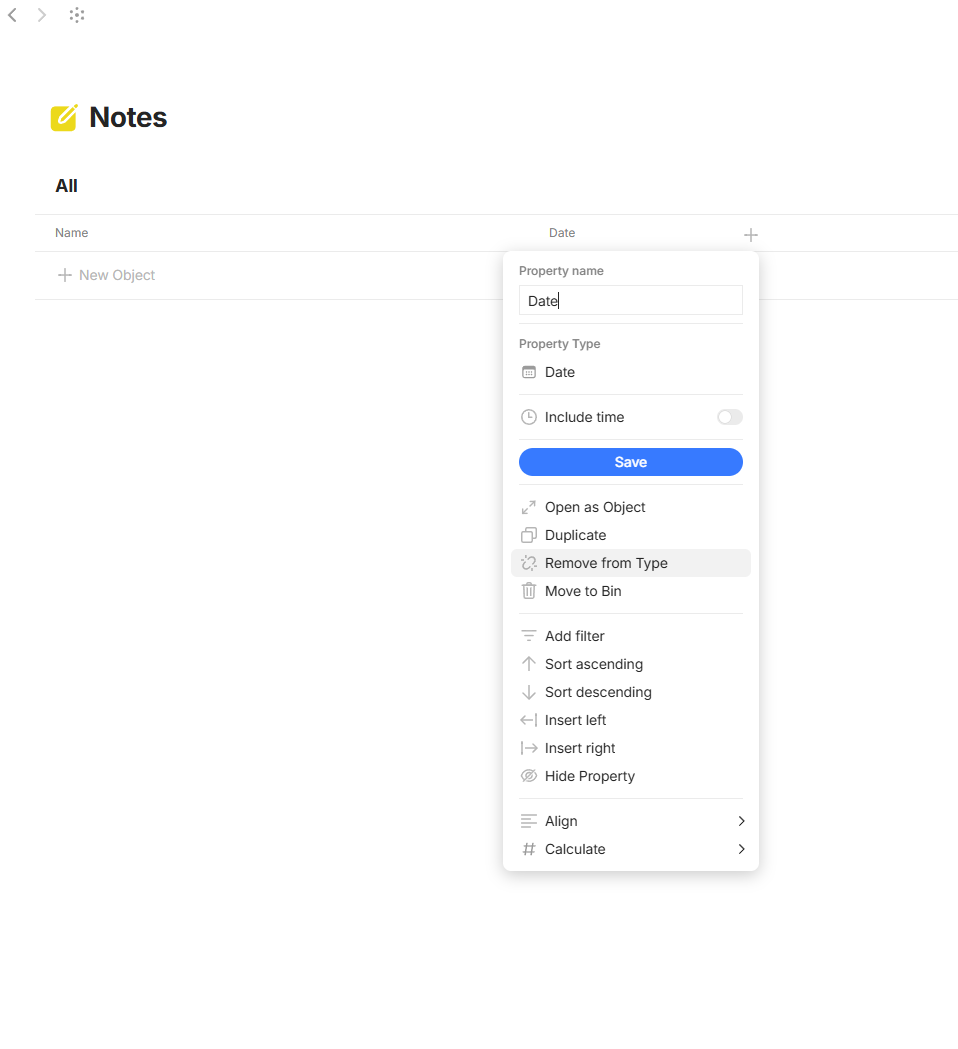
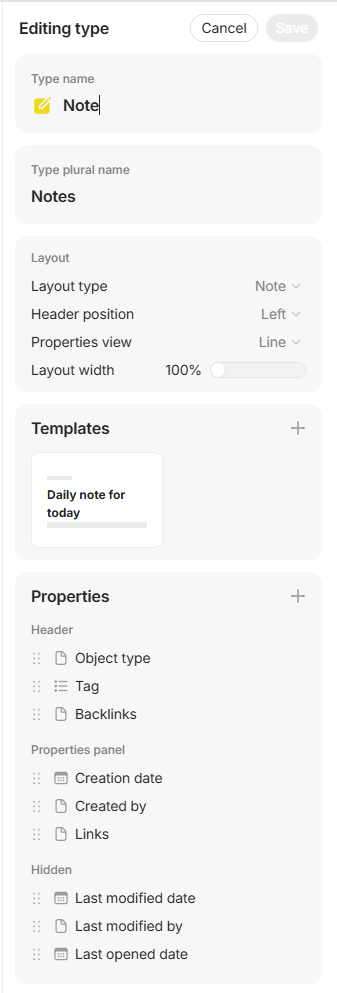
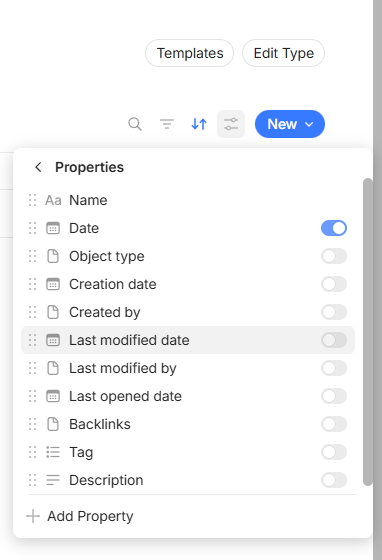
After creating a space, go to the Notes type, try to remove the “Date” property from the type, it won’t get removed
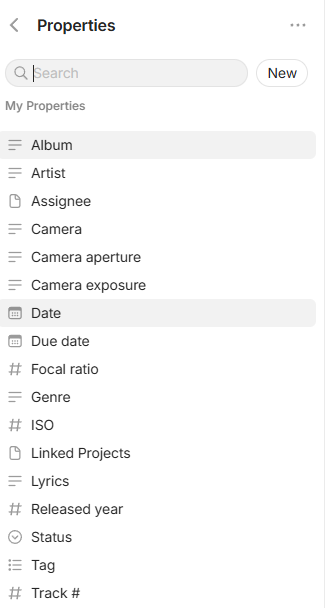
I had to delete the property from Channel’s Properties menu
HOW TO REPRODUCE IT
- Create a space
- Go to the default Notes type
- Try to remove the “Date” property from the type
TECHNICAL INFORMATION
OS version: win32 x64 10.0.26200
App version: 0.54.2
Build number: build on 2026-02-16 15:18:28 +0000 UTC at #b2bd40d7e4429cd9969a75a064db1f17407adb9a
Library version: v0.48.1
Anytype Identity: ABAj6wUqK6ovHRXfWcdsAgn9HNDs79n6S99gys16Ea963Nvg
Analytics ID: f5730973-abbc-4ac1-a216-eeb3e63d57bf
Device ID: 12D3KooWEhcqL6ufTsxUUhihLkHeZ4kAWTat3mhNGPkpLuoUryMt
Ethereum Address: 0x7340E3Aa3B78908cdb76521fd84CC5BddbdAf7d5