Hey everyone,
i’m new to Anytype and currently evaluating it.
One of the things that immediately jumped at me was the current Table of Content Design (as of 0.45.3 atleast).
Since Anytype supports Custom CSS, i figured i’ll see if i can get something more pleasing for myself. Maybe someone else will enjoy this as well. It works for Light and Dark Color mode.
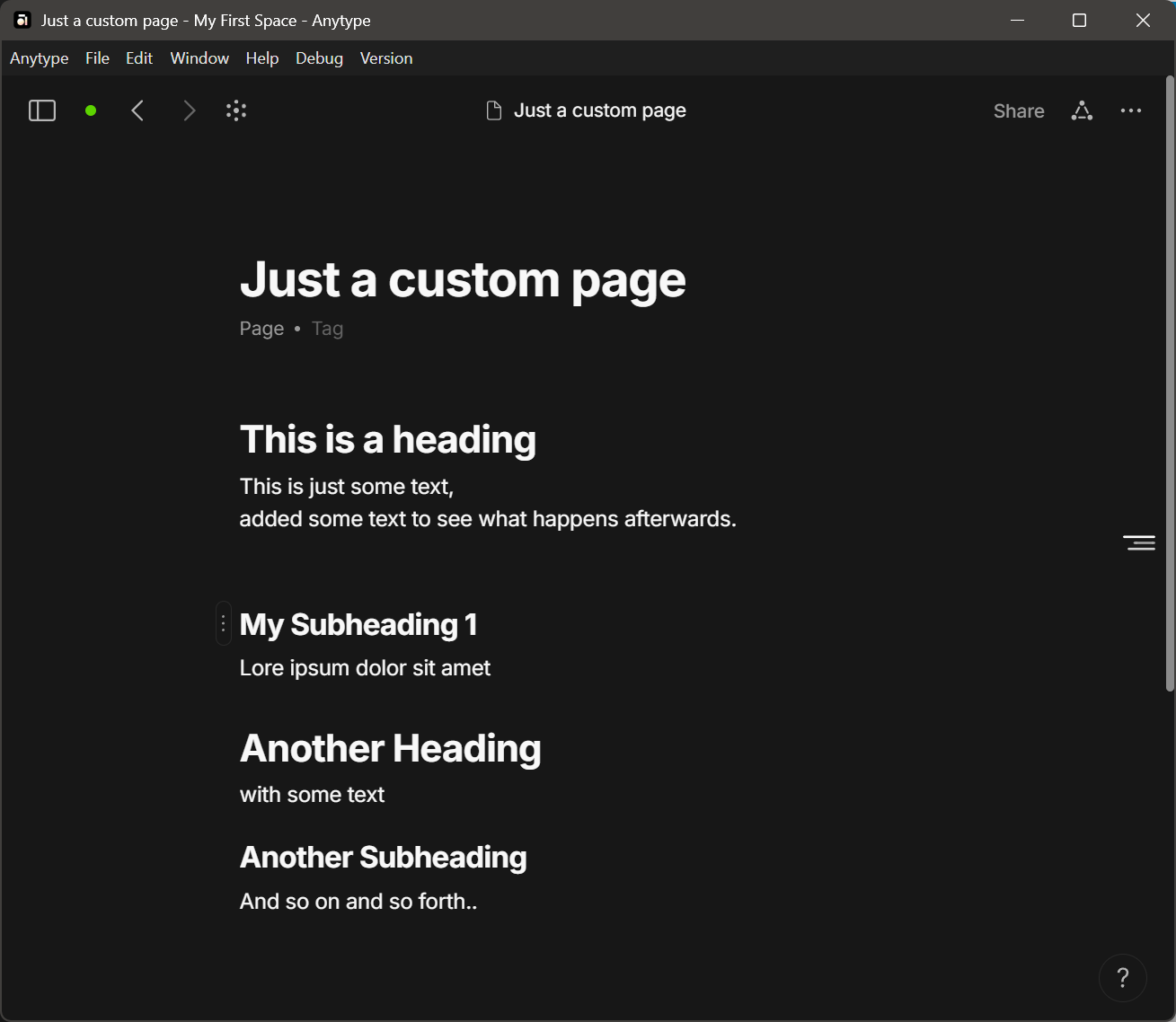
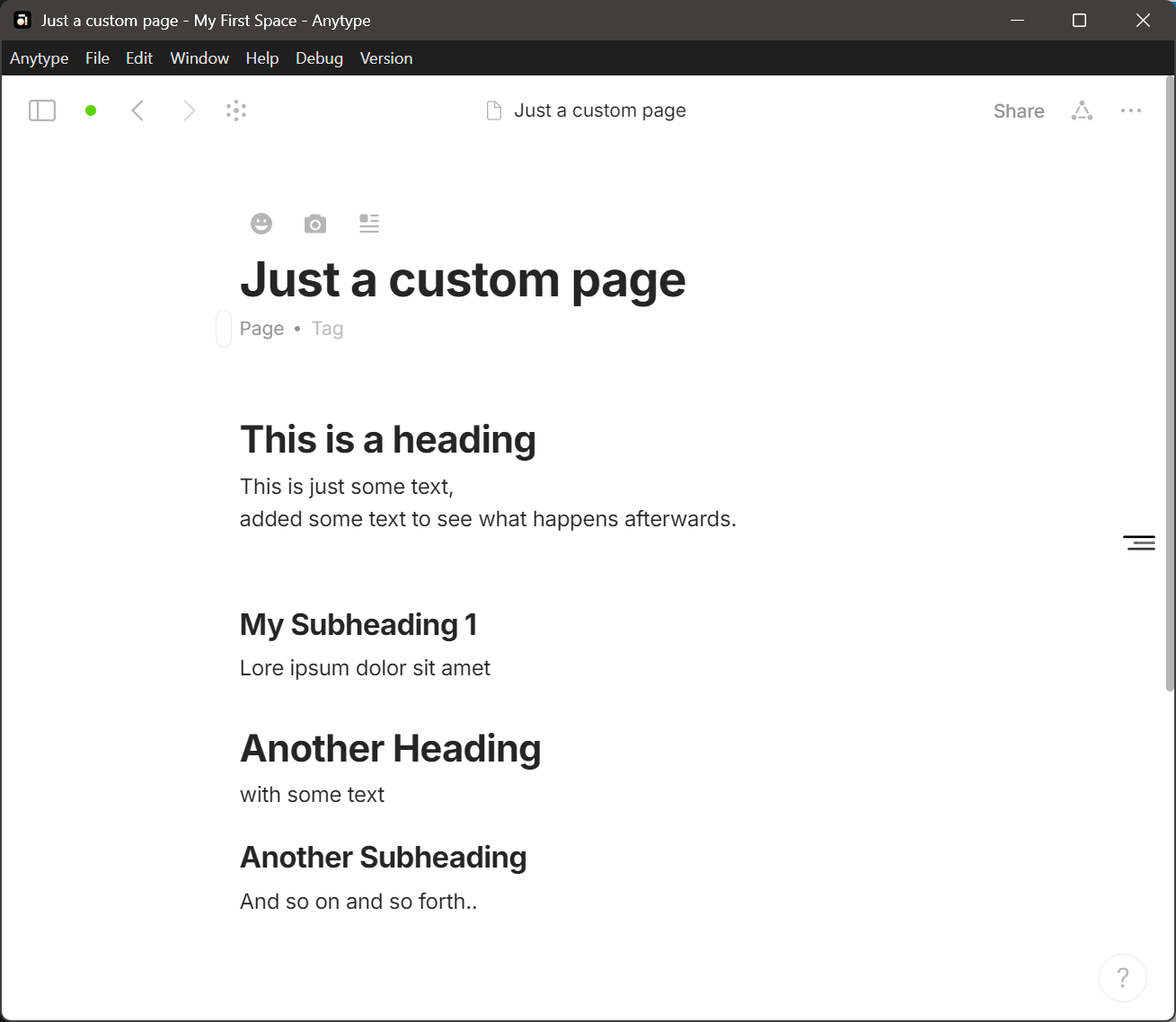
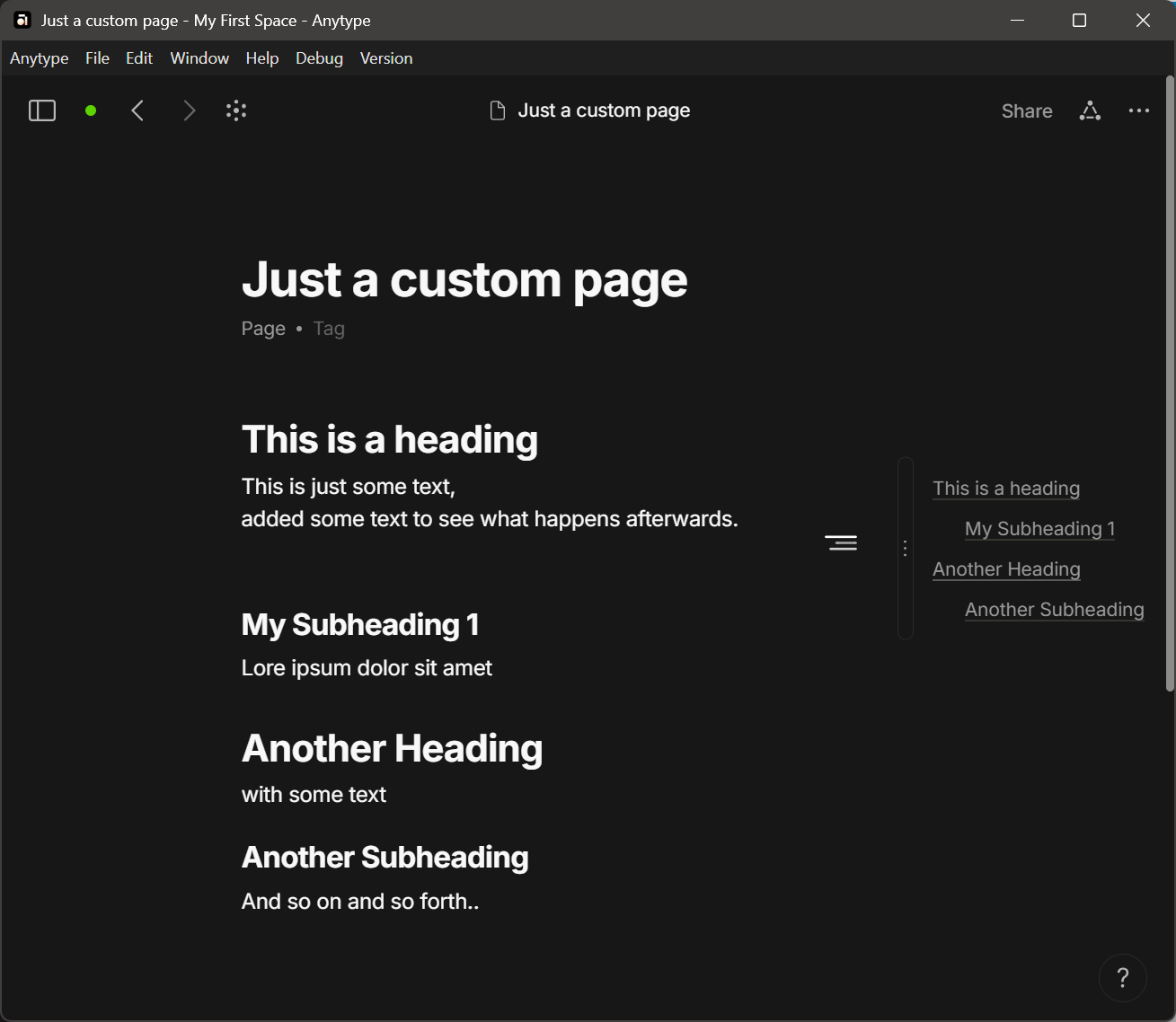

Just copy the content below into your custom.css and reload. If you don’t like it - just remove it again and reload 
Updates
- Make use of CSS Nesting
- Prevent transformation in popups as it doesn’t work as expected
.block.blockTableOfContents {
  position: fixed;
  right: 8px;
  top: 50%;
  transform: translate(0, -50%);

  & > .wrapMenu, & > .wrapContent {
    max-width: 0;
    max-height: 0;
    overflow: hidden;
  }

  &:before {
    content: '';
    position: absolute;
    right: 100%;
    top: calc(50% - 16px);
    width: 24px;
    height: 24px;
    background-image: url("data:image/svg+xml,%3Csvg width='100%25' height='100%25' viewBox='0 0 561 256' version='1.1' xmlns='http://www.w3.org/2000/svg' xmlns:xlink='http://www.w3.org/1999/xlink' xml:space='preserve' style='fill-rule:evenodd;clip-rule:evenodd;stroke-linejoin:round;stroke-miterlimit:2;'%3E%3Cg transform='matrix(1,0,0,0.942889,-1.13687e-13,-100.472)'%3E%3Cpath d='M560.022,128.83C560.022,141.122 550.612,151.102 539.022,151.102L21,151.102C9.41,151.102 0,141.122 0,128.83C0,116.538 9.41,106.558 21,106.558L539.022,106.558C550.612,106.558 560.022,116.538 560.022,128.83Z'/%3E%3C/g%3E%3Cg transform='matrix(0.857377,0,0,0.942889,79.872,113.528)'%3E%3Cpath d='M560.022,128.83C560.022,141.122 549.047,151.102 535.529,151.102L24.493,151.102C10.975,151.102 0,141.122 0,128.83C0,116.538 10.975,106.558 24.493,106.558L535.529,106.558C549.047,106.558 560.022,116.538 560.022,128.83Z' style='fill-opacity:0.8;'/%3E%3C/g%3E%3Cg transform='matrix(0.677082,0,0,0.942889,180.841,6.52764)'%3E%3Cpath d='M560.022,128.83C560.022,141.122 546.124,151.102 529.006,151.102L31.015,151.102C13.898,151.102 0,141.122 0,128.83C0,116.538 13.898,106.558 31.015,106.558L529.006,106.558C546.124,106.558 560.022,116.538 560.022,128.83Z' style='fill-opacity:0.6;'/%3E%3C/g%3E%3C/svg%3E");
    background-repeat: no-repeat;
    background-position: 50% 50%;
    z-index: 1;
  }

  &:hover > .wrapMenu, &:focus > .wrapMenu, &:focus-within > .wrapMenu,
  &:hover > .wrapContent, &:focus > .wrapContent , &:focus-within > .wrapContent {
    max-width: unset;
    max-height: unset;
    overflow: unset;
  }
  &:hover > .wrapContent, &:focus > .wrapContent , &:focus-within > .wrapContent {
    padding: 8px;
  }
}
html.themeDark .block.blockTableOfContents:before {
  filter: invert(1);
}
/* Prevent Transformation for .popupPages */
.popupPage .page {
  position: relative;

  .block.blockTableOfContents {
    position: unset;
    right: unset;
    top: unset;
    transform: unset;

    &:before {
      display: none;
    }

    & > .wrapMenu, & > .wrapContent {
      max-width: unset;
      max-height: unset;
      overflow: unset;
    }
    &:hover > .wrapContent, &:focus > .wrapContent , &:focus-within > .wrapContent {
      padding: unset;
    }
  }
}

 :
: