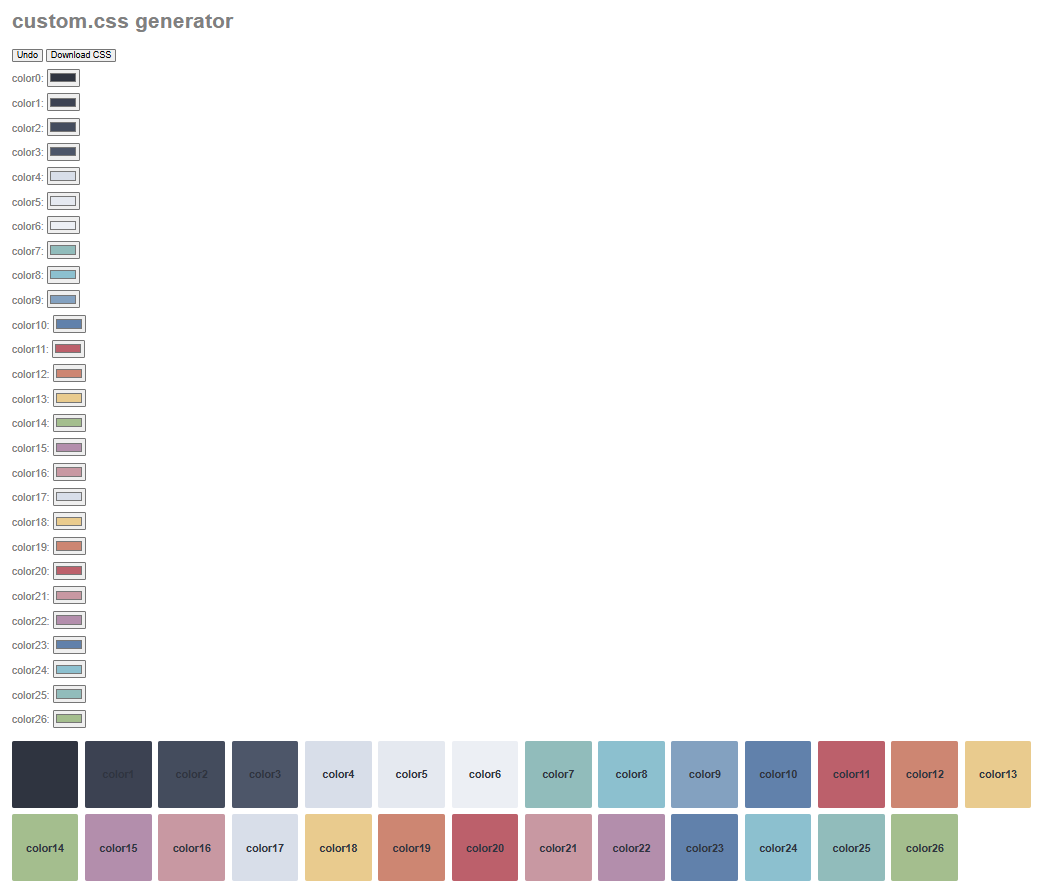
Colors 0 to 3 → Editor background, sidebar background, code snippet blocks and other dark areas of the app
Colors 4 to 6 → Lighter elements/text of the UI
Colors 7 to 16 → Tags/Highlight and text background
Colors 17 to 26 → Text colors
More classes/properties to be added once someone help me with them I hope, I need the full list of them or at least the editor text colors for now.
Changelog:
v0.4 Fixed some text colors won’t apply
v0.3 Added text colors
v0.2 Fixed pink tag color showing as purple
v0.1 Fixed syntax error in the generated file
I did everything, reloaded the app and nothing changed. I checked with my other css and it worked fine, so idk what can be the deal… What version of Anytype and os do you have?
That’s a bit odd, it works just fine for me, I click the “Download CSS” button and saved it with the name “custom.css” then copied it to my anytype’s work directory located here: C:\Users\USERNAME\AppData\Roaming\anytype
I suppose your browser has an active script blocker.
Try to allow scripts or use another browser.
Edit:
Maybe I’ve misunderstood the problem. So let me ask:
– Does the html file work for you?
a) If no, then try to allow script in your browser.
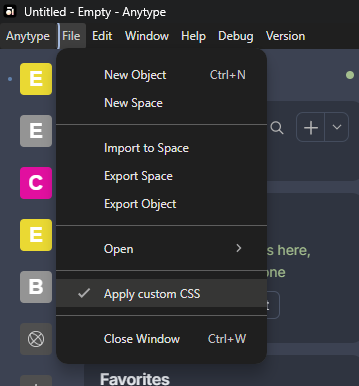
b) If yes, make sure that the generated css file is located in Anytype’s work directory. Replace the old css file that already exist there. After that, reload Anytype (Ctrl + R).
Good job!
I had previously conceived a similar tool, but due to being extremely busy (or perhaps too lazy ) over the past year, I never got around to implementing it. However, seeing this has suddenly motivated me to start a new project.
I hope you start that project soon or help me with this one cuz that tool is too far from being complete and using Chatgpt to make it better is a pain lol
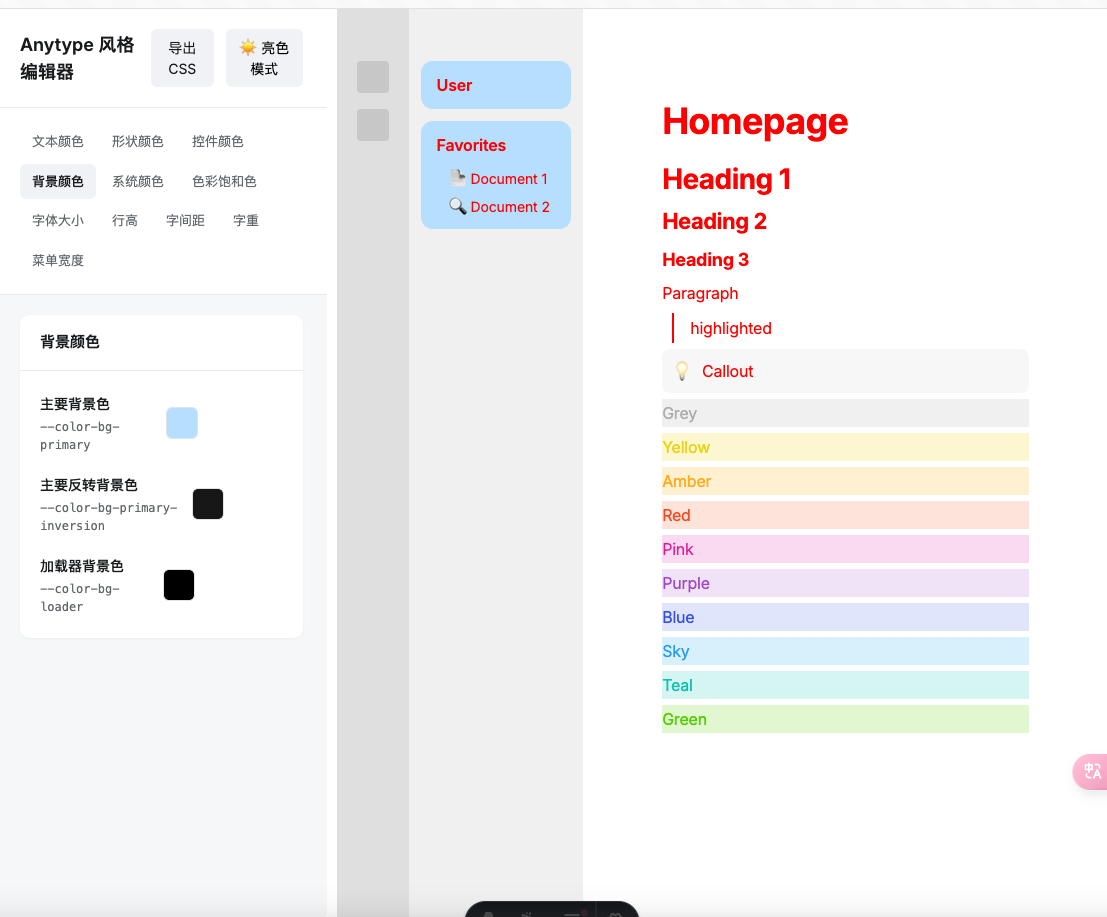
Just reporting on the progress: I set up a rough framework last Sunday, but then found it difficult to move the project forward.
One of the reasons is that modifying themes is both simple and complex. Providing a button to change CSS variables is straightforward, but many styles in Anytype are not implemented in a standard way. For example, certain background colors are controlled by a specific CSS variable in light mode, but this isn’t the case in dark mode. As a result, the primary feature of modifying CSS variables cannot fully achieve the desired effects for users.
What if more controllable options are provided? On one hand, this would significantly increase the workload in simulating Anytype’s original style, and at best, it would only result in a low-end web developer tool that users could learn to use in less than half an hour. Thinking about this makes me somewhat lost regarding the future development direction.

 ) over the past year, I never got around to implementing it. However, seeing this has suddenly motivated me to start a new project.