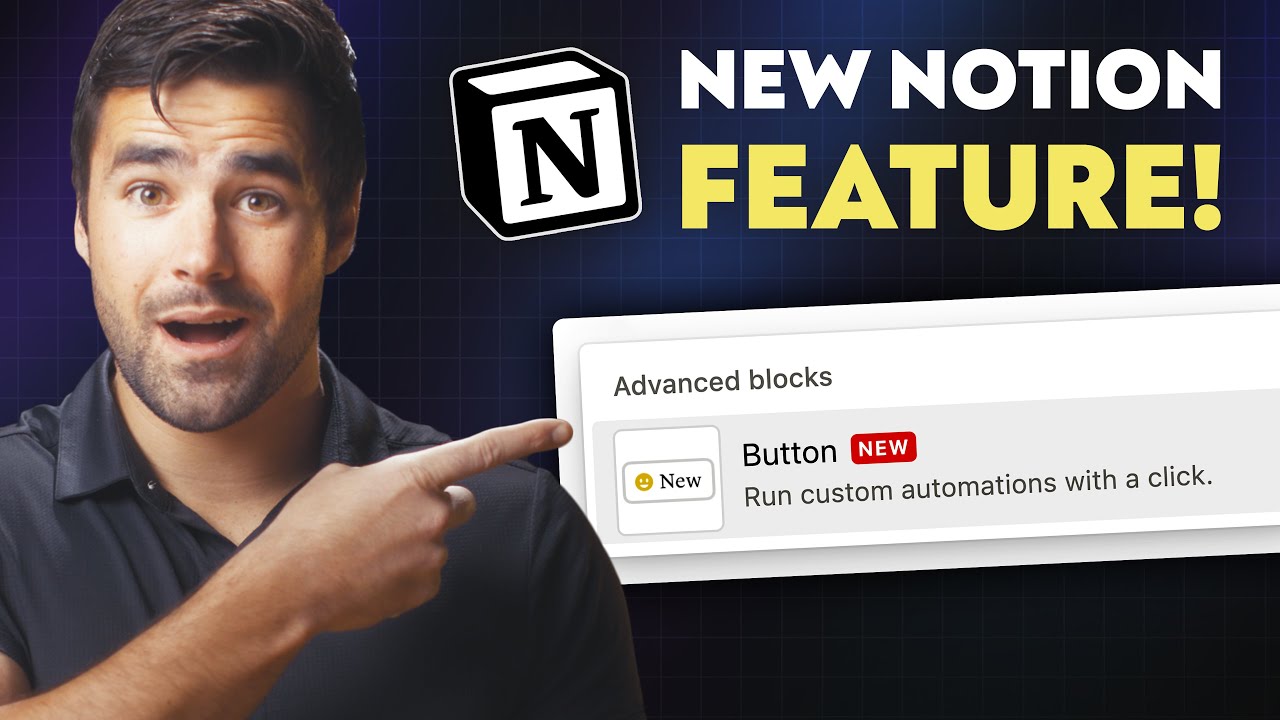
Buttons like the ones in notion.
The ones in Notion create a new page with pre determined properties.
HOW COULD IT BE DONE
A new block type, with a custom text inside a box.
When creating the block should prompt the user for how the object should be created, with what properties etc.
When pressing the block the object is created as described when the block was created
REAL WORLD USE CASES
It’s really useful for dashboards, where maybe you don’t want to go trough all the trouble to add a page to a database, so you quickly add it trough the button.
It’s almost indispensable for habit trackers
RECOMMENDED ALTERNATIVES
A current workaround is making a template but its still a bit cumbersome compared to buttons
ADDITIONAL CONTEXT
ᅟIf further context, people, or related Feature Requests should be mentioned, do so right here:
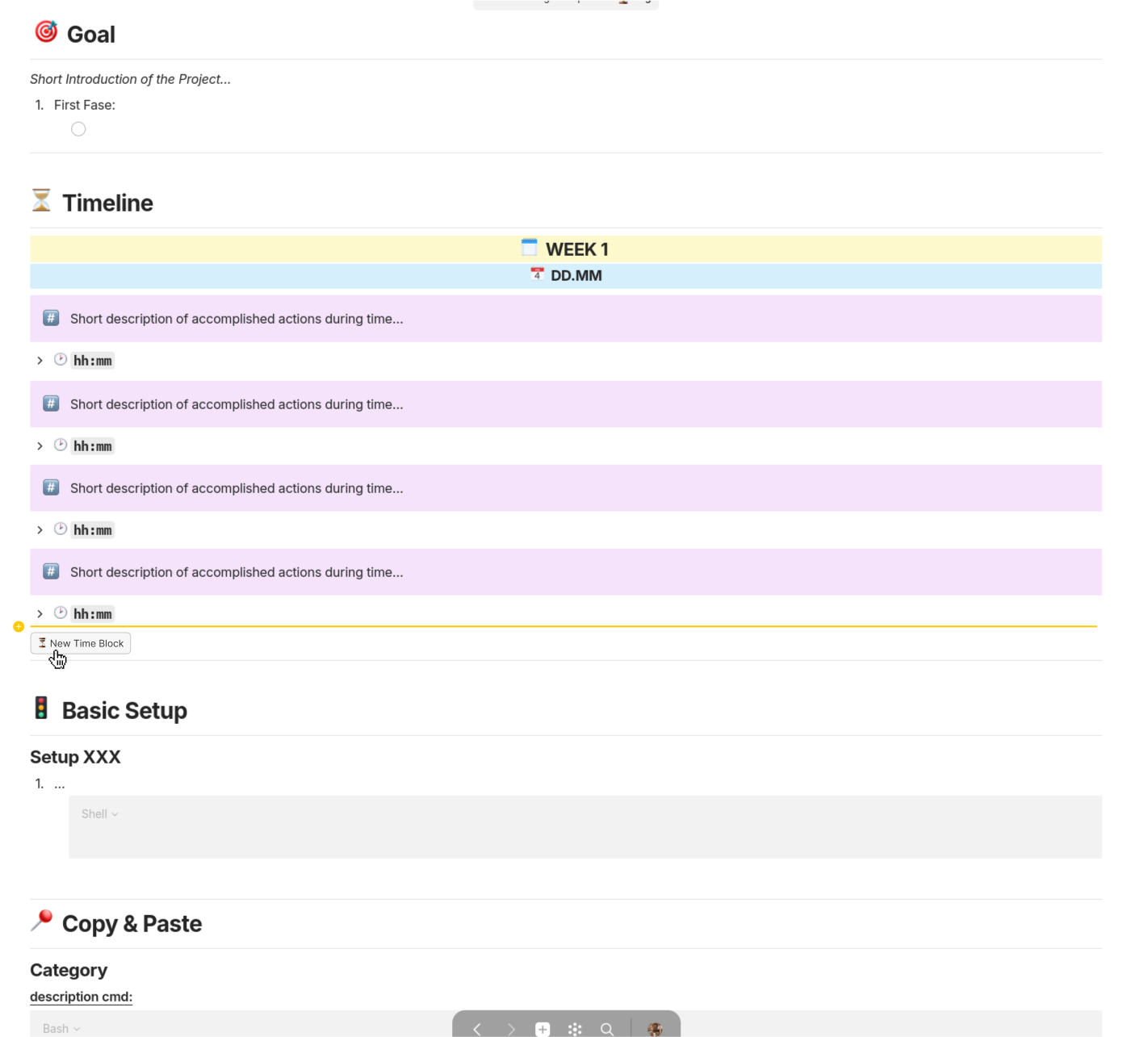
One of my use cases would be keeping a log of things I’m doing during my development of a certain application. Where I often need to copy-paste a certain block structure as is shown in my template picture over and over again, for each “time block” I create. The would then improve my workflow by not needing me to copy paste the block structure over again.
Alternatively I could achieve this by creating a set or collection but the amount of information displayed would be limited (can’t directly show a complete list of bullet points in the object preview).
Recommended Alternatives
First I thought about just a button to add custome block “template” but expanding the idea to a general automation button seemed much more versatile, simple and powerful of use case to be added into Anytype.
Additional Context
Also once we have things like Formulas than it would make this feature much more powerful than it’s presented right now.
In a block, I would like to able to create a new object of a given type with the default template.
HOW COULD IT BE DONE?
ᅟCould be a button or a link or a special menu entry
REAL WORLD USE CASES
In my association, it is not always easy to explain to people how to create a new object. Creating a simple button within a page with a custom label and icon with “Create a new…” would help a lot.
RECOMMENDED ALTERNATIVES
ᅟI could not find any way to create a shortcut to create a new object from a block. There is no direct link like “anytype://object/new”. I know I can create with ctrl+alt+N or from menu or from a widget (execpt if widget is compact, I don’t know why btw)
We could also have a widget to create a new Object from the sidebar but It doesn’t not exist apart from the Type widget
If you use slash menu and type in the object type you want to create, it should create an untitled object and there you can do whatever you want to do on canvas. On the original object, Anytype should have created a link to the new object.
Depending on your preferences of ‘Link to object style’, Anytype would create the link in Text or Card format for you.
As for sophistication of this function, it would be great to be able to enter the object type followed by the title name without opening the new object. This way we have a smoother workflow working on the same canvas, continuing to type the notes.
Thanks for your reply !
The workflow you describe creates a new object but the block is a link to the newly created object you are right.
I would like a button to create a new object, but not to have the object in the page. Just like a shortcut to create a new object, nothing else.
here is another use case that i would love to make possible: for long checklists that i use regularly (eg shopping list every week or packing list before every trip), have a button that automatically unchecks every checkbox to be able to start fresh !
this could work for every checkbox of the page or with the checkbox property of every item of a collection.