Anytype 0.53.1
I found out that you can change link’s formatting to just “Text”, which changes them a little bit - adds an underline and now they have a little hover tooltip. What bothers me though is that I don’t see a way of turning it back to normal. Another thing is that when I right click on such a text link it brings me to the page it’s referencing which is not what I intend to do, I expect a context menu instead.
These are normal links:

Let’s convert them to text
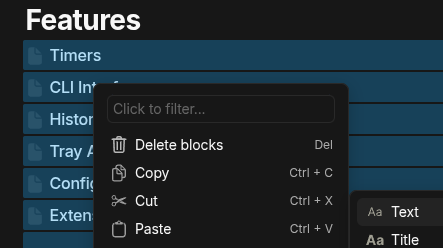
Done

Now there’s no way of turning it around (except for Ctrl + Z)
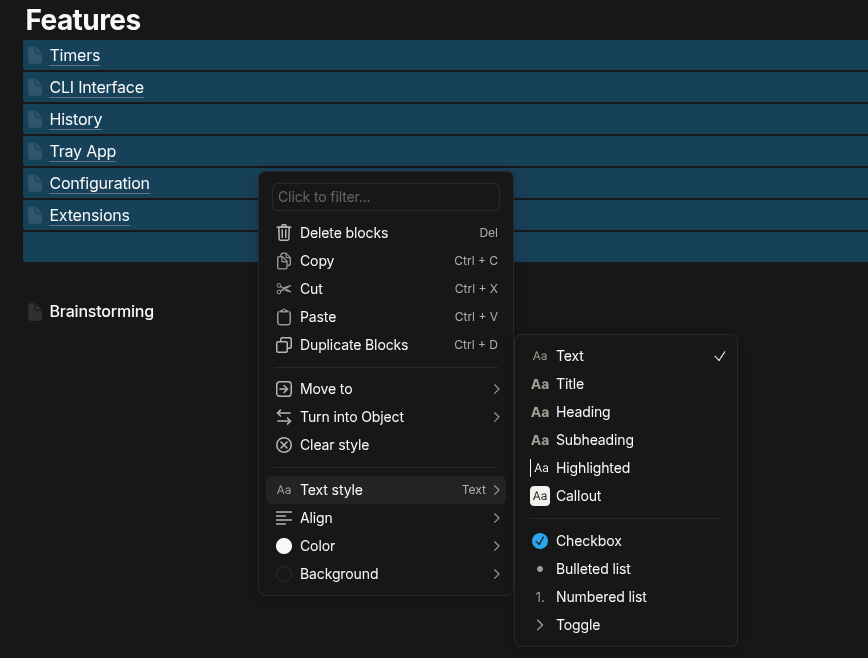
There’s “Clear style” button, but it does nothing. I’d expect it to do what I wanna do here.