Is your feature request related to a problem? Please describe.
This feature request is not directly related to a problem, but is about a general improvement to the user experience.
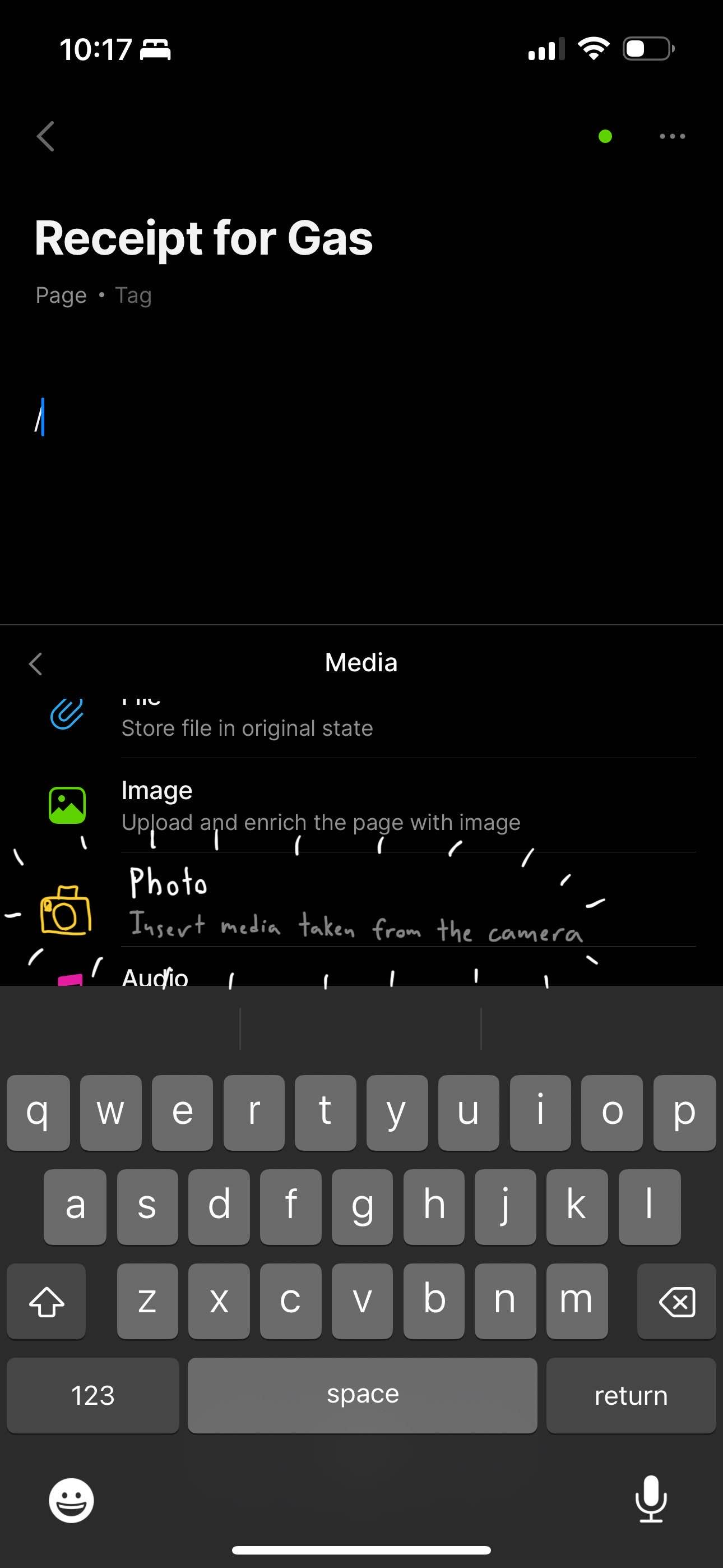
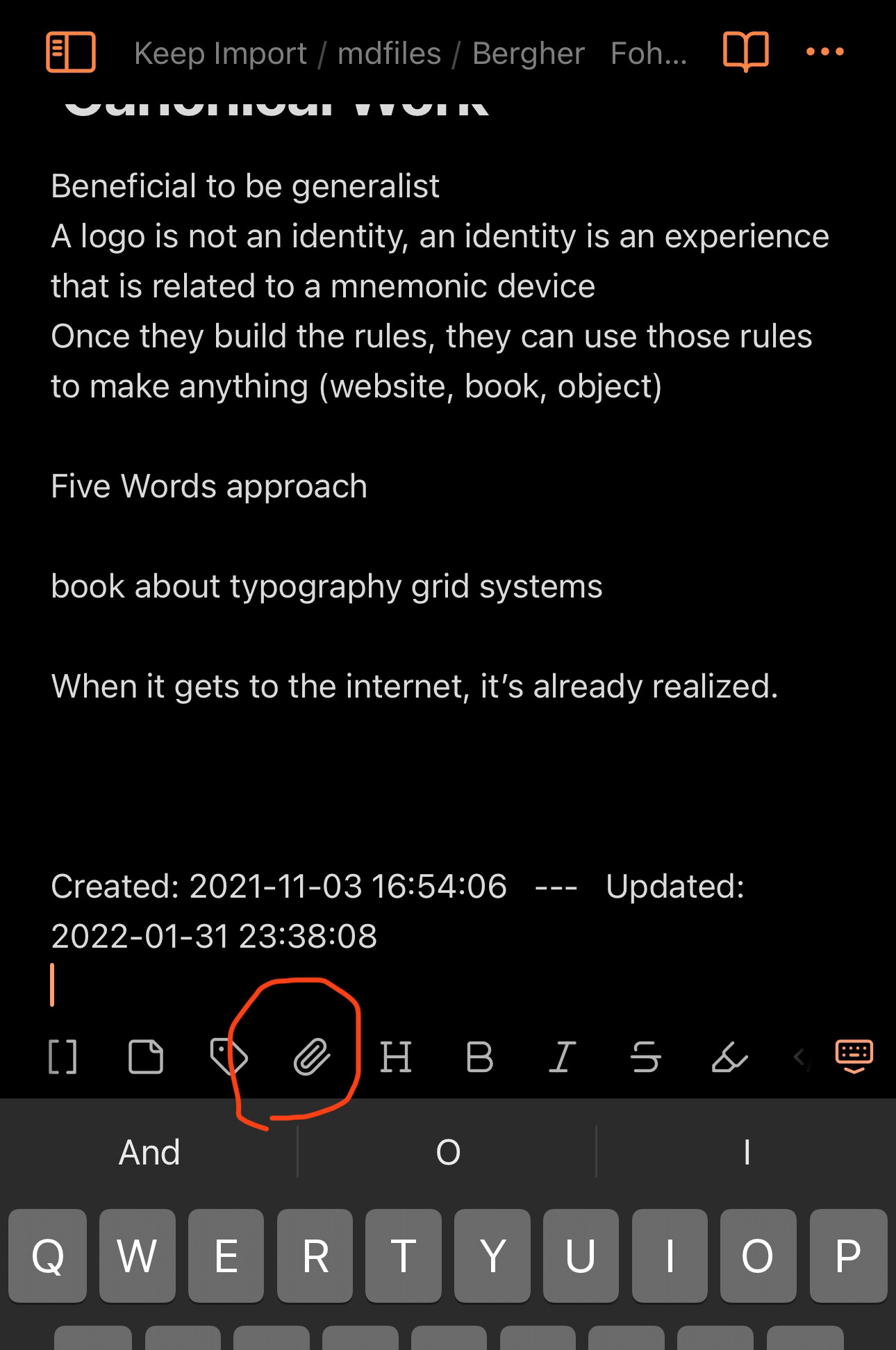
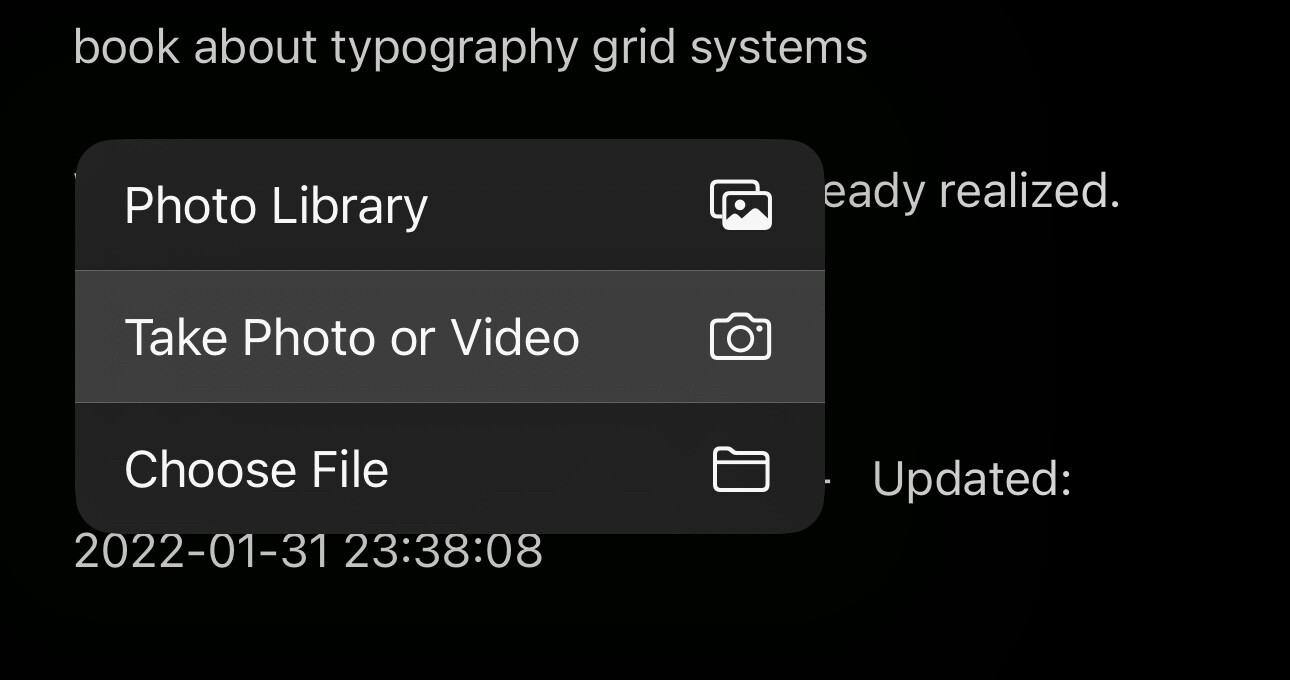
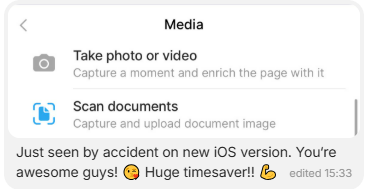
I often find myself wanting to scan or photograph documents for placing inside of an object canvas from the Android client. With certain other apps, such as GoodNotes, there is an option to directly take a photo or scan a document, alongside options for importing an image from the image gallery. However, the mobile Anytype app only offers inserting already-taken image files using the file picker.
Describe the solution you’d like
Adding a pop-up selection prompt to choose between taking a photo (or even better - scanning a document, if the appropriate libraries are implemented) when the “Upload an image” block is tapped would help add this functionality to Anytype.
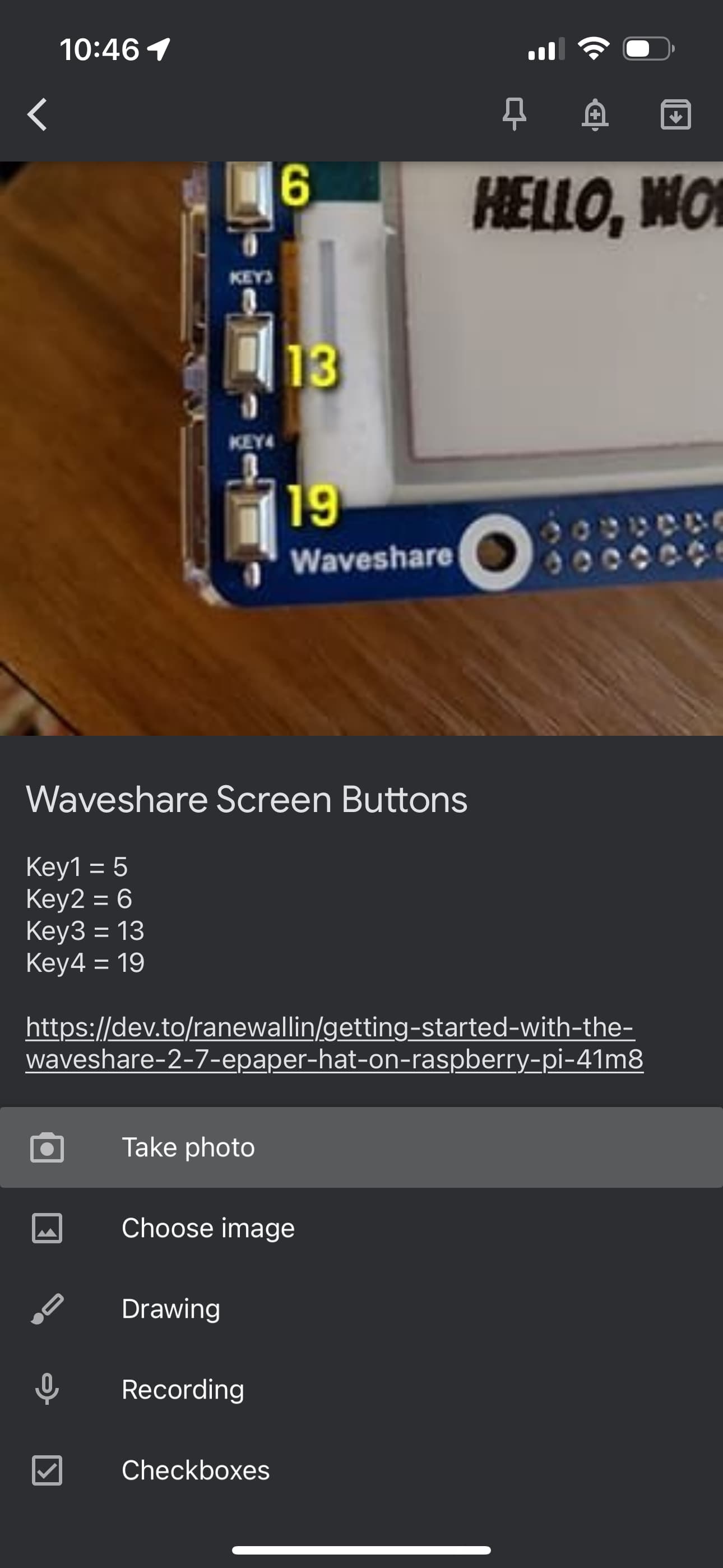
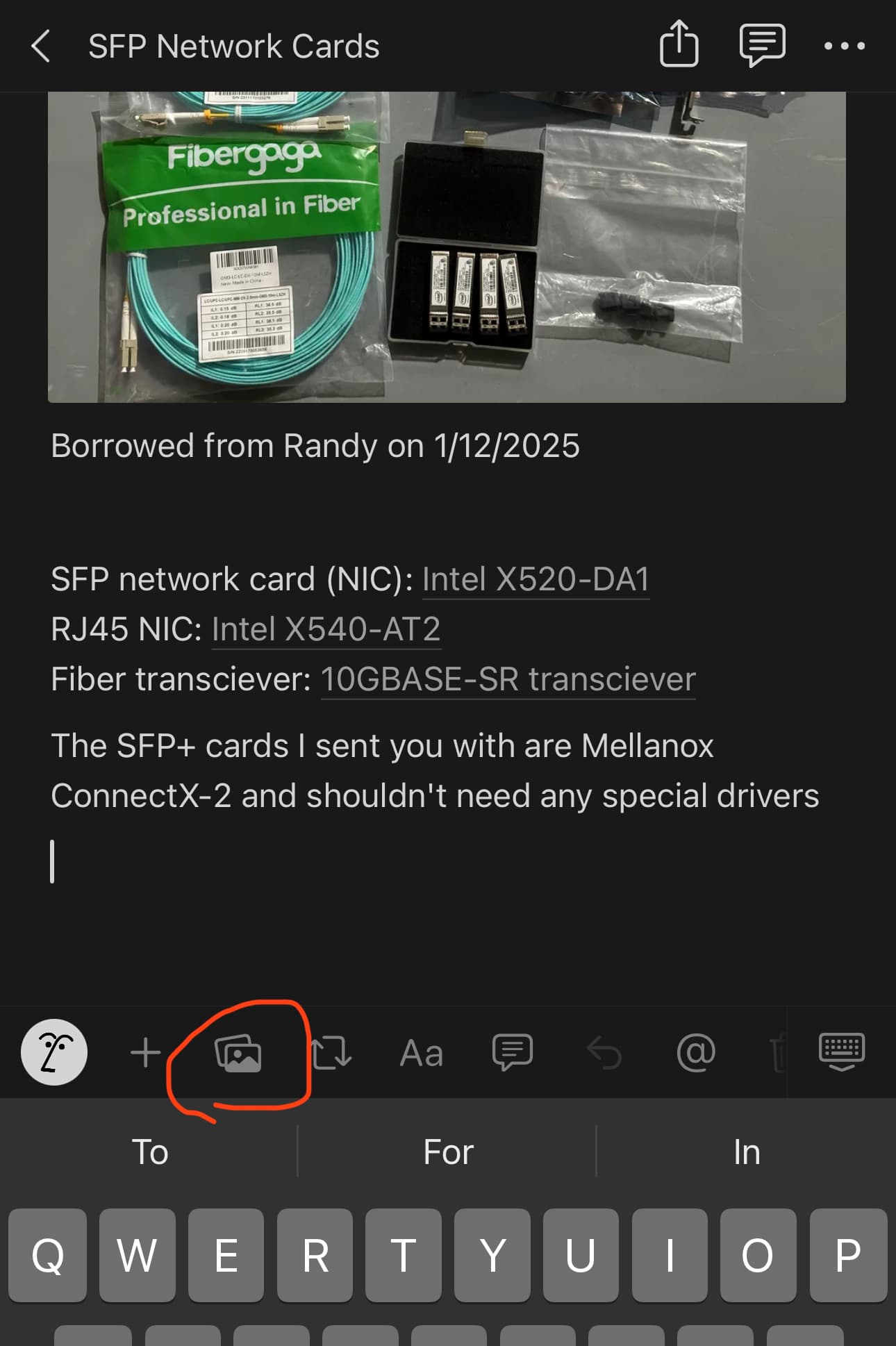
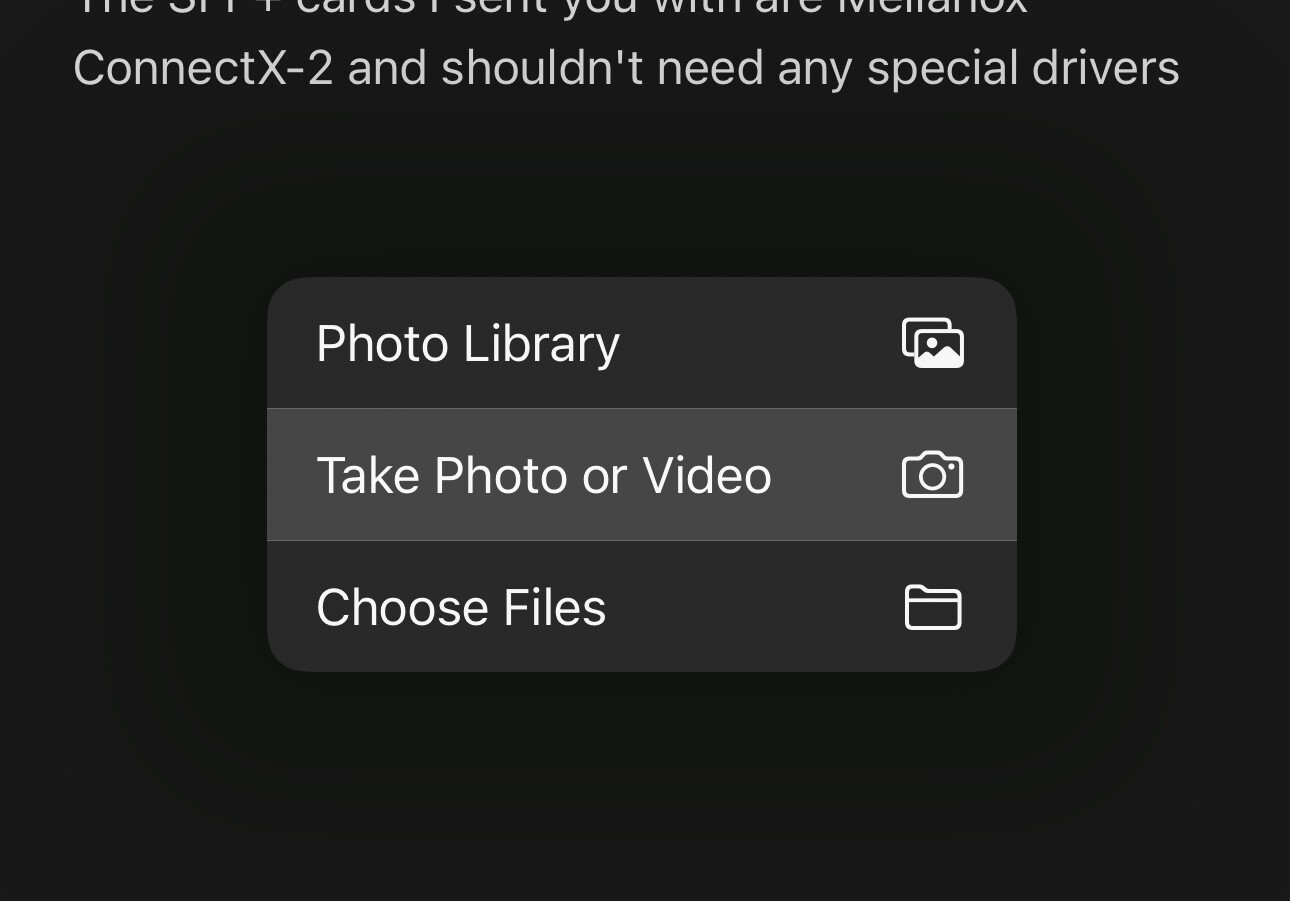
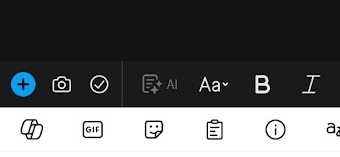
Here’s an example of how this functionality works in Notion’s Android app.
Describe alternatives you’ve considered
Taking or scanning a photo using an external camera app and then inserting the image into Anytype with the file picker is always a possibility, but doing it this method takes extra time and creates a duplicate copy both on the device and in Anytype storage.
I’m not sure how the mobile app if and will handle plugins, but if it does, along with this feature making its way to the app, a plugin for OCR + B/W / Document filter to the photo captured would make anytype a great software to persist documents as well. All you have to do is to capture documents, apply the document filter + OCR and the document is immediately available across all your devices with anytype
Enable camera access on mobile to capture an image instead of only uploading an existing image from device storage
HOW COULD IT BE DONE
I’m unsure but it’s common in other Android apps
REAL WORLD USE CASES
Anywhere you need to quickly capture an image in the object and fill in some metadata, e.g
Expenses tracker
Field notes
Inspections
Private photo journal
…etc
RECOMMENDED ALTERNATIVES
Switch to the camera app
Take the photo
Return to Anytype
Find and upload the photo
I think this would be a great feature so I could take photos from whitebpards and store them as notes :-). I also think I would like to start a daily photo journal to capture the ordinary stuff I come across in a day, be appreciative of the everyday beauty in the world.
…would really like this.
If there was some rudimentary tool included, that would turn the object to greyscale and spike the contrast - it might save on memory/upload-time as well as improve readability. Again, would especially be helpful in my use-case, viz. teaching.
I was surprised this was a missing feature when I tried to make a quick note by taking a photo of a business card today.
When taking notes, I often include images in the notes that I take using my camera. Whiteboards, documents, objects.
Taking notes quickly can be an important part of a note-taking app. The user can be in a conversation and need to add an image quickly, or in a lecture, and need to take a photo before a board is erased. This seems like an important feature to me.
During vacancy, I can open my travel book (shared to family) , add a page “xxx city”, click on the photo icon, take the photo : it’s directly insered into the page
While shopping (or there in a plant store), I have my page with my list of plants already photographed and saved. If I see an interesting one, I click on the icon, take the photo and add a caption.
I often do this in Evernote, Notion and even in my chat applications.
I tried Anytype as part of the second user case… but as I couldn’t do it easily, I switched back to Notion.
More exemples with…
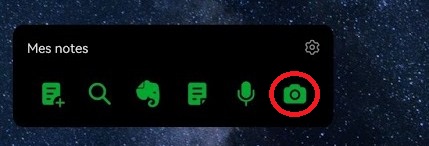
Evernote widget, one click to take a photo inside the apps, without even opening it!
As it also handles scan photos, I can quickly get a scan of a document in Evernote, in any situation!