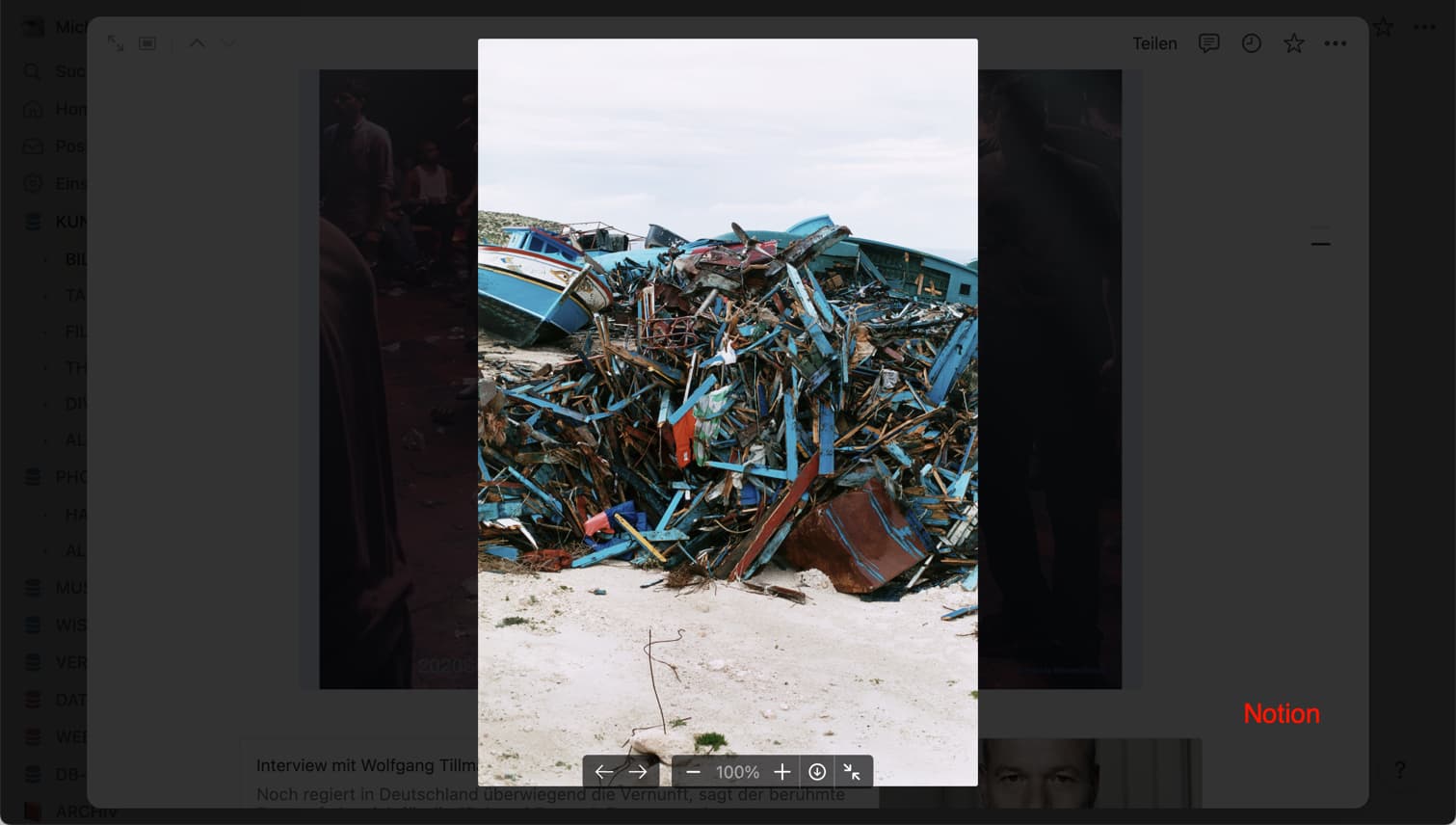
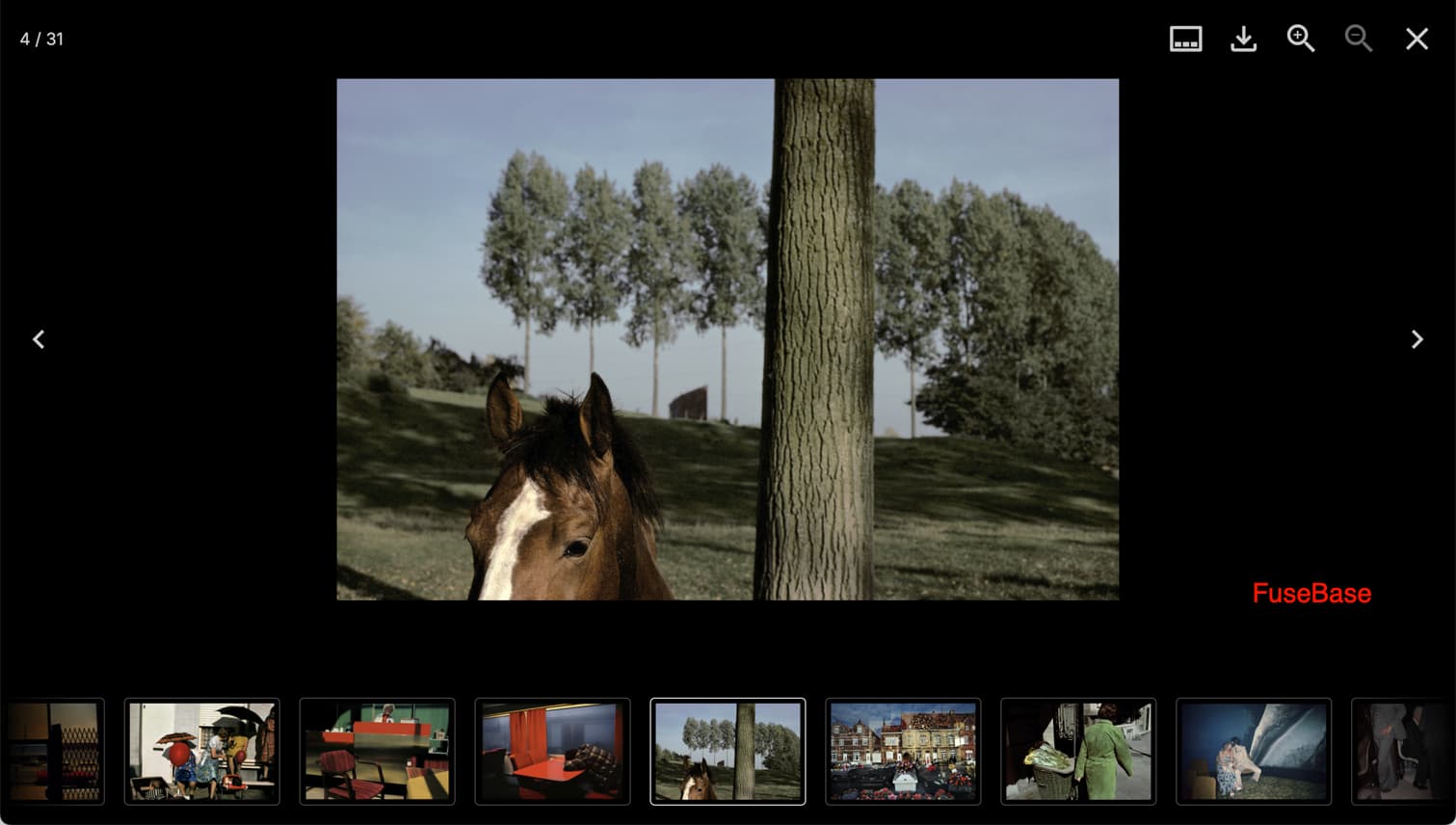
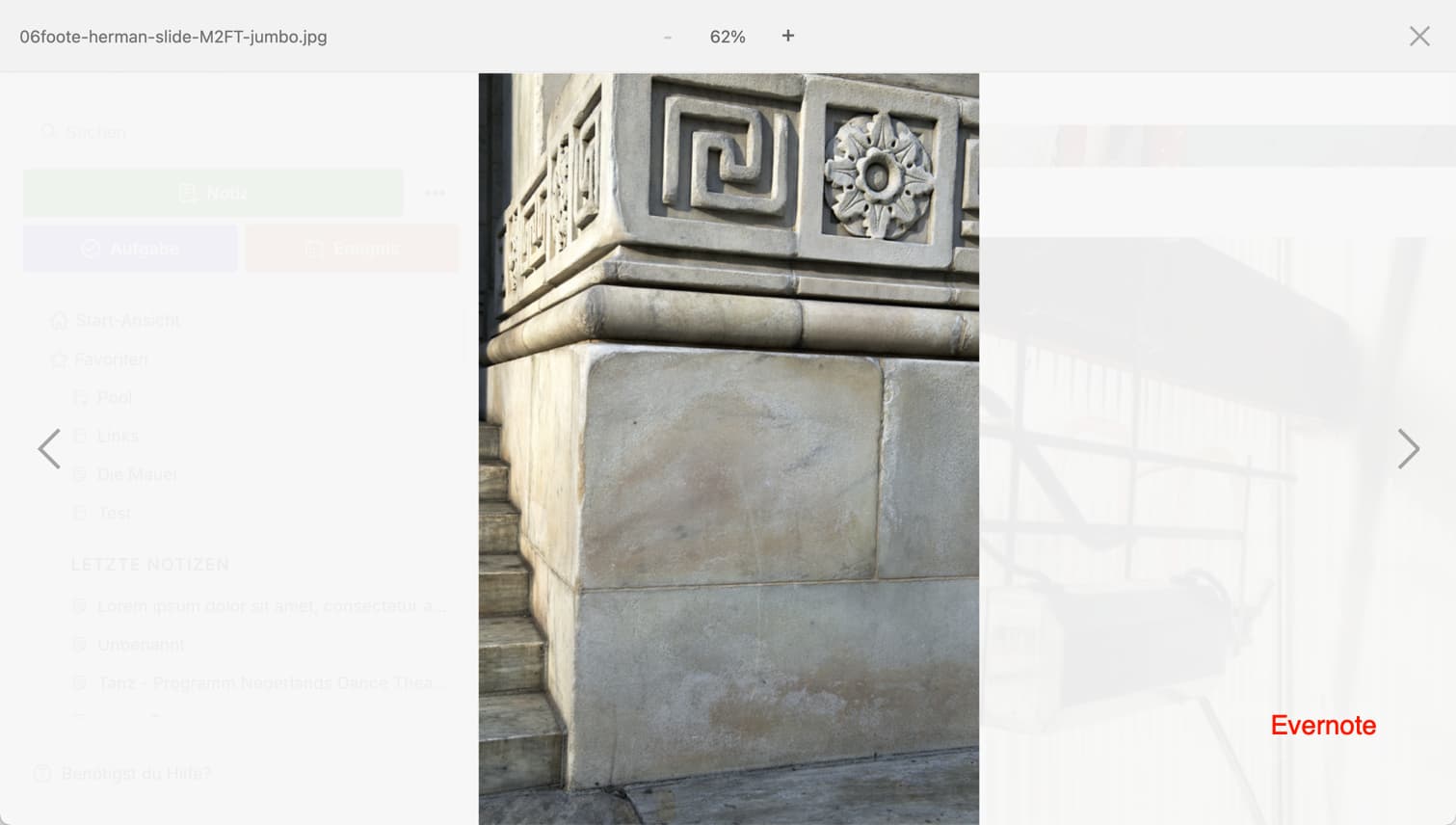
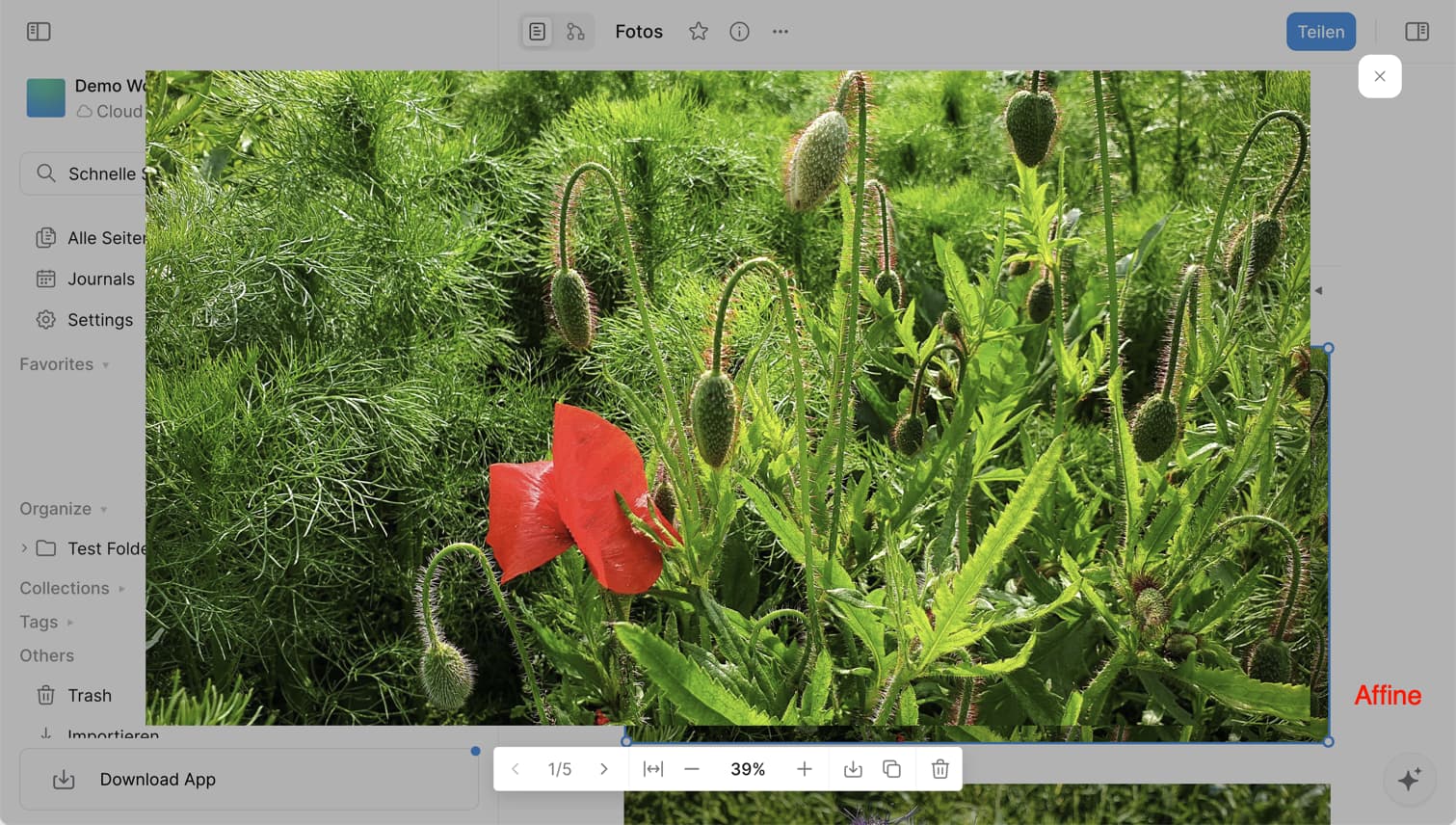
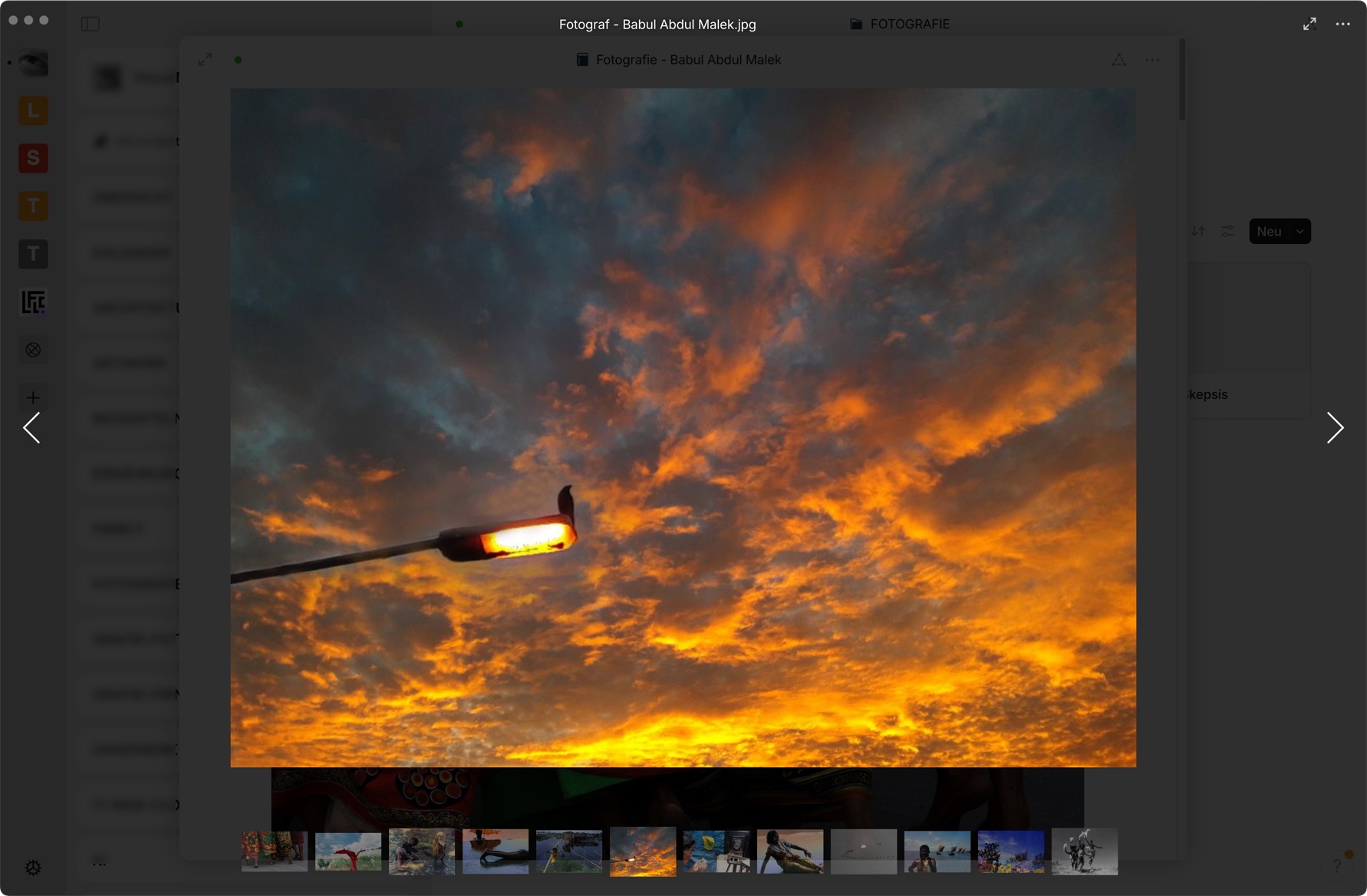
In comparable apps such as Notion, Evernote, FuseBase or Affine, if there are multiple images on a page, you can browse through images via the lightbox popup using forward and backward navigation; one app even offers an additional thumbnail bar for image navigation (FuseBase).
It would be great if Anytype would also implement this feature.
HOW COULD IT BE DONE?
While an additional thumbnail bar is a nice feature, it is not essential.
As you can see on the screenshots, each service designs the lightbox differently, the navigation, the background color and the opacity of the lightbox. Personally, I find the lowest possible transparency (high opacity) and a background color that is as dark or as light as possible well suited because it is less distracting and you want to concentrate on viewing the images in the popup and not see too much of the page content. In my opinion, gray is the least suitable background color.
Back and forward navigation should also be possible using the keyboard (arrow keys), where the buttons are located in the lightbox is actually a matter of personal preference, you quickly get used to each type.
REAL WORLD USE CASES
As soon as you have multiple images on a page, you will also want to be able to view these images one after the other in large view.
This request applies to the desktop app as well as to Android and iOS (possibility to swipe images).
I don’t know since which beta version this long-awaited feature has been implemented, but it’s here and I’m happy! Now you can browse images of a page in the lightbox, with previous and next buttons, keyboard arrows and even thumbnails at the bottom of the lightbox.
Thank you, Anytype Team, you made my day!
When the lightbox is active, there is no way to grab the anytype window (if it’s smaller than the screen) and move it around the screen. The title bar and the system buttons on the application window are visible and functional, but you cannot grab the window anywhere to move it.
The icon used to open the “image as object” in the right upper corner of the lightbox is misleading: it is the icon to expand a window. You would expect this to be the button for full screen view (which would be useful, because you might want to expand the window to see the images in full screen view).
Is “open as object” really that important in a lightbox? And if so, please use a more suitable icon!
Your point 1:
I don’t know what you speak about?
If I make the window smaller and use the light box, I can still grab the window and move it on the screen.
Your point 2:
In my opinion the icon or button “Open as Object” does what it is supposed to do.
I can’t see any of your mentioned issues as real!
But I have found one:
If you use the light box and you use the button “Open as Object”, the “Back” button in the navigation bar doesn’t work as expected.
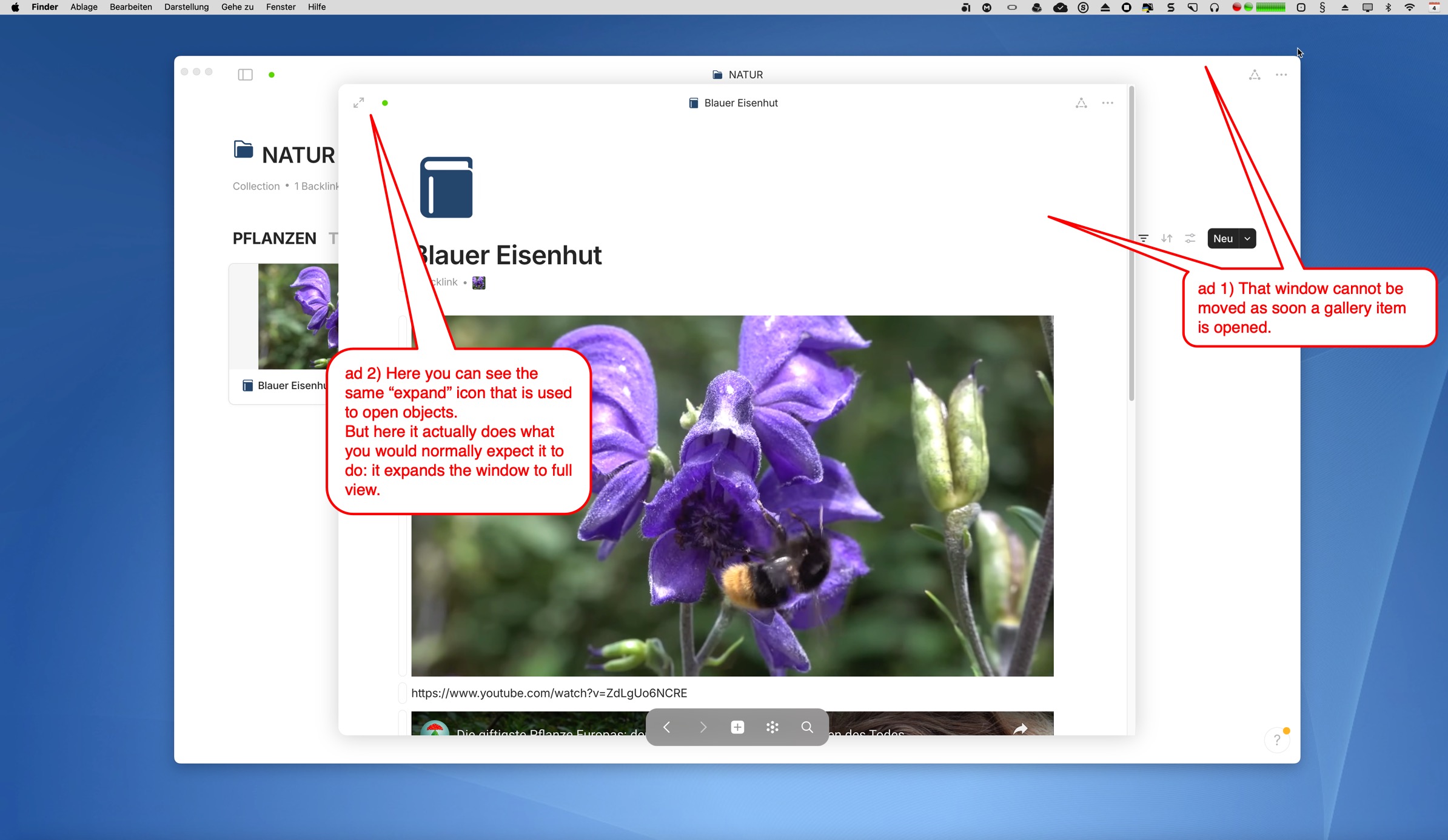
ad 1) Probably this is a problem that only occurs on Mac. For me, the Anytype window definitely cannot be moved when the lightbox is active. You can believe me on that. I can still enlarge the window at the side edges in each direction, but the window itself cannot be moved. Btw, this always applies when the lightbox is active, even with just a single image.
ad 2) Ok, this icon is always used by Anytype this way. Positioned in the top right corner of a window, however, one would rather expect the function to expand that window.
I agree on the issue you mentioned. The Back button doesn’t lead back one step but two.
UPDATE:
ad 1) I have found out that the non-movable window has to do with the Gallery View of items and not with the Lightbox.
The moment a gallery item is opened, the anytype window can no longer be moved. Maybe this is by design.
ad 2) On the screenshot you can see the same icon in the usual function.
About your update:
Still no problem on Win 10.
Seems to be a Mac problem only.
And @devs: the lightbox feature is really very well made!
I enjoy it a lot!
What I still really miss is a way to find out which Objects use a specific picture if I have one of them open.
A Set for pictures makes not so much sense if it isn’t possible to find the Objects they belong to.
I’m also delighted. The lightbox even integrates playable video files! The navigation of the lightbox offers literally all the options you could wish for: buttons, thumbnails, keyboard arrow keys, mouse drag, mouse scroll wheel, and it closes by clicking on the background or by hitting the esc key. Very nice!