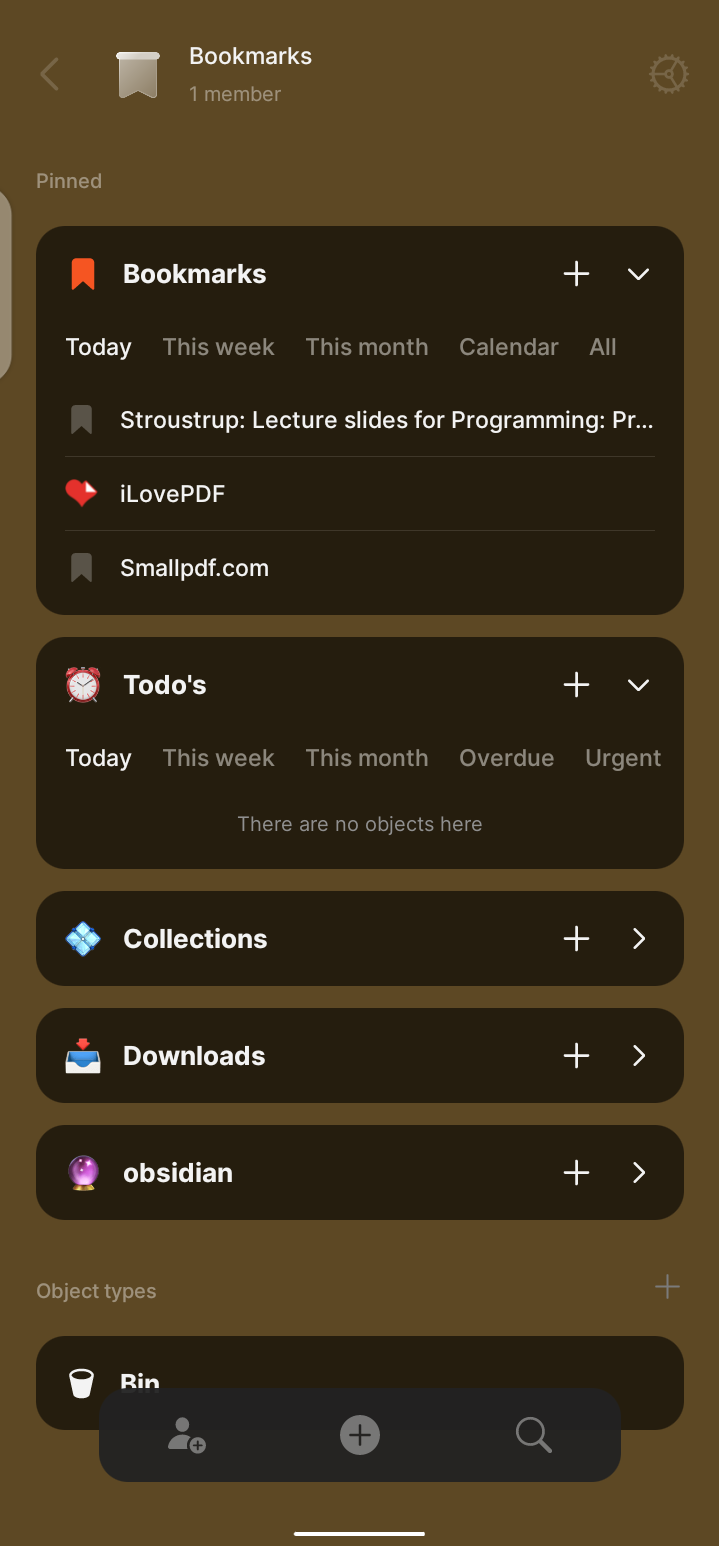
In today’s digital world, bookmarking has grown from a simple convenience into a vital part of managing information.
For years, I used Raindrop.io as my primary bookmark manager. It’s a great tool, but as I dove deeper into the Personal Knowledge Management (PKM) world, my priorities shifted toward privacy, security, and offline accessibility
The 2021 Notion outage, which locked users out of their data for hours, made me wary of cloud-only services. I realized I needed a local-first solution for my “internet dumping ground.” In late 2023, I discovered Anytype and was drawn to the platform, particularly its direction in collaboration. At that time, I was already using Obsidian and didn’t switch my PKM system to Anytype, but I explored its features. I experimented with adapting parts of my workflow to Anytype, but it didn’t stick, mainly because anytype wasn’t polished enough yet. I continued using Obsidian while keeping an eye on Anytype.
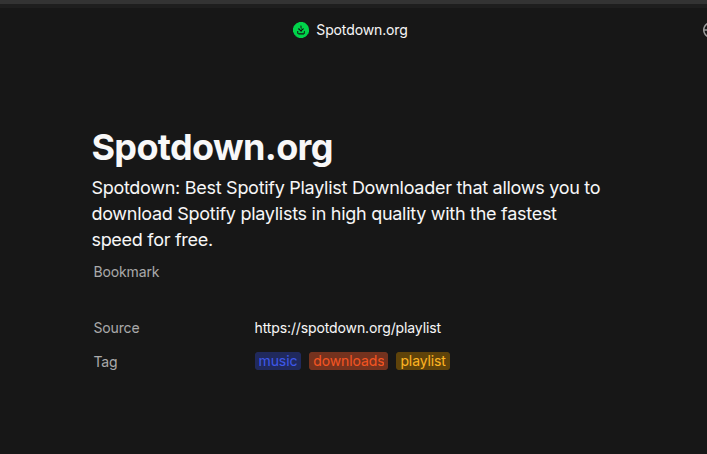
The release of the Anytype Web Clipper finally gave me a clear use case: a bookmark system that could replace Raindrop while delivering the privacy, security, and offline benefits I wanted. I immediately began planning how to implement this system in Anytype. I’m sharing this post to showcase what I’ve done so far and to offer insights for anyone who might find it useful.
Why Anytype works for me:
-
Local-First & Encrypted: My bookmarks are mine, stored on my machine, and accessible without an internet connection.
-
No Browser Bloat: It keeps my browser lean while making my library extremely searchable.
-
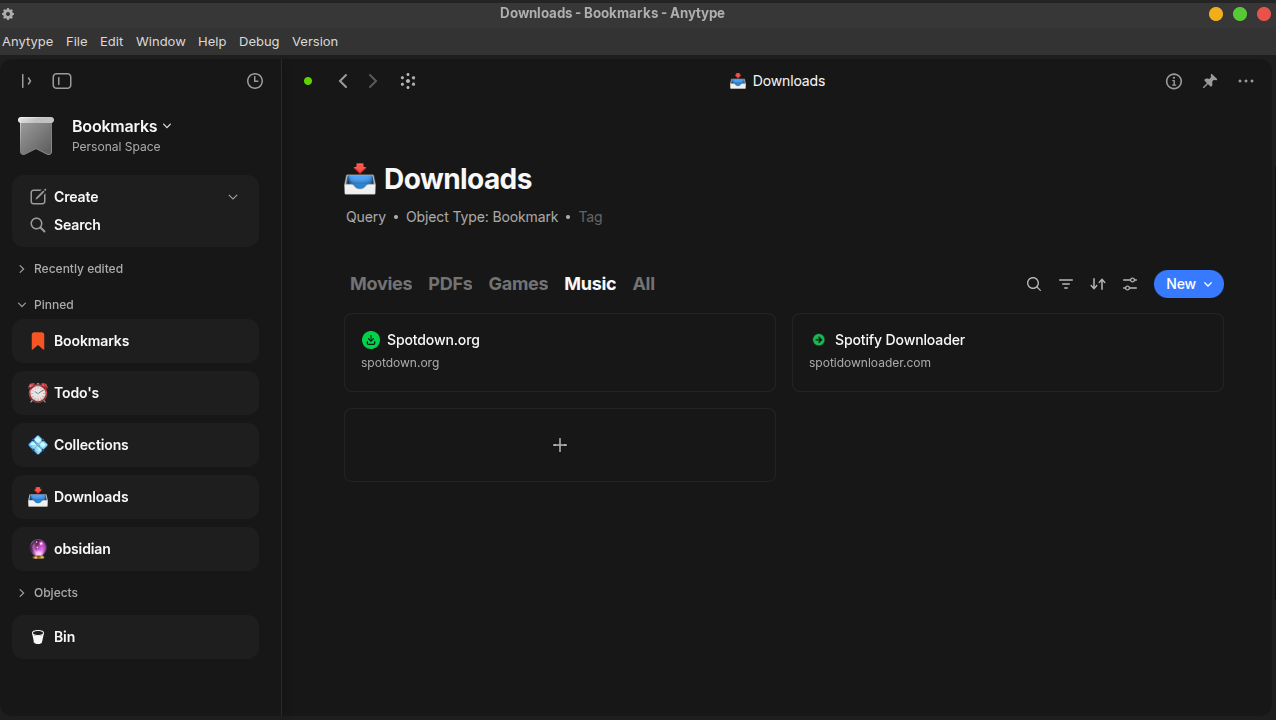
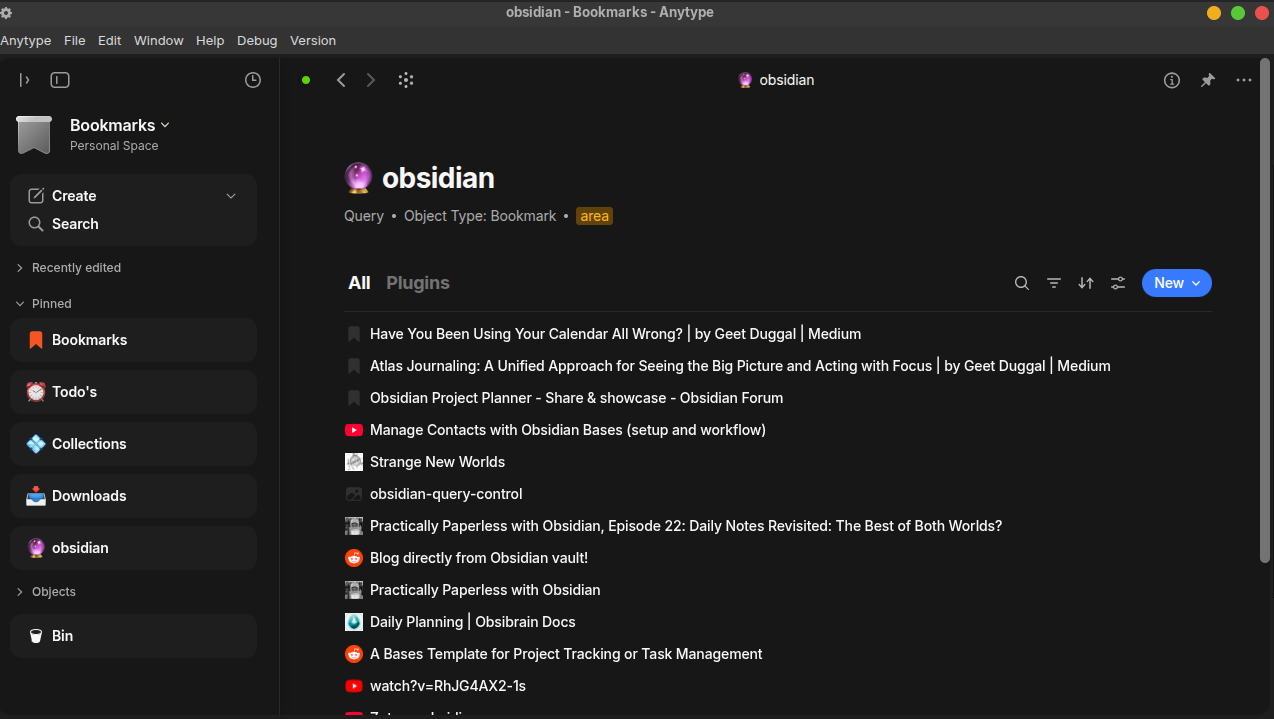
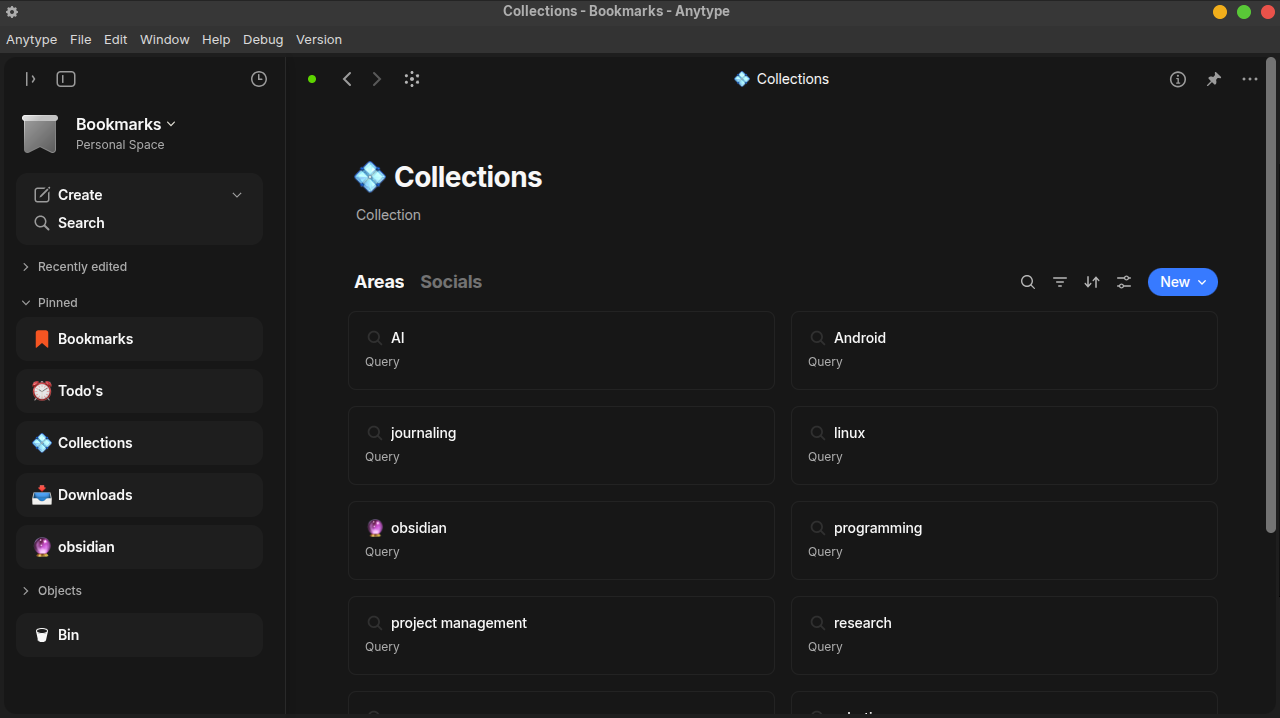
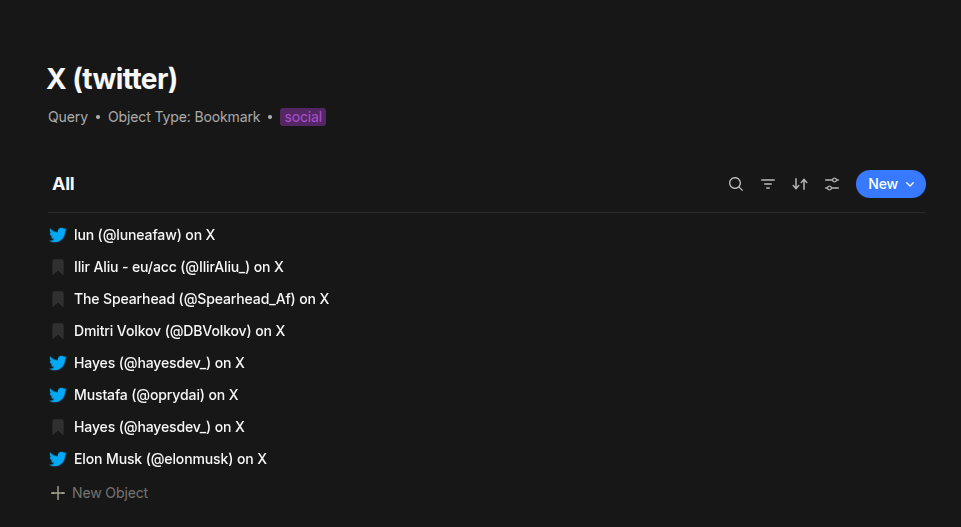
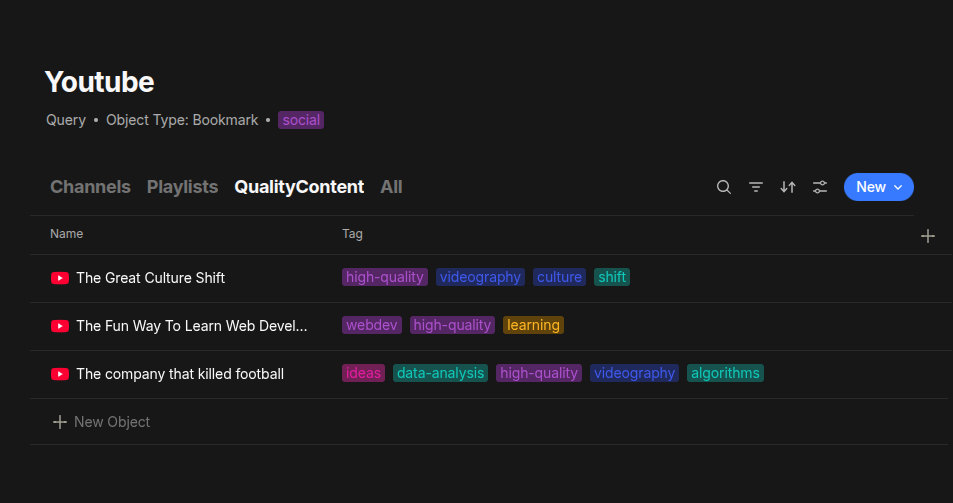
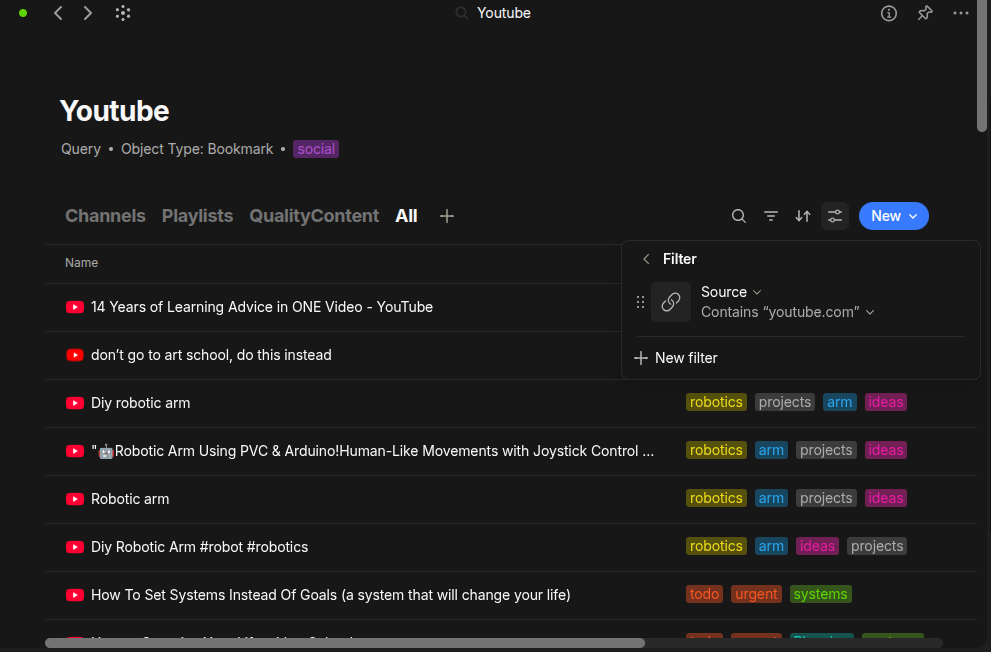
Advanced Workflows: Using Queries (formerly Sets) and Collections, I can build custom views that a standard bookmark manager can’t touch.
My Workflow
-
Capture: I use the Web Clipper on desktop and the “Share to Anytype” function on mobile.
-
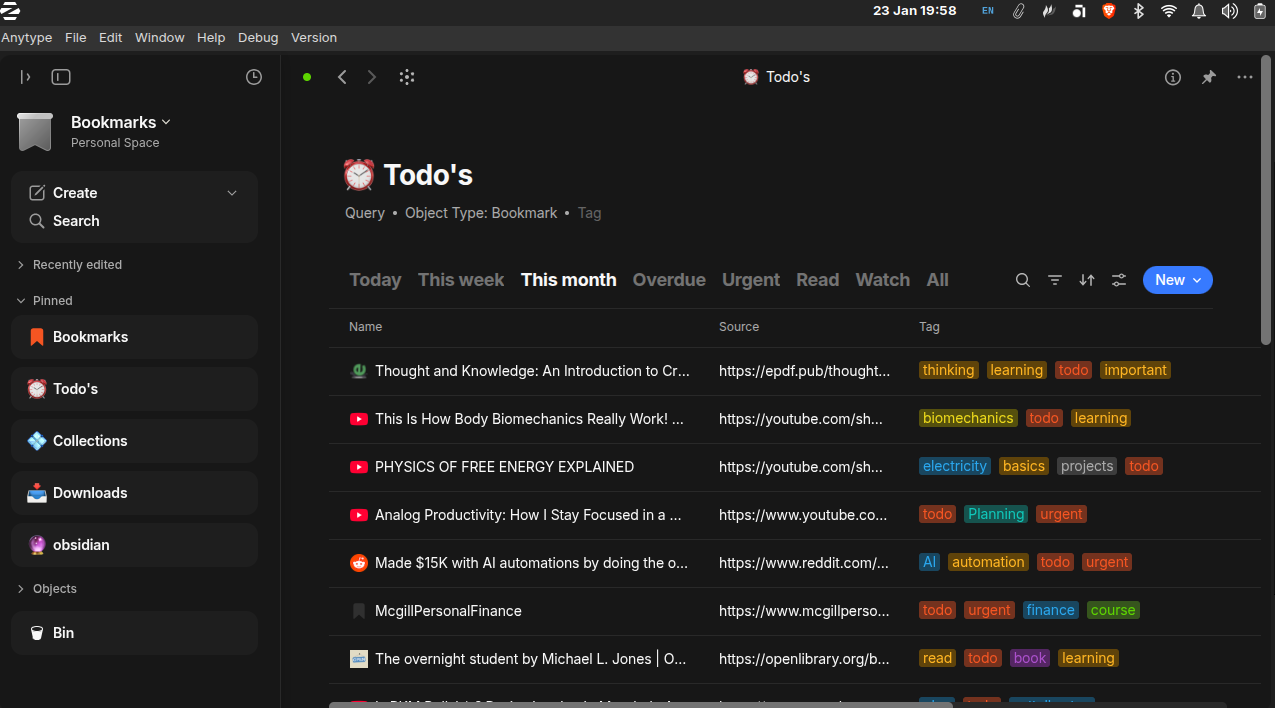
Organize: I use a dedicated “Bookmarks” Space. Everything gets tagged based on how I’ll search for it later.
-
The Research Funnel: This is my favorite use case. Anytype acts as a “triage” center for my literature reviews. I clip everything, filter for what’s worth reading, and only move the essential stuff into Zotero for final referencing.
The Trade-offs
It’s not perfect yet. There is no built-in duplicate checker (which can lead to multiple entries for the same link), and the clipper occasionally needs a second or sometimes multiple “nudge” to pull data. Also, it lacks the visual “card” previews of Raindrop, but honestly, for a fast, local-first system, I don’t miss the images.
Bottom Line: If you want a private, offline-ready home for your digital resources that doubles as a powerful database, Anytype is a game-changer. I plan to write a dedicated article that showcases additional use cases and provides a clear, step-by-step breakdown of how to implement this system, so keep an eye out for it.