-
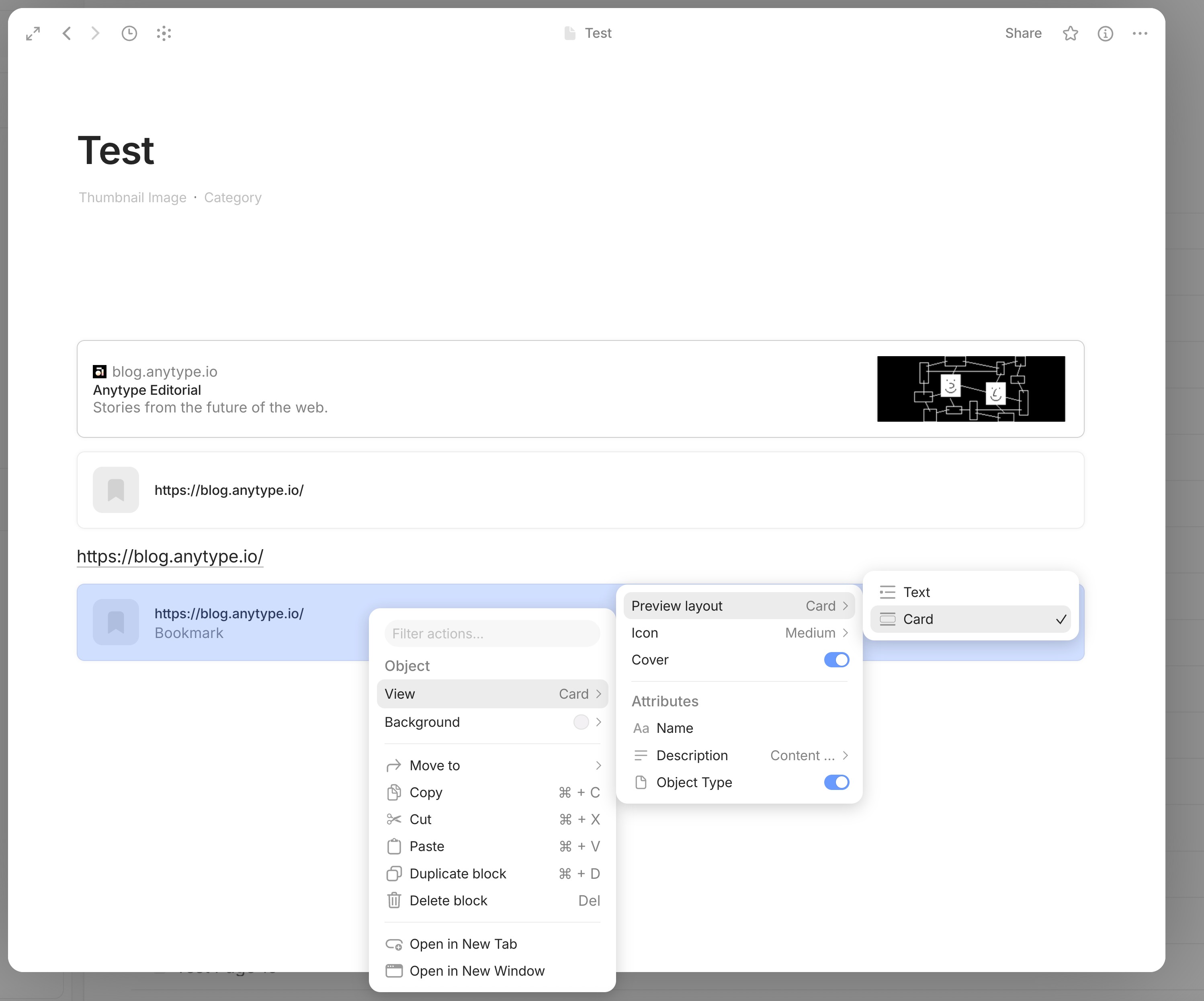
When I paste a URL into the editor, a context menu opens where I can select “Bookmark”. This creates a bookmark as expected: with a link, title, description, and thumbnail. This bookmark is clickable and opens the corresponding page in the browser.
-
When I paste a URL into the editor and select “URL” from the pop-up context menu, I get a text link to the website. So far, so good.
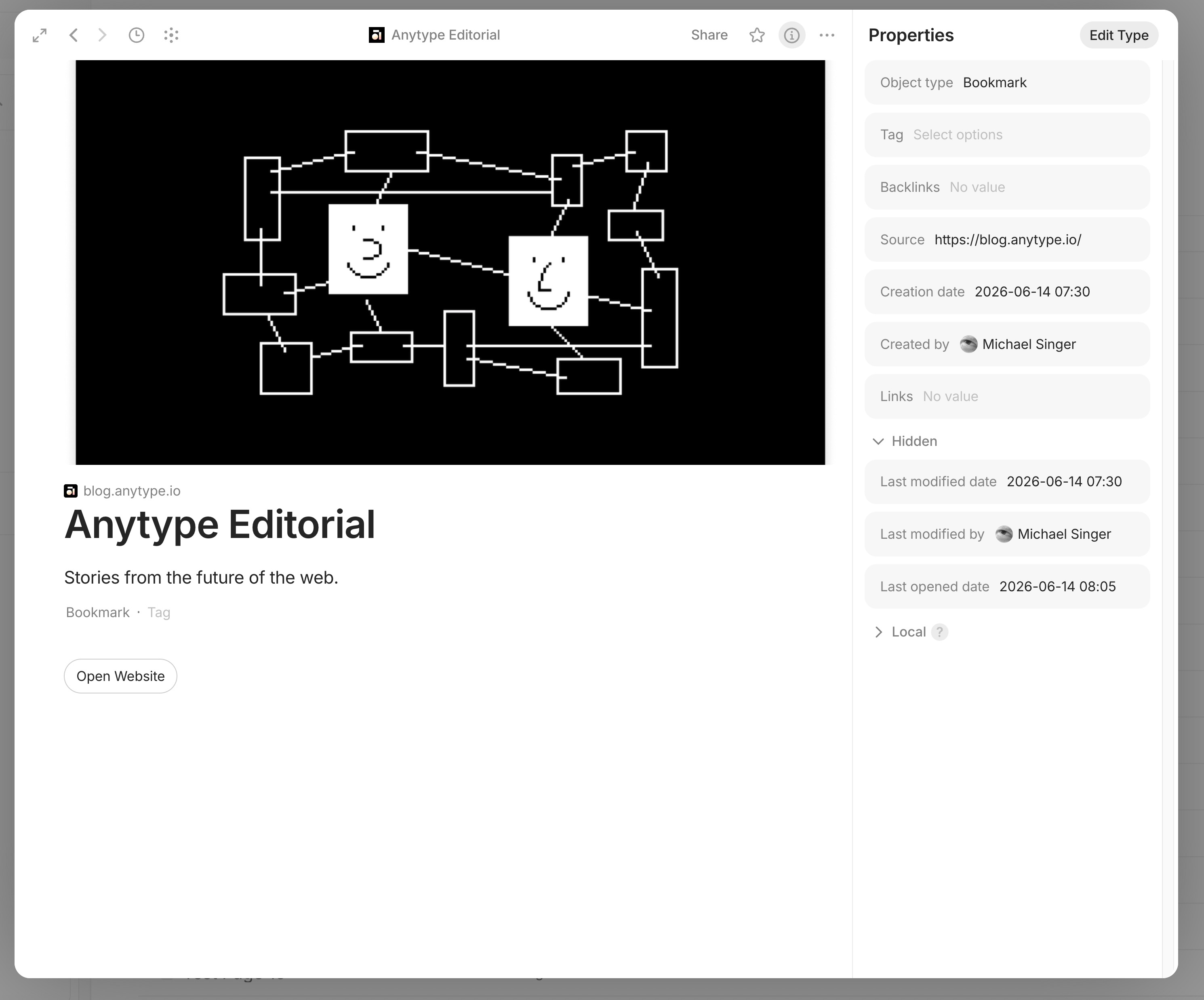
If I now want to convert this block into a bookmark via “Turn into Object”, I get something that is supposed to be a bookmark but isn’t, because it only has the link in the title and no link to the website, nor a description or preview image. The created block isn’t clickable, even if I enter the URL as “Source” in the Properties, this only creates an “Open Website” button within the object itself.
So are there two different types of bookmarks?
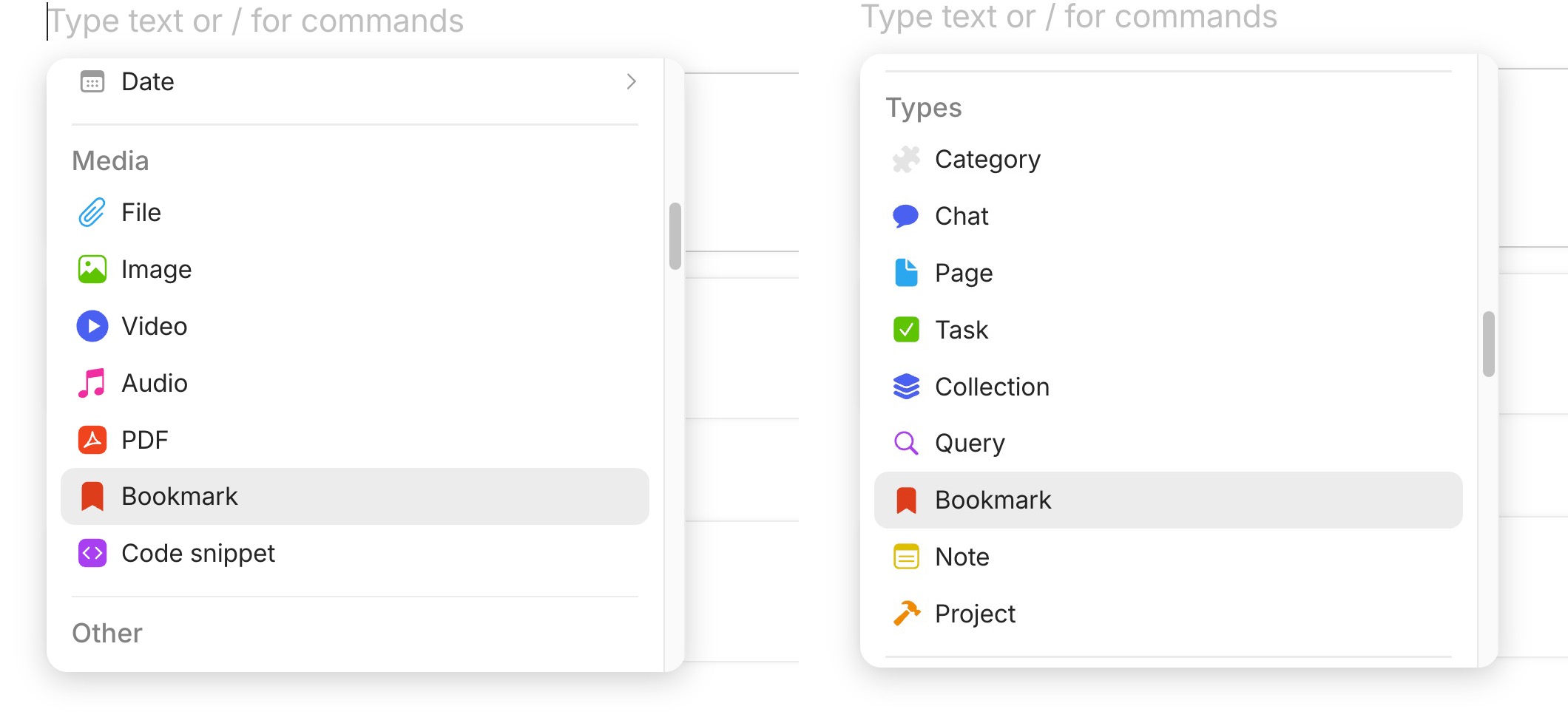
- When I try to create a bookmark in the editor using the Add function (+ icon), I see “Bookmark” listed twice in the context menu. Once under “Media” — which creates a bookmark object as expected (as in point 1) — and once under “Types” — which again creates an empty bookmark object (as in point 2), in which you have to enter the URL as a property.
Why is “bookmarks” listed twice, under “Media” and “Types”?
-
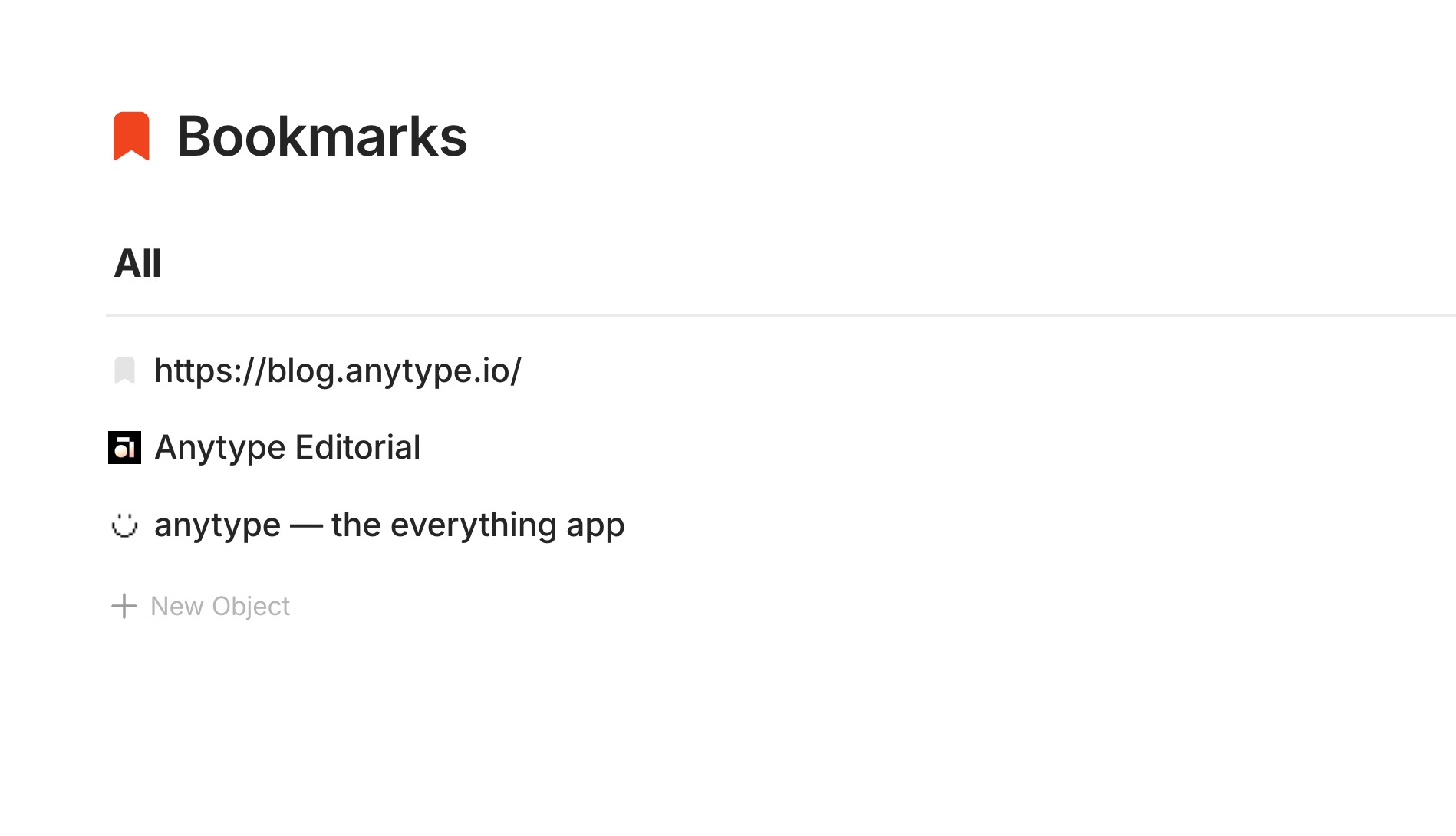
When I go to the system query for the “Bookmarks” object and create a new bookmark object there (New Object – Paste link), a bookmark is created as expected, and it even includes the option to clip the content of the webpage and insert it into the body of the bookmark object (which is great) - but this option isn’t available when creating a new bookmark in the editor. So this is apparently the third type of creating a bookmark.
-
I’ve been working with Anytype for quite some time now, and I have to say, if I still haven’t understood why these inconsistencies do exist, then I can imagine that someone just starting out with Anytype might quickly lose heart, give up, and switch to a different tool.