WHAT IS THE BUG
I’ve moved from Notion to Anytype months ago and everything was working just fine. Most of the pages where moved without any issue and I was able to open them.
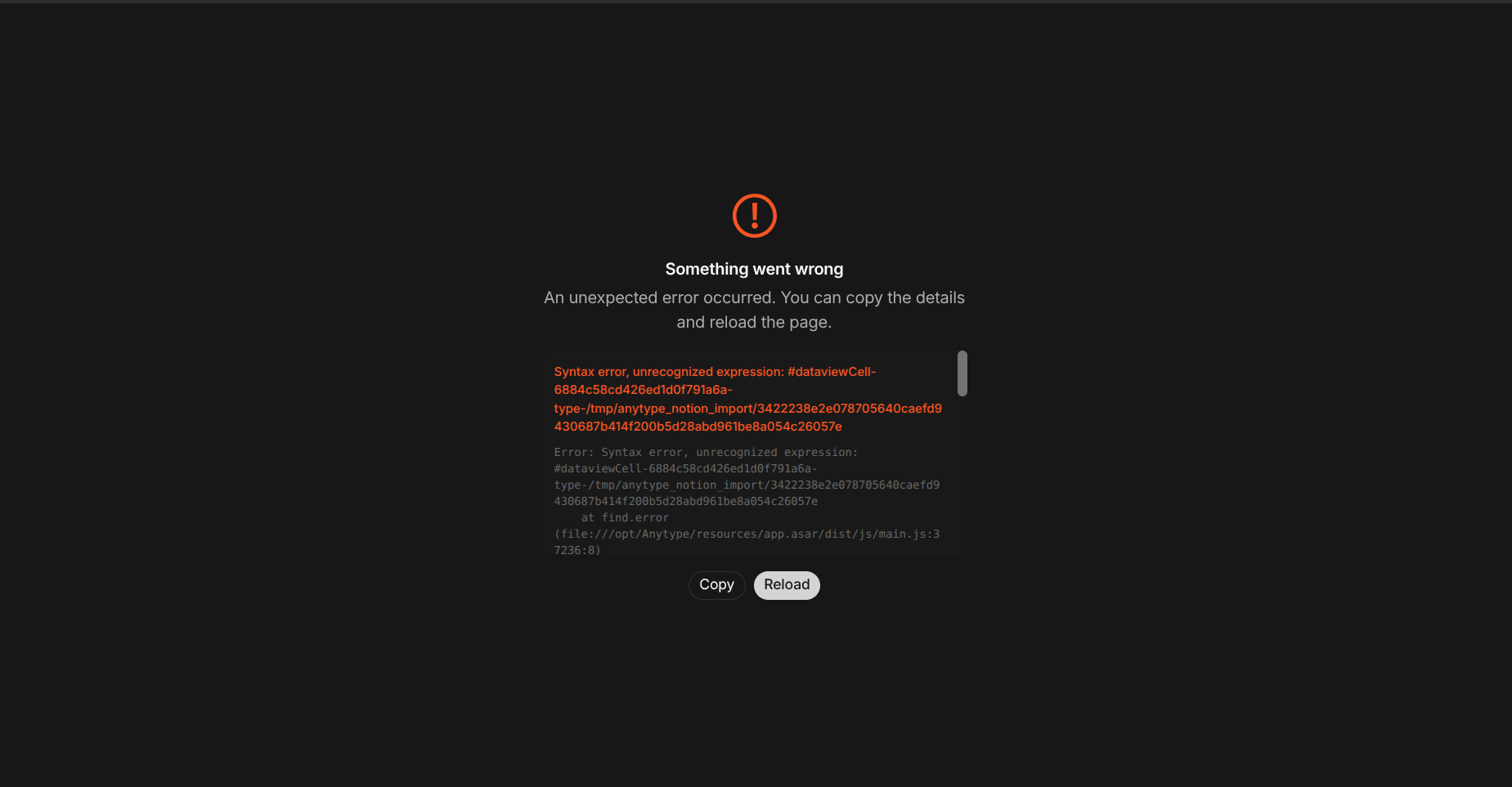
But suddely after the update to 54.2, I can’t open specific pages, after opening, Anytype shows a blank screen and I can’t change the page. I have to open a new window from the upper bar and be very fast at clicking one of the pages that doesn’t crash the app to be able to keep working.
This behavior wasn’t there in previous versions (not sure what version to be exact), I’ve not spent time to search through the versions to find the version which this behavior doesn’t appear.
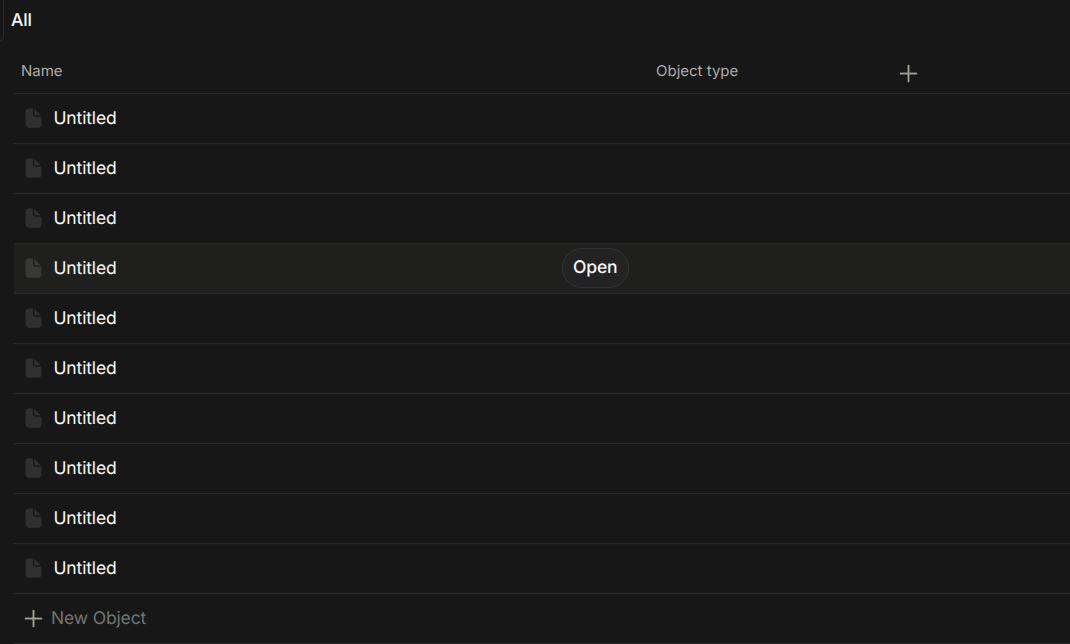
I’m not sure if that is caused by the migration from Notion to Anytype, but I think so?! Maybe some pages have specific attributes or data within it that causes the app to crash. Not sure…
I thought first that maybe it has to do with the icons that I have on the pages, but I do have other pages with icons that don’t crash the app.
Note that I’m running Anytype on Ubuntu 25.10.
HOW TO REPRODUCE IT
Outline the steps needed to reproduce the behavior in sequence:
-
Open Anytype
-
Go to one of the pages that crashes the app
-
Boom…
THE EXPECTED BEHAVIOR
I expect the application not to crash obviously and be able to open the page and edit it.
ADDITIONAL CONTEXT
I will include a video of the behavior.
Note: I think I’ve locked myself in this behavior for the video … I hope this helps
TECHNICAL INFORMATION
OS version: linux x64 6.17.0-14-generic
App version: 0.54.2
Build number: build on 2026-02-16 15:18:28 +0000 UTC at #b2bd40d7e4429cd9969a75a064db1f17407adb9a
Library version: v0.48.1
Anytype Identity: A6j6GpsWT9yT93Dv25gk6UpJHUcx41WoShdhgRaXiHtKdh68
Analytics ID: MeZouHCT5DA26451pkvTNPQMKLuhBzL6C4iVwGm2aPBRDafZ
Device ID: 12D3KooWR3jc2WCUBYGwciT1JdeAf5zAtoWZtrMaqyPiWjVDNByG
Ethereum Address: 0x1fb21B3B7dC41bC7a1Ab6c3a6F31bd073E89A575