What’s The Bug?
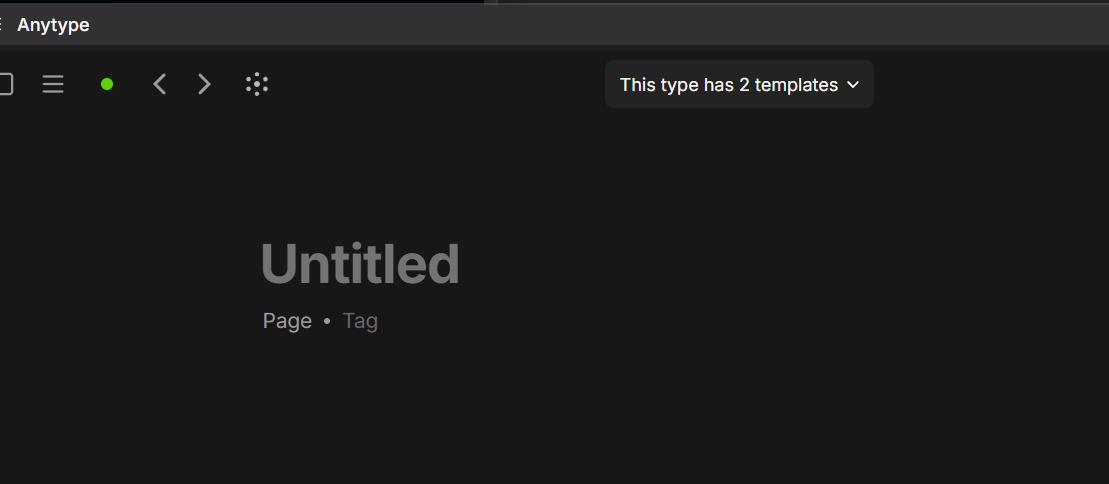
I’ve assigned a keyboard shortcut (ctrl + ` ) to Toggle Widgets. However, after I close the shortcuts view and press ctrl+ ` , nothing happens with the widgets sidebar but a new Page gets created (same as ctrl+N).
The shortcut is the typical show-console shortcut: ctrl + backtick (left of 1 on the keyboard).
How To Reproduce It
Do the above steps.
The Expected Behavior
Pressing ctrl+` (or any set shortcut) would toggle the new Widgets sidebar.
Additional Context
Perhaps this is a known issue, in which case ignore/close.
Device
PC
OS
Windows 11
Anytype Version
v0.50.29-alpha
Network Mode
AnySinc
Technical Information
OS version: win32 x64 10.0.26200
App version: 0.50.29-alpha
Build number: build on 2025-11-04 17:27:23 +0000 UTC at #51a9be02b85f5dbca2ecb9d054fe28732bcf727d
Library version: v0.44.0-nightly.20251105.1
Anytype Identity: A7t4omsx1RAeJKBqy1cBqyaz3Z9yp1zEuDLCzQs78bJpWXCD
Analytics ID: b2096ac4-d9a0-4a79-b53b-2a8b17cfbca6
Device ID: 12D3KooWNq2jy7qYJst57EPr3qdCXYXhDyCdZLekJHa5jBfR3x7D
Ethereum Address: 0xeff02EAdb92Fc7ab738BB91Ca3B005cC563B046A