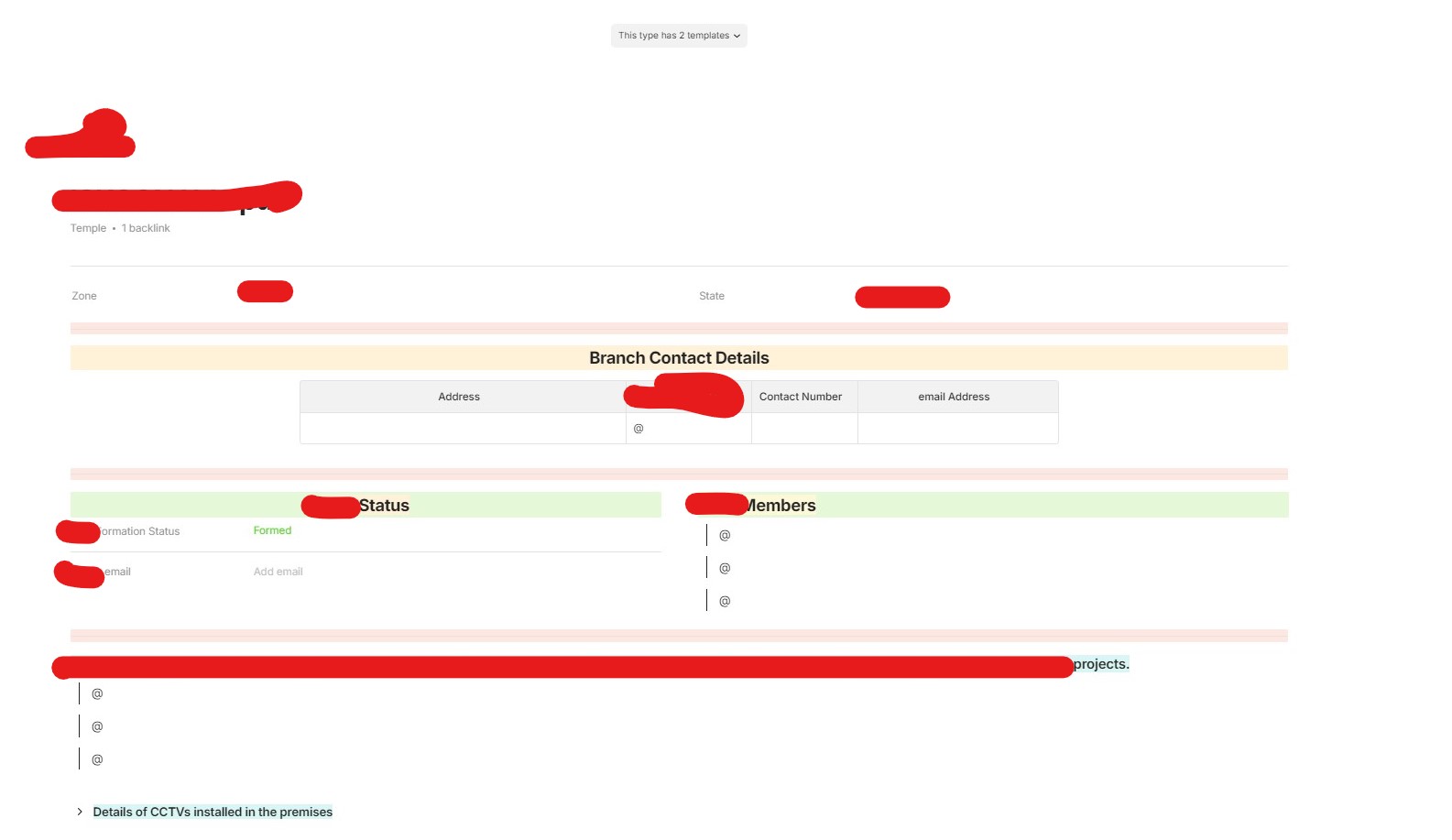
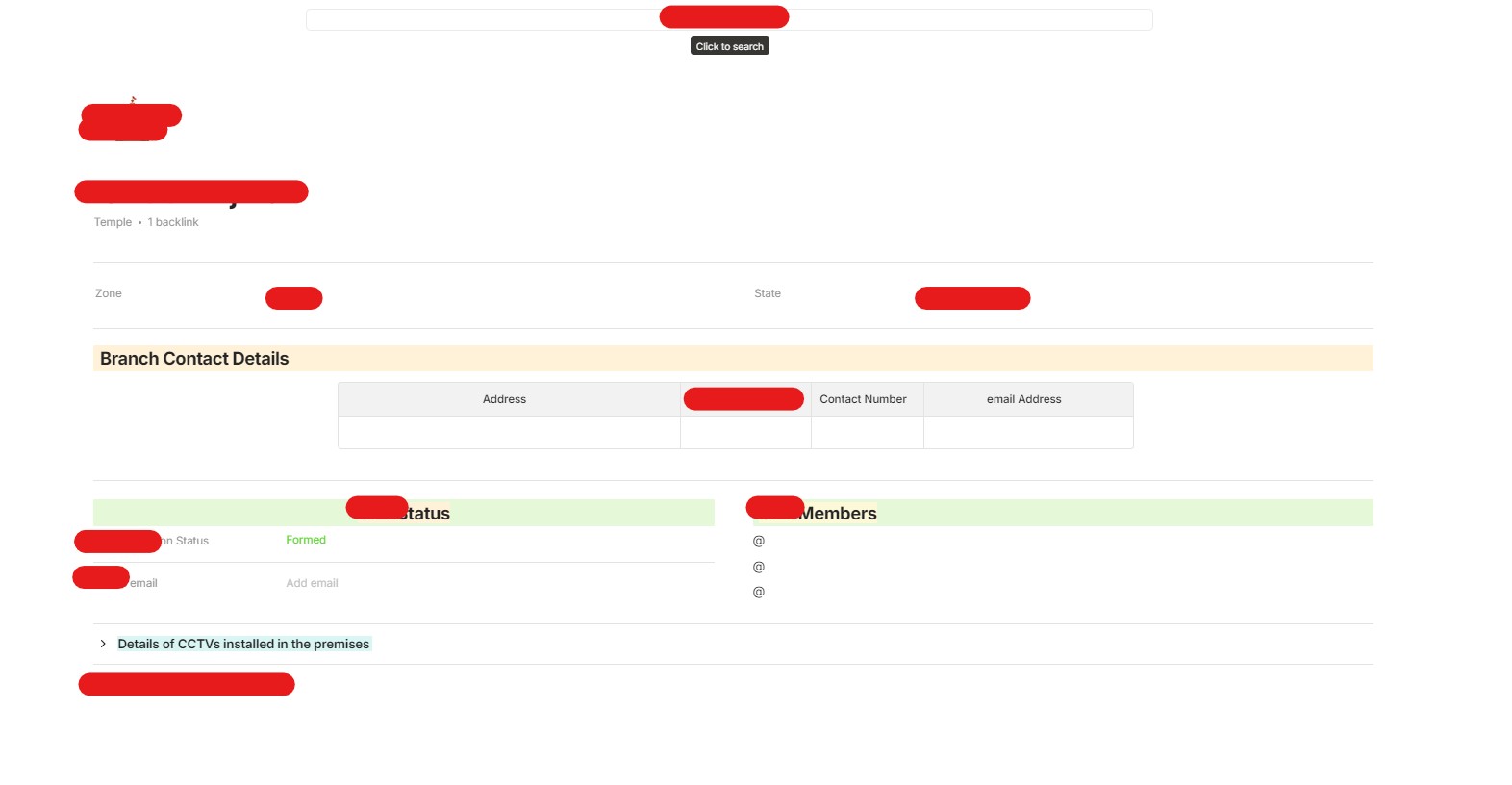
When the objects in a collection are created. Then Set as templates and then reused. The option to overwrite the object with the current template is found only in 1 or so object. The rest only display the search option.
How To Reproduce It
Create an object in collection.
Set the Object as template after making relevant additions to the object.
Edit the template.
Go to an existing object.
Now the top search bar is not visible and instead the option says “This type has 2 templates”
Move back to the collection.
Select another existing object.
want to Find the option to change this object alongwith existing content/filled relations, to one of the newly edited templates.
But instead there is only a search bar instead of the “This type has 2 templates” even though both these objects are the same Type.
The option to apply template to already existing/new objects of different/same types should be presented everytime without compromising the search feature.
Additional Context
First image is the updated object with the template because it has the option to overwrite it with a template of its type and here the search bar is missing. But the second image is another object which doesn’t have it, is missing the same option but instead only has the search option to find stuff around anytype.
I think the first object was able to adapt to the template with the relations remaining intact when the new template was selected. The problem was with other pre-new-template existing objects in the collection. So still a feature request?
Device
Desktop
OS
Windows 10
Anytype Version
0.39.0
Technical Information
OS version: win32 x64 10.0.19045
App version: 0.39.0
Build number: build on 2024-03-05 15:37:42 +0000 UTC at #a7986fffadcc2031b1eb3372265db5dda05f4c6d (dirty)
Library version: v0.32.1
Anytype Identity: A9xEjx6wPtEuWipMN1W4Rci5bcrgAtN3fN5kFWwKYcHbGeg9
Analytics ID: b0c8929b-a578-4caf-bdc3-f8a9cd80a5e0
Device ID: 12D3KooWPBbHDjnFMHuoUeKusxNfUCQ6YnVpdVcGctJ4CzX7Uhti
First image is the updated object with the template because it has the option to overwrite it with a template of its type and here the search bar is missing. But the second image is another object which doesn’t have it, is missing the same option but instead only has the search option to find stuff around anytype.
I think the first object was able to adapt to the template with the relations remaining intact when the new template was selected. The problem was with other pre-new-template existing objects in the collection. So still a feature request?