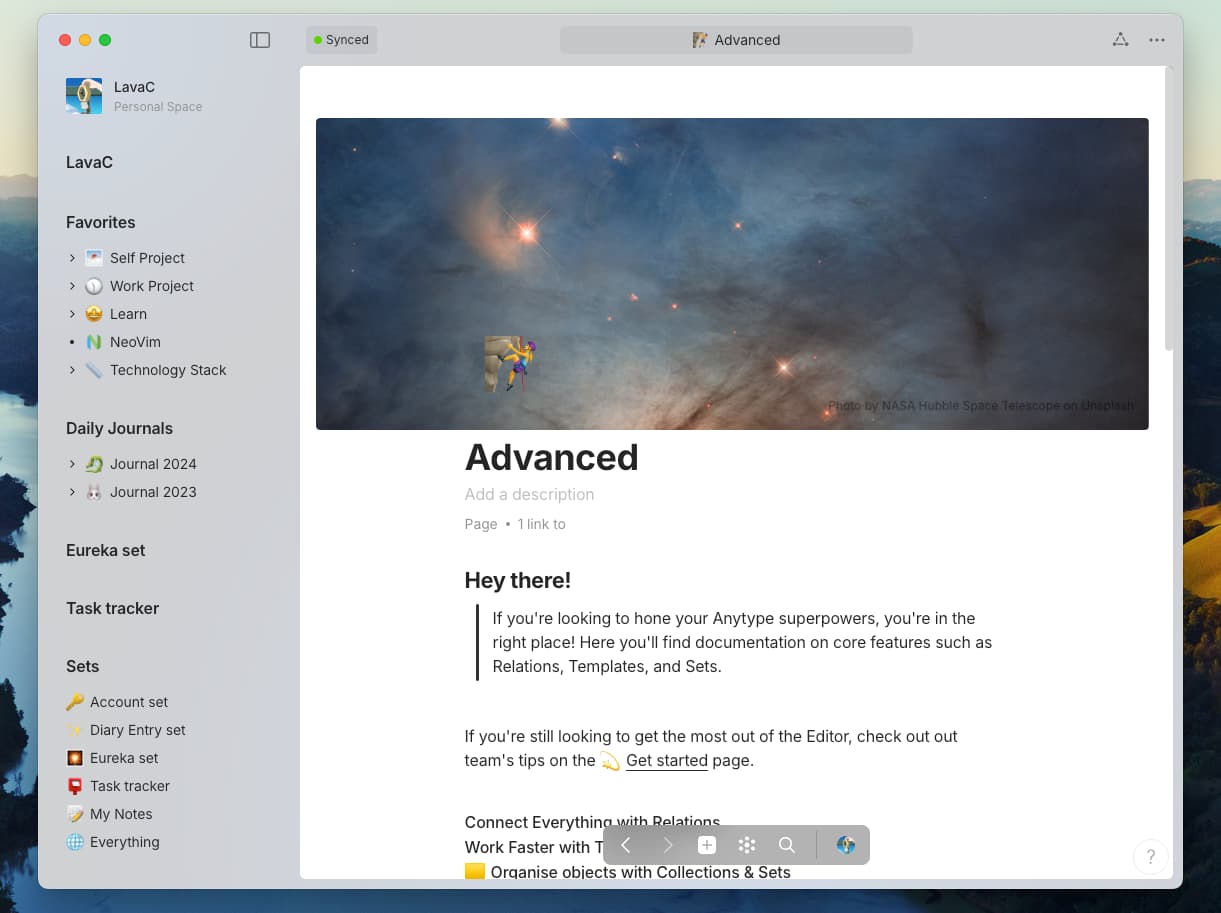
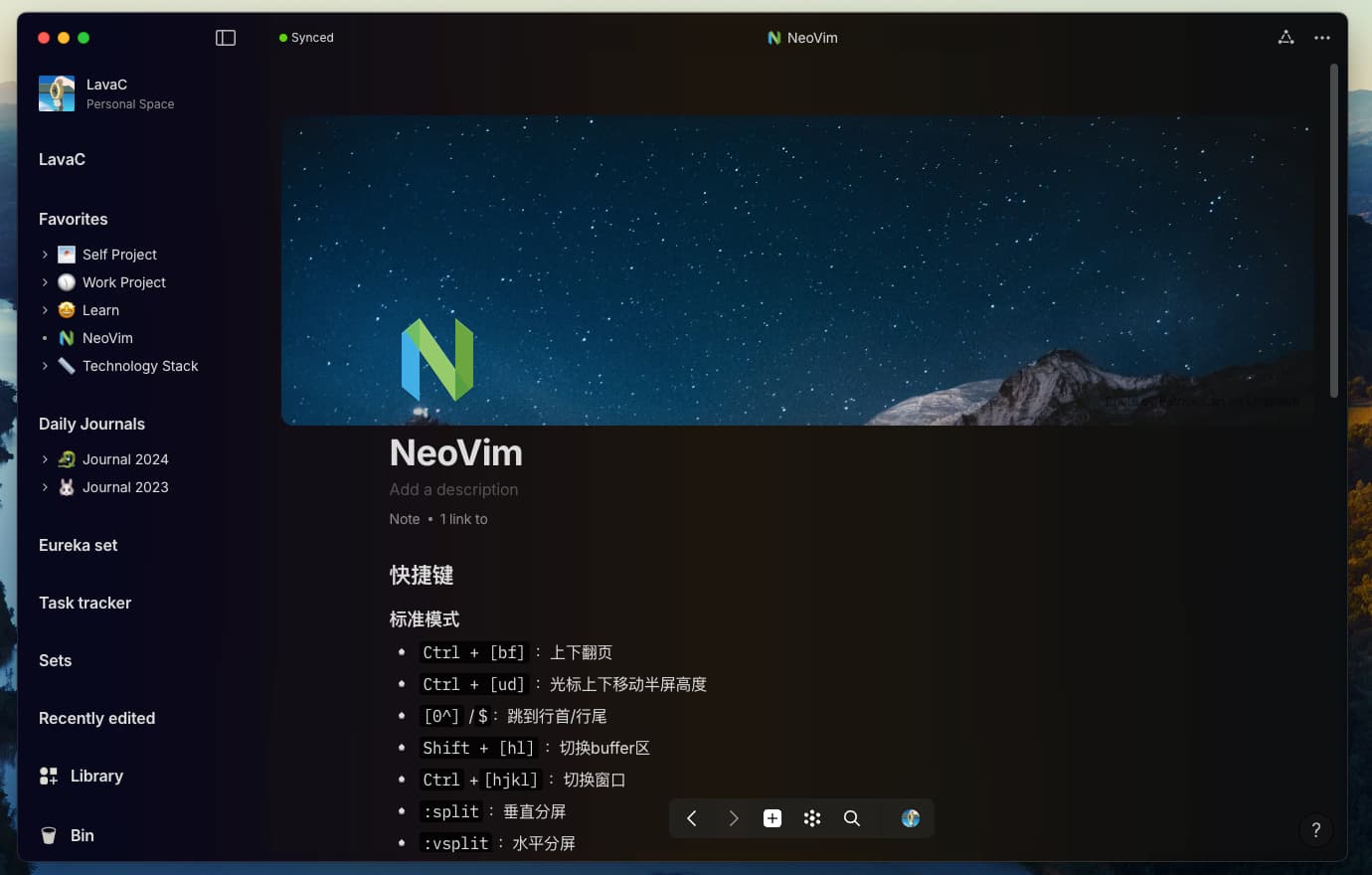
Video(a bit outdated)
Find the styles Here
Inspired by Craft and Affine, still need some time to debug.
Find the styles Here
Inspired by Craft and Affine, still need some time to debug.
Will it support windows?
of course
I’ve released the code, you can try it out if interested 
Looks cool, we think on how to implement themes now, lol)
I would suggest a theme gallery like Obsidian has, where you can preview and install themes.
Great theme and font. One question how can I change the default font size for the text in the CSS file? Text size is bit smaller on my mac.
body {
  font-size:XXpx; // replace the XX to a number
}
However, just doing this is not enough. There are many text classes that have their own size properties, and you have to find them one by one to modify them.
Thanks for the quick reply. Adding size to body is changing the font size on side panel but not effecting the size of the content text. I must be missing something basic here.
Because many text size properties in anytype are not relative to the root element’s font size, I think this is a development omission.
So you can only find the text classes you want to find, such as normal text lines or title lines, and modify their text property size separately.
.blocks .block.blockText {
   font-size: XXpx; // for normal text;
}
.blocks .block.blockText.textHeader1>.wrapContent>.selectable>.dropTarget {
  font-size: XXpx; // for H1 text
}
.blocks .block.blockText.textHeader2>.wrapContent>.selectable>.dropTarget {
  font-size: XXpx; // for H2 text
}
// And so on
I know this is troublesome, but there is no better way at the moment.
If you don’t know how, you can refer to the custom css tutorial on the forum homepage.
Thank you! “blocks .block.blockText” worked!
I’ve made a task to refactor font-sizes and move them to CSS variables
Merged, available in the latest alpha build
