Hey, Community!
The latest update is now available on the App Store. It brings smoother navigation, improved chat management in Space Channels, and a round of stability improvements.
On iOS 26, Anytype now feels right at home with Apple’s new “liquid glass” design – headers, panels, and navigation bars use subtle glass effects that blend naturally with your content and the system UI.
Highlights
Sharing Extension
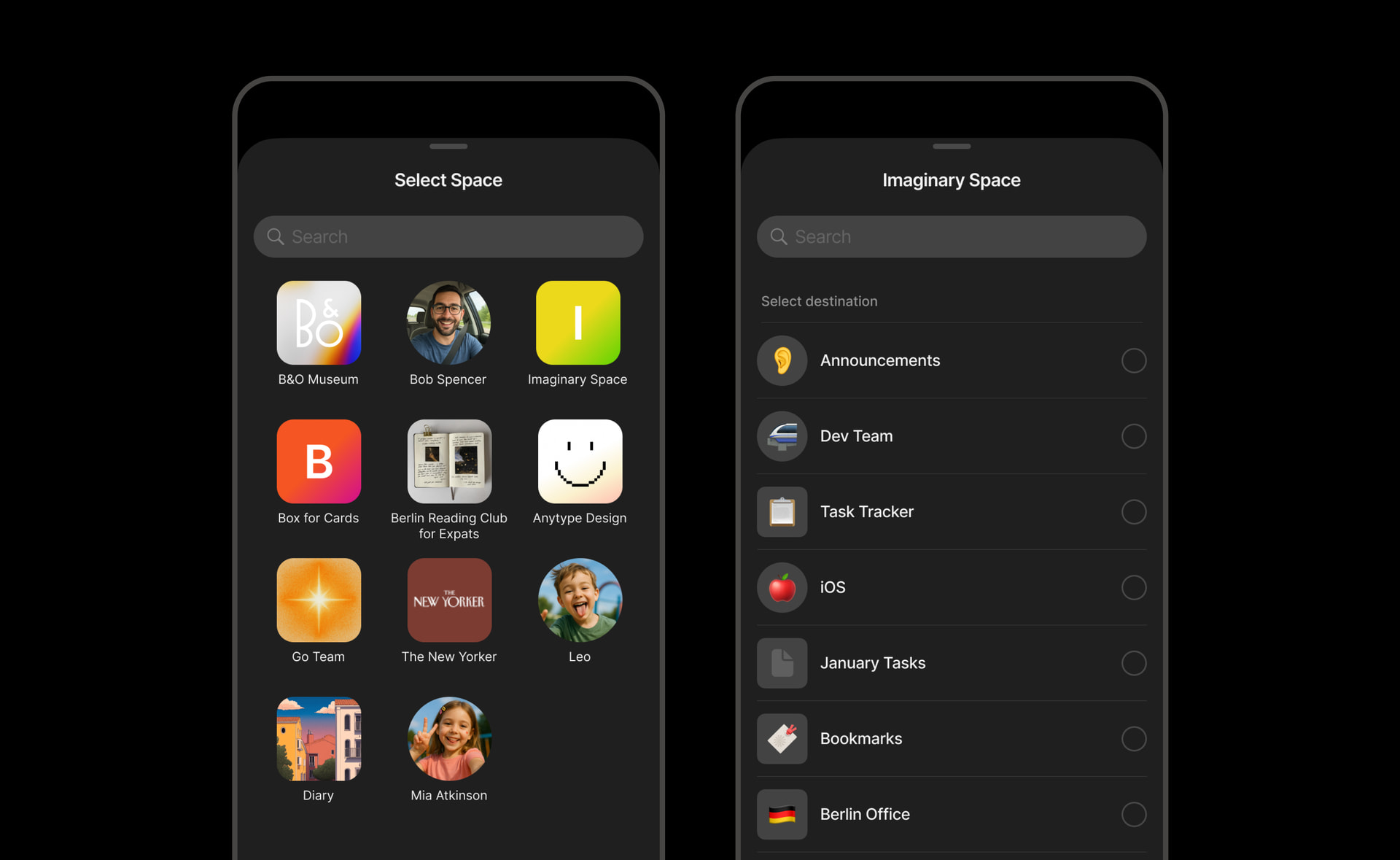
The sharing extension now supports multi-chats (chat objects), allowing you to share files to any chat within your Space Channels.
Unread Section in Widgets
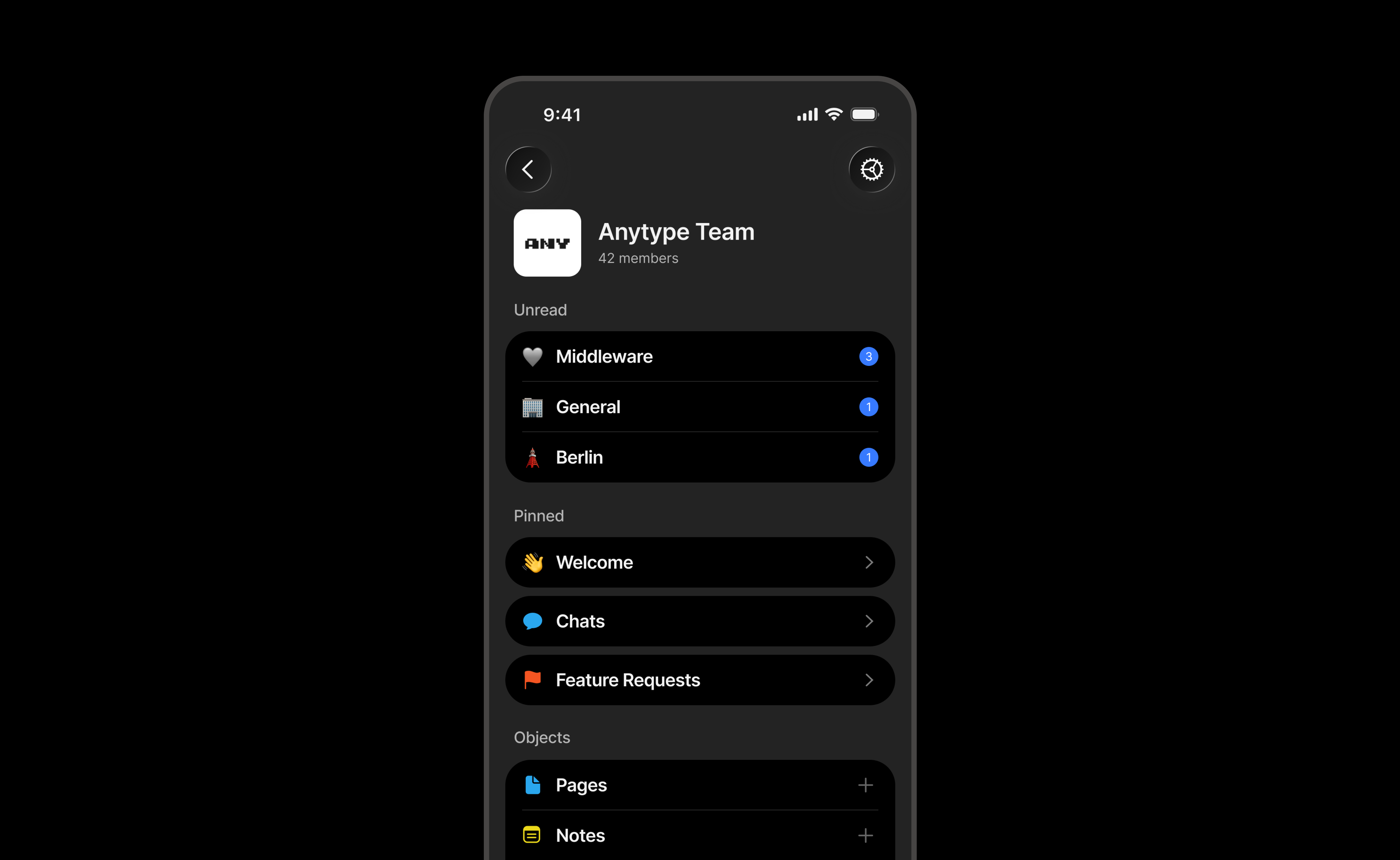
A new collapsible Unread section appears at the top of the Widget screen in Space Channels, grouping all chats with unread messages in one place for quicker access.
Chat Settings Menu
Chats now have a dedicated Settings menu with options to pin, delete, and manage Chat objects, bringing chat management in line with other objects.
Create Chats with Custom Names
You can now set a custom name and icon when creating a Chat object on mobile, making it easier to organize conversations from the start.
Improvements
Chat Experience
-
The message input bar has been refreshed with clearer buttons and improved spacing. On iOS 26, it also adopts the new glass effect.
-
Buttons for jumping to new messages have been updated to better match the new navigation design.
-
Empty chats now show a cleaner placeholder, with improved placement of the invite action.
Visual Refinements
-
The widgets screen now displays “Private Channel” for personal spaces.
-
Tag background colors have been slightly adjusted to improve contrast and readability.
-
Navigation headers now transition smoothly without flickering.
-
Bottom panels now feature rounder corners on iOS 26, aligning with the updated design guidelines.
Channel & Content Management
-
Bookmarks can now be created from more places in the app, with the URL field focused automatically.
-
Shared channels can now be switched back to private directly from the sharing menu.
-
Your Anytype ID (AnyName) is now visible in Settings for easier reference and sharing.
Fixes
-
Notifications: Fixed an issue where opening the app from a notification could cause it to hang.
-
Dates: Fixed wrong year showing on December 29-31 in some views.
-
Chat Text: Fixed letters with descenders (g, j, p, q, y) getting cut off in chat messages.
-
Tables: Fixed simple tables becoming read-only after reopening an object.
-
Context Menus: Fixed floating context menu issues on iOS 26.
-
Scroll: Fixed horizontal scroll behavior.
-
Icons: Fixed empty icon option causing errors.


