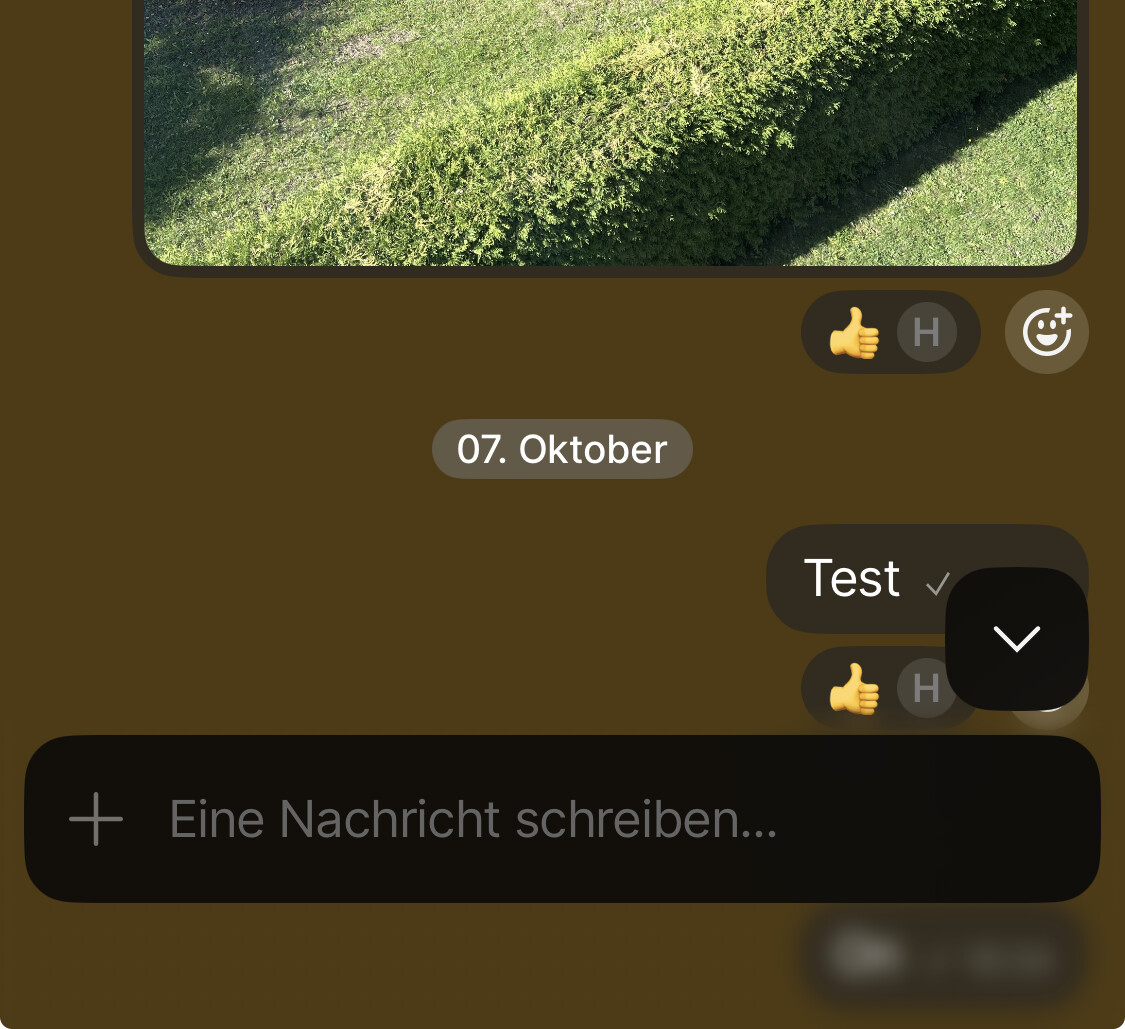
It’s finally happening: Chats have arrived on iOS.
Since the Desktop launch, Anytype Community Chat has been alive with conversation, collaboration, and ideas. Now, it’s all in your pocket – ready when you are.
Welcome to Chat
Messages, replies, reactions – the basics are here. But this is Anytype: you can also create and edit objects right inside your chats. Turn quick thoughts into Pages or Tasks, share what you’re building, and co-create in real time. Everything stays organized in your widgets.
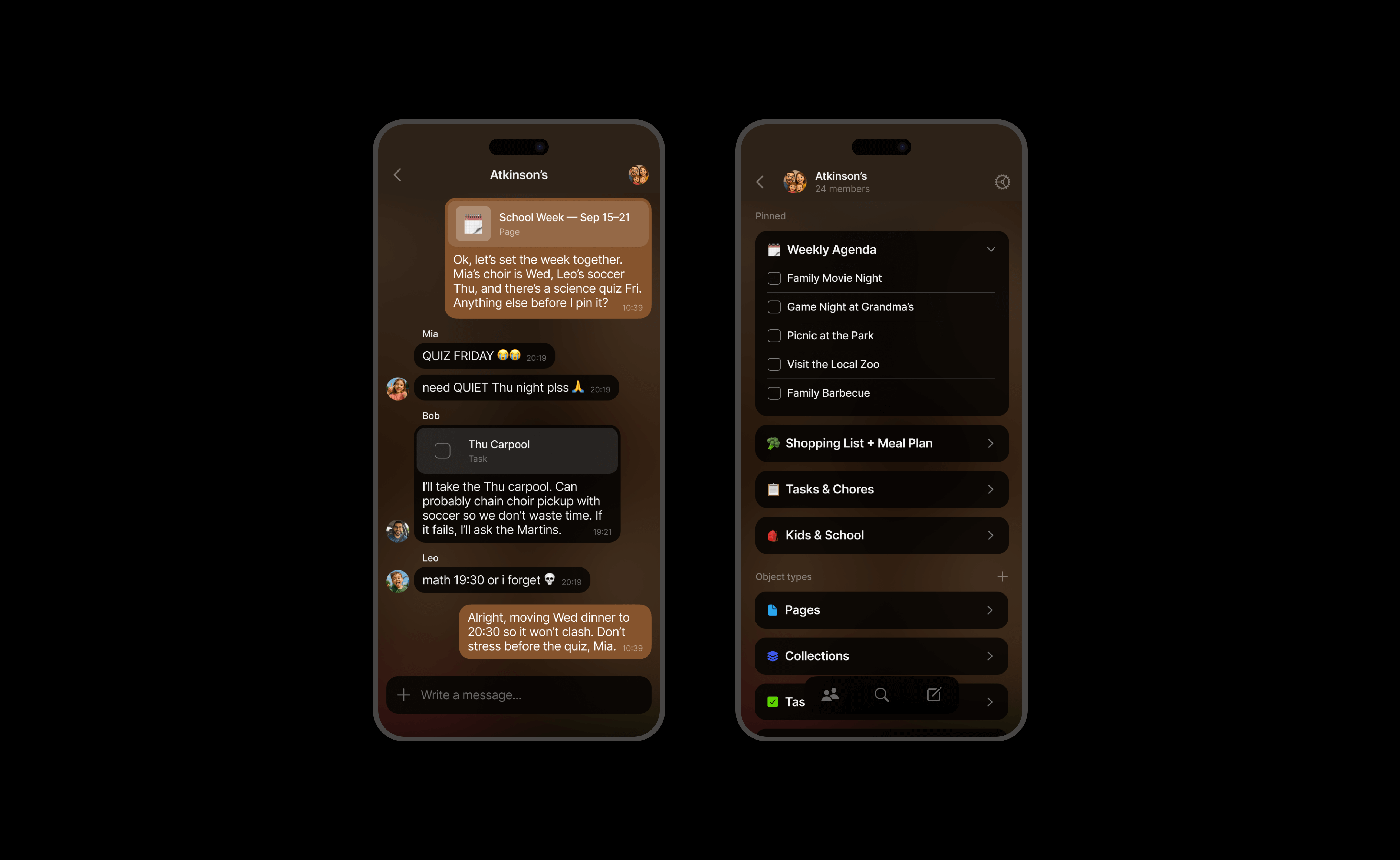
Conversations + Objects
Create new Objects directly from any chat.
Drop existing Objects in to discuss or edit them instantly.
Your chats don’t just talk – they build things.
Files and Media
Share photos, videos, and documents without the chaos. Every file you send automatically lands in the right Type (Images, Files, etc.), neatly organized and easy to find later.
Notifications
Big one: you can now receive notifications.
Choose between all activity or just mentions, mute specific Spaces or Chats with a long tap, and fine-tune everything in Settings. Because you deserve peace and awareness.
Invitations
Invite anyone to join a chat via link or QR code – no approval queue, no waiting. Just instant connection.
Chat vs Space Format
Pick your layout:
Chat format keeps the conversation front and center.
Space format focuses on your widgets and data.
Switch anytime in Settings to fit your workflow.
Widgets, Rebuilt for Clarity
We’ve reorganized widget navigation into two collapsible sections:
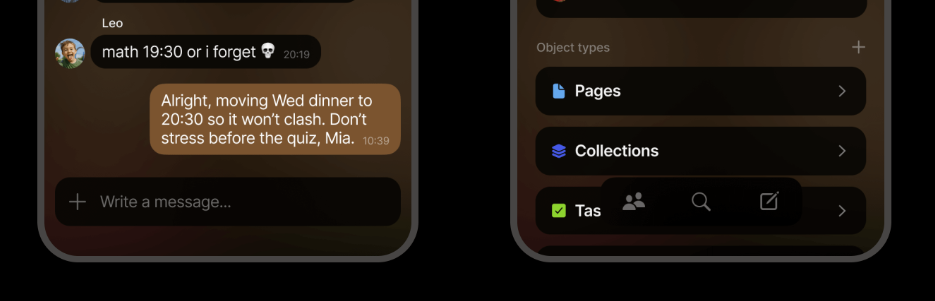
Pinned: Your go-to widgets, always within reach.
Object Types: Now easily accessible – each Type works like a mini dashboard.

Your old pins are safe in the Old Pinned widget – re-pin what you need and tidy up.
Heads up: if you remove Recently Edited or Recently Opened, you can’t re-add them, but Queries can do the same job (and more).
Duplicate flows like Edit Widgets and All Objects are gone – there’s now a single, unified way to pin and organize.
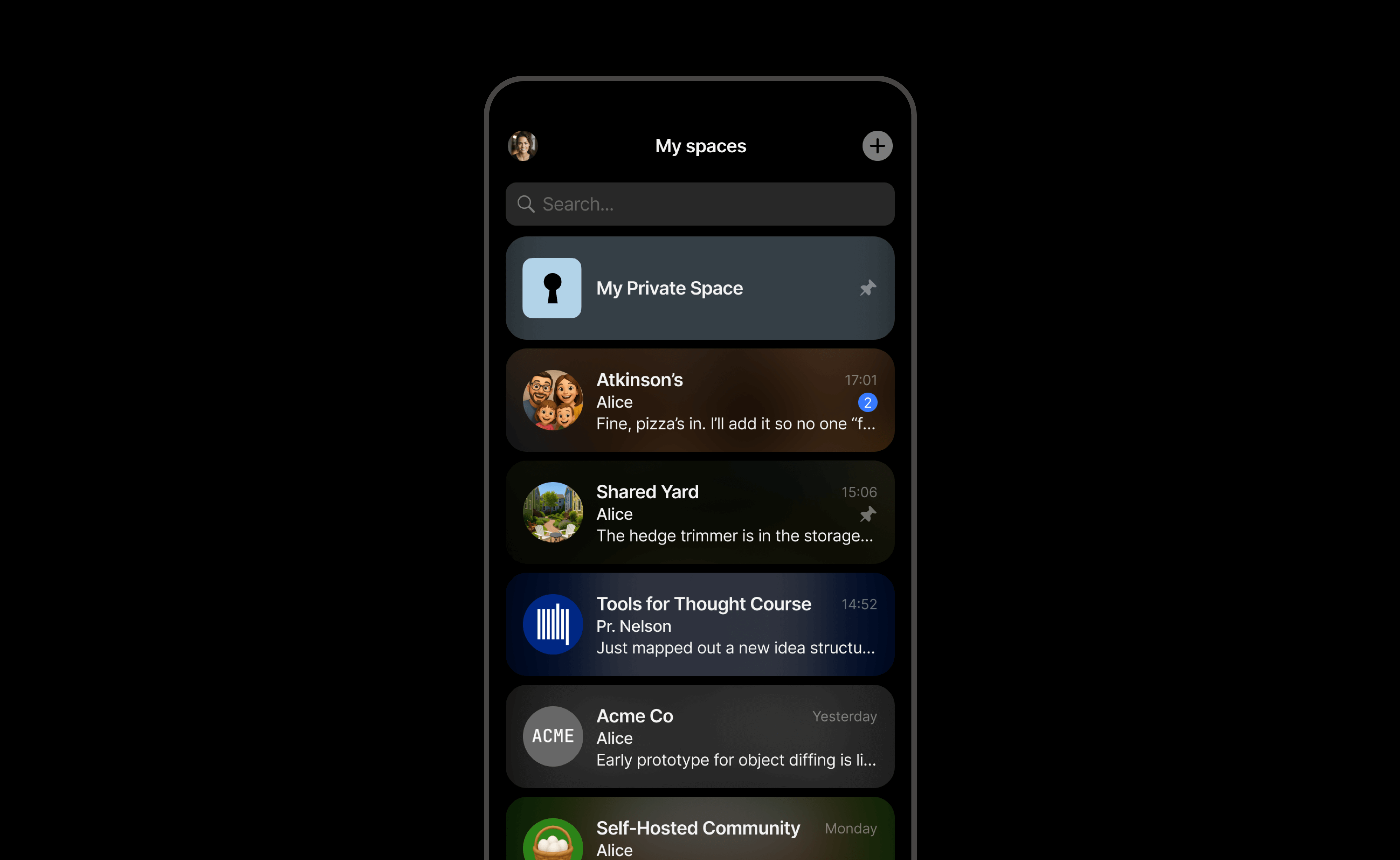
The Vault Update
Spaces and Chats now live side-by-side in a single view, with live previews and updates.
- Round icons = Chats
- Square icons = Spaces
Pin your favorites, reorder as you like – the rest automatically sorts by recent activity.
Improvements
Sharing Extension
Completely redesigned and chat-ready. Share photos, links, and files directly from iOS apps (Safari, Photos, Files, etc.) into your conversations.
Slash Menu in Editor
- “Take photo or video” and “Add link” moved up for quicker access
- “Style” → Text Style
- “Objects” → New Object
- Submenus now include visual indicators
Fixes
- Faster space loading and opening
- Approval controls appear only for Space/Chat owners
- Bin Widget now fixed at the end of Object Types
- Improved reliability across Sharing and Vault navigation
- General sync and stability tuning
 Wishing you guys much success from the bottom of my heart! Especially in a world where everything gets more and more censored, controlled and observed there’s a huge need for professionals like the Anytype team who focus on new technologies like this! Thanks a lot for all you do!
 It feels more harmonious on yours.