Hey, Community!
Direct Channels are here – the missing piece of the chatting puzzle. You can now communicate with someone directly. As simple as that.
And because we never ship just one thing, this release comes packed with usability upgrades across the app.
Direct Channels
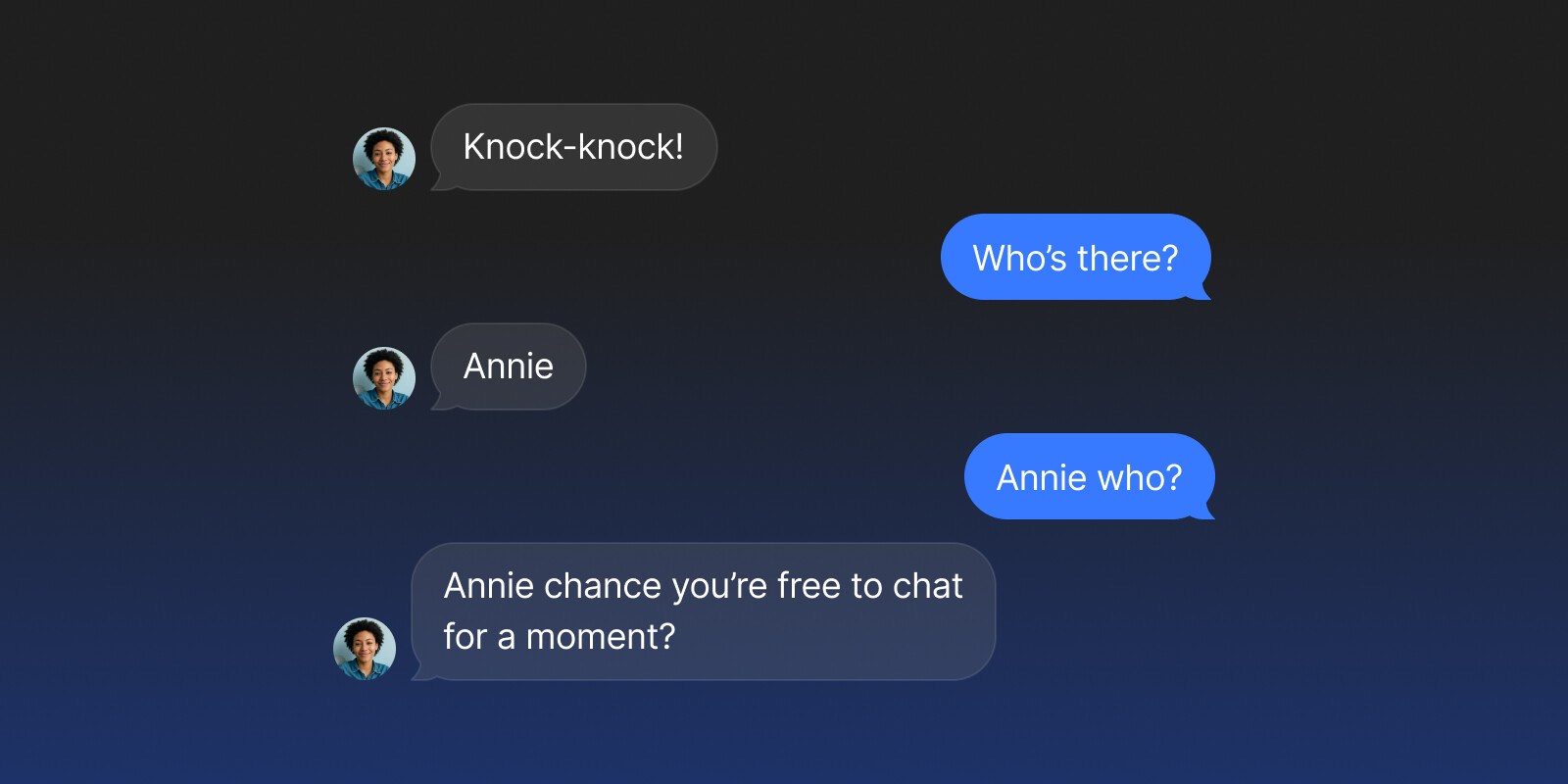
Sometimes you just need to talk to one person. Privately.
Direct Channel is a one-on-one connection between two members, where both participants have equal access: no admin, no hierarchy. Just a place for quick check-ins, sharing an object, or whispering memes in the middle of a project. It’s simple, it’s lightweight, and it just works.

-
Send Message: If someone is already in one of your groups, open their profile and click
Connect. -
Share Profile: Every member’s profile now has a QR code. To share yours, go to Settings and find the Share Icon in the top-right corner →
Copy LinkorDownload Code.
Quality of Life Improvements
Vault Stripe View
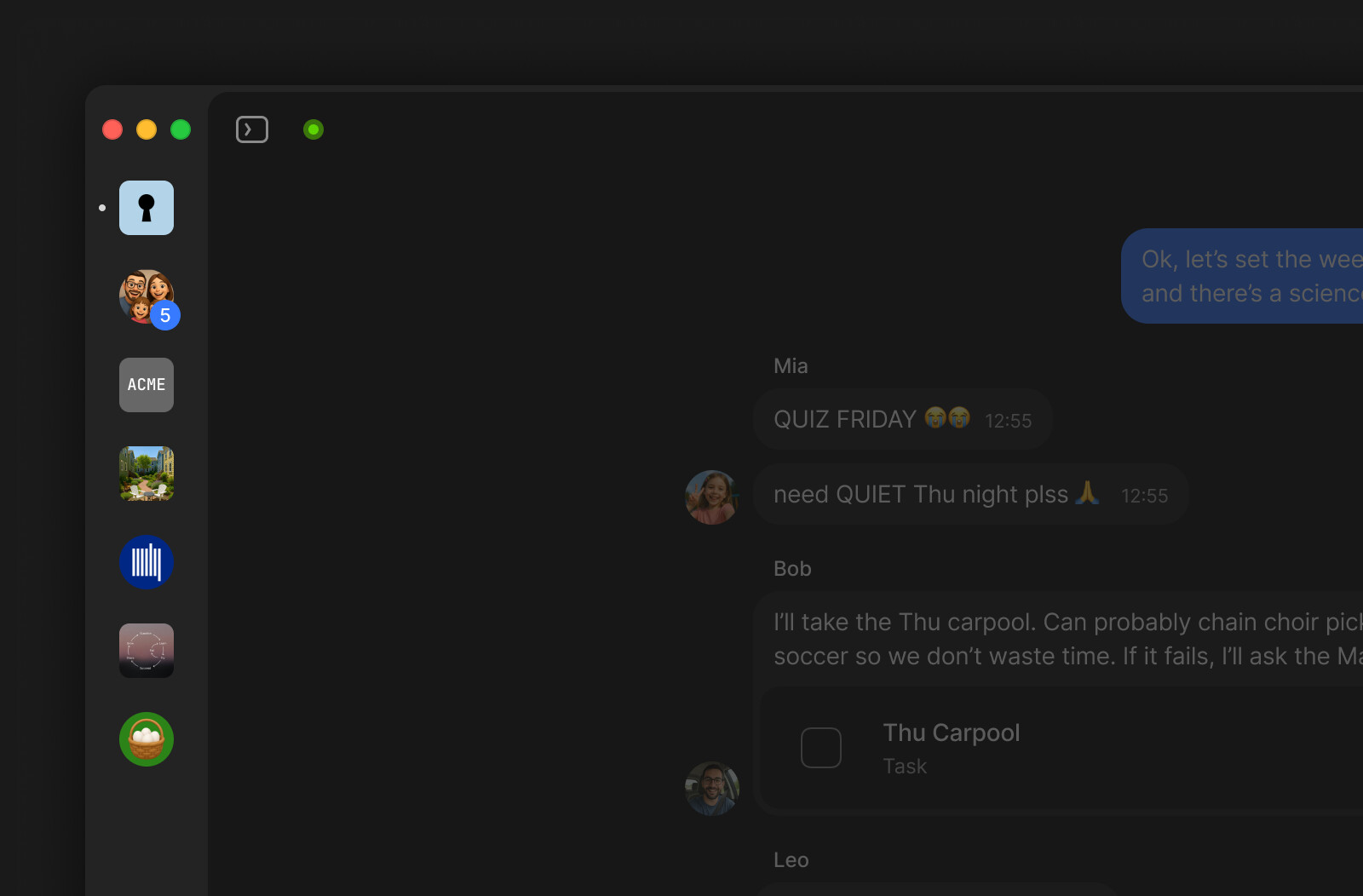
The Vault now supports a more compact, icon-only mode. Drag the edge of the Vault area to adjust its width: once it becomes narrow enough, the view switches to an icon-only layout, giving you more room for your content.
Manage Widget Sections
Find “Customize Sidebar” in the Channel context menu or hover over the three-dots menus next to Widget sections. From there, you can reorder & hide the Pinned, Recently edited, and Objects sections.
For Recently edited, you can also choose whether it shows changes made by any member or only by you.
Dragging Objects Between Views
You can now drag an Object between views inside the same Query or Collection. When you drop it into another view, its properties update to match that view’s filters, just like when you create a new Object directly in that view.
Magnetic Stops for Resizing Images
Resizing multiple images on a page is now easier and more precise. When you resize images, the width handle snaps to visual “magnetic” stops so you can quickly align them to the same size.
Copy Images to Clipboard
You can now copy images directly from blocks in the Editor, or from the Object menu when media is opened in full screen.
Bandcamp Integration
Added support for embedding the Bandcamp player as a block in the Editor. Many thanks to @imrehg for the contribution!
Apple Music Integration
Added support for embedding the Apple Music player as a block in the Editor. Many thanks to @jhoffi for the contribution!
Delete/Leave Space from Vault
The “Delete Space” and “Leave Space” actions are now available directly from the Vault context menu. Right-click a Space or Chat icon to access them.
Bug Fixes
Chat & Messaging
- Opening an object from chat now follows the “Open objects in fullscreen” account setting.
- After opening a file from a chat link, both the mouse back button and the UI back control reliably return to the chat.
- Selecting text inside an attached object in a chat no longer opens an object unintentionally.
- Clicking “Play” in a video preview automatically starts the video upon opening in full screen.
- Wide images keep their layout when editing a message.
Editor & Blocks
- Adding a new line above or below an embed block no longer causes the embed to flicker or the page to jump. Thanks to @Cephalo!
- Inserting Unicode or emoji separators between links no longer appends an extra letter to the following link. Thanks to @cicko!
Widget Sidebar
- Newly created Types and their Objects now appear immediately in the Objects Widget without requiring an app restart. Thanks to @Hexara!
- Fixed a visual bug where Widget header buttons could blink during animations.
Objects & Views
- In zoomed-out Graph views, Object hover popups now appear directly at the cursor and no longer get stuck at the left edge of the screen. Thanks to @Code-Jack!
- Fixed an issue where opening a Collection from Graph in a modal and expanding it to full window could remove the New button and break view layout switching. Thanks to @Code-Jack!
- Mentioned-object previews now close as soon as the cursor leaves the mention’s actual bounds. Thanks to @sandyeggo!
- Fixed inconsistent drag-and-drop behaviour in Kanban.
Miscellaneous
- Editing a Type correctly displays and pre-fills the current Type name and title.
- The Published Date column on My Sites now fully displays long date formats without truncation.
- Clicking a Space invite link when you’re already a member now jumps straight into that Space.