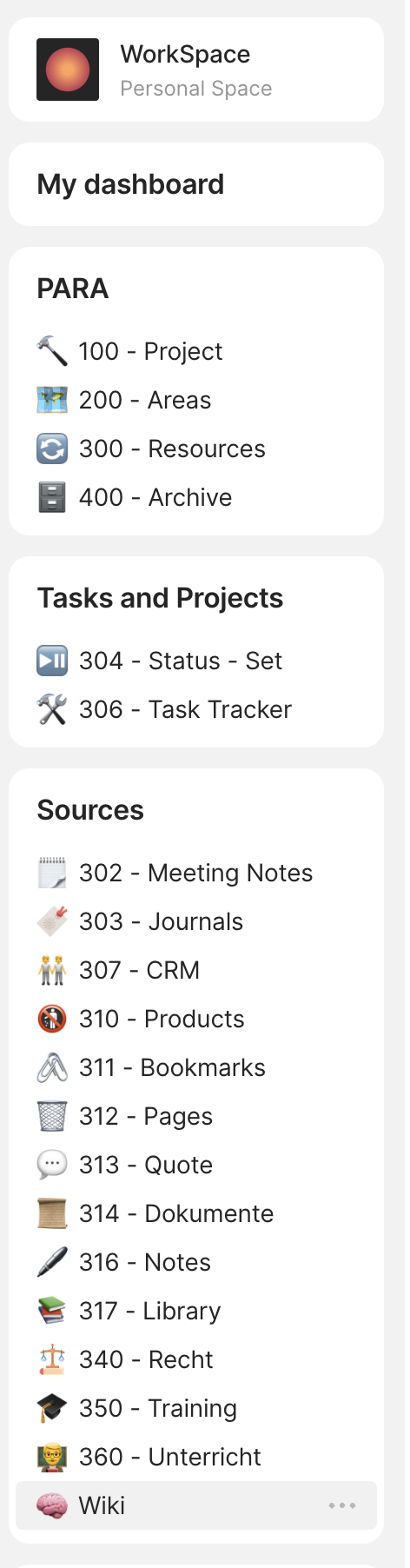
Ah yeah, you can’t do that since collections only contain, the stuff you link them to. That’s exactly what sets are for. I was just wondering, why exactly would you want it to be a collections instead of a set since they are no real differences between them in this case.
but as far as I can see, i can only query objects with a set, not for example tags.
A set is a query / live search basically. You can use any type or any relation as a source of a set. You can set a tag relation as a source of a set, and it will show all objects that have that relation.
Thanks for pointing that out, I didn’t see it xD
Well, no need for collections for now.
This is amazing work! Thank you so much for sharing your experiences and setup in detail!
Wonderful work @thePauker! Would you mind if I use this to create a post and share it with our social media audience?
Sure. Go ahead!
Do you have any handles you want me to add? I’d love to give you credit.
Thanks 
Masterdon: @thepauker@bildung.social
Twitter: @thepauker
you’ve got some pretty impressive stuff put together!
thanks for sharing!
I’ve been trying to implement a little bit of this today and had some trouble.
I’m not sure if this is a bug, but I’m unable to filter an inline set by object type (task) and “linked projects”
I guess I should explain what I’m trying to achieve.
I’m relatively new to anytype and I’m trying to learn a bit here and I’ll say it’s much more in depth than my previous note taking application (org-mode). What I’m trying to come up with here is a way to organize my projects. So for a project, with many tasks, I’d like to have a single page that contains my notes, files, ideas, and ultimately the tasks for that project.
I can create an inline set in a project template, however I can only filter via either a relationship OR an object type. Not both. Which leaves me with all tasks in anytype on a project page or anything associated with the project in one big list, not what I’m really going for.
Am I missing something?
Okay, so I figured out how to do this… In a round about way.
Maybe my brain isn’t working today but the option to filter by linked projects doesn’t appear until after adding the “linked projects” column to the task list. A little weird but it works.
Great. Sorry, I forgot to reply


I really like your approach and it’s almost what I am looking for.
I am an IT consultant as well dealing currently with three clients and 5 different projects. Right now I am still trying out Amplenote and I like the fact that I can create notes and in notes tasks that can be searched and backlinked.
I am still trying to find a way to create an object “Meeting Minute” that belongs to a project and contains Task. I still have an issue or maybe issues understanding the “concepts”.
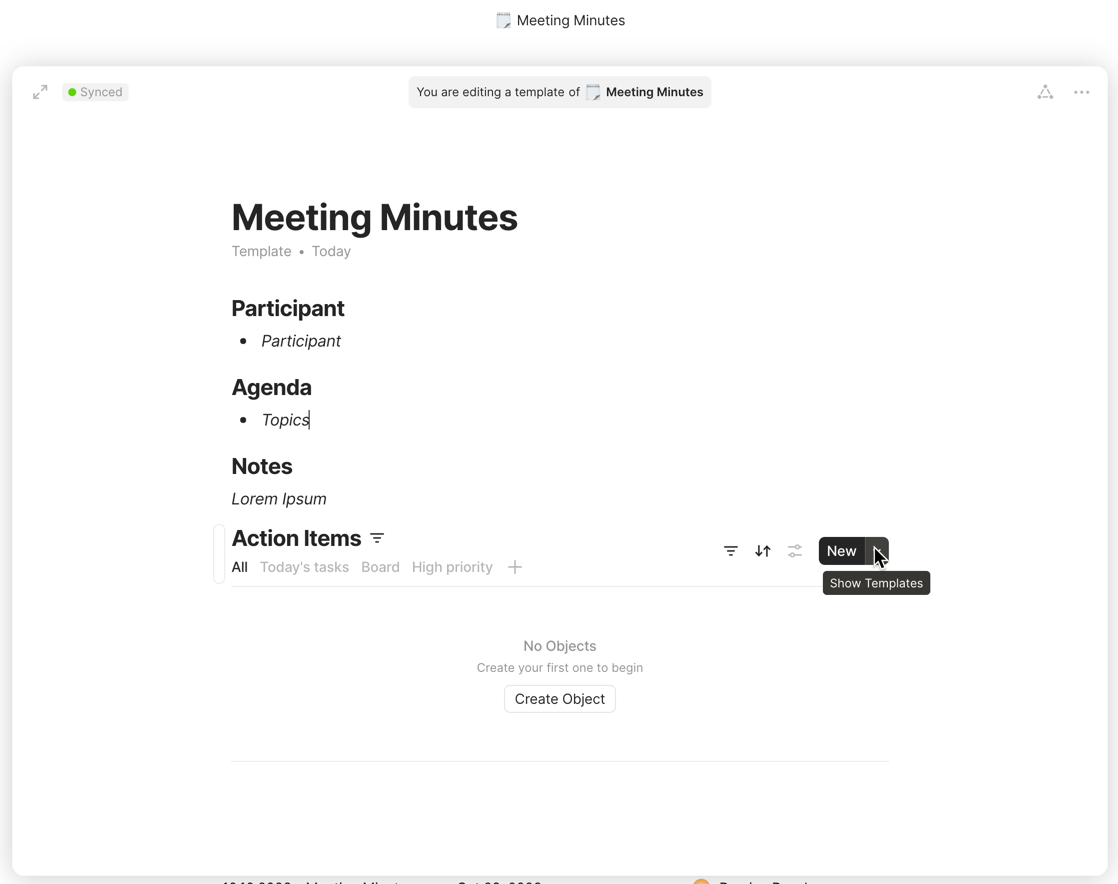
I created the object and prepared a template where I used an inline set of Tasks.
I can create tasks now, but once create them and move on, they disappear and there is no link between the tasks and the current note.
Any ideas?
Hi,
I get your issue. The key are self referential filters.
Meaning; your template is set to filter to itself.
When you add tasks, you also need to add them to the project.
I created rather large post in my para system: Application of PARA and CODER with Anytype | haak3.de
And here a new one on meetignotes ( in German for now, working on the translation) https://github.com/ChristianHaake/haak3.de/blob/main/articles/2023_Anytype/2023_Anytype-Meetingnotes/2023_Anytype-Meetingnotes.md
H Pauker,
danke dir! Many thanks. I will check your content today and try out. Will post it if it works 
BR Damian