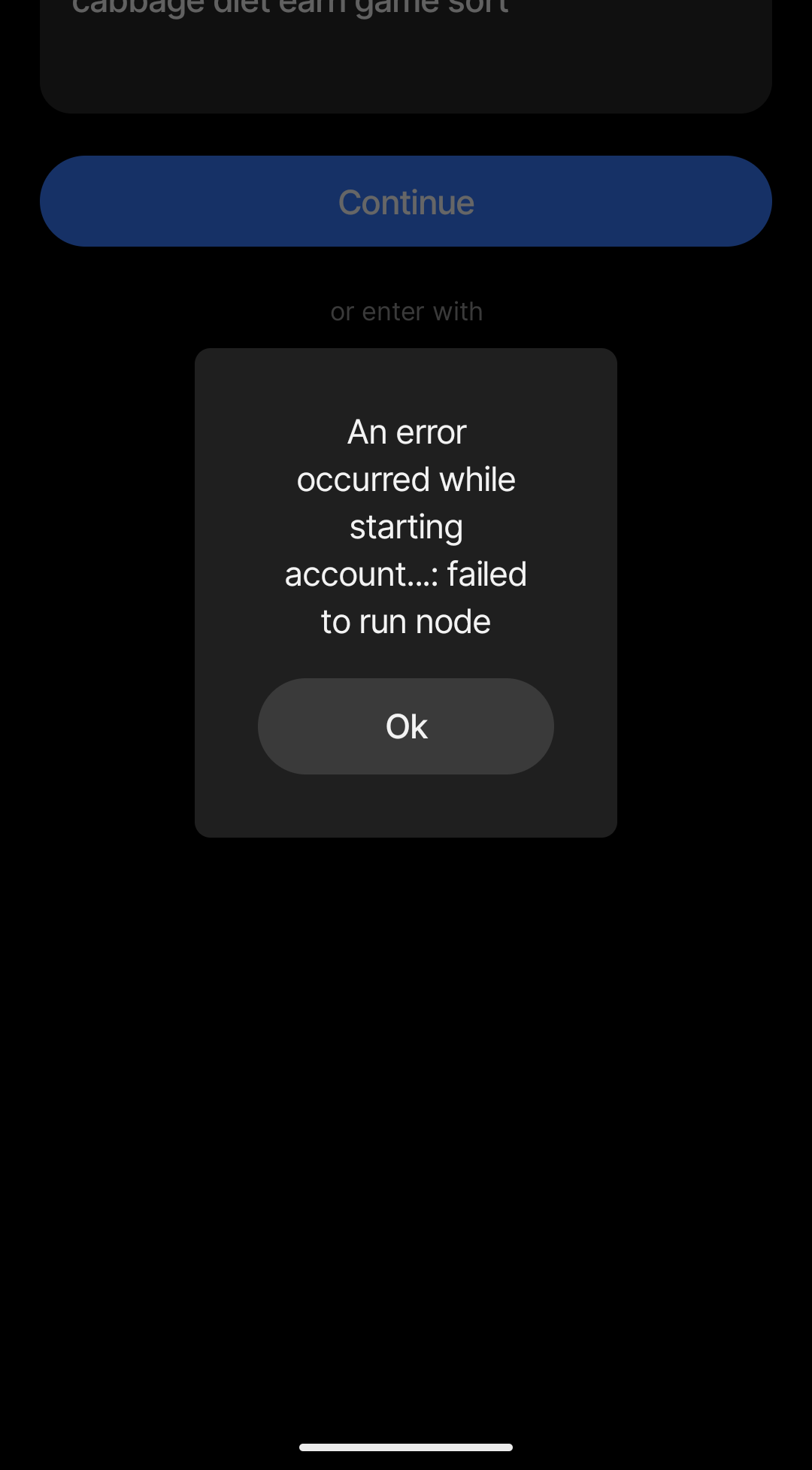
Uninstalled The Alpha Build To Install The Stable Build, Copied The Code, Pinned It In The Clipboard, Reinstalled It Via The Obsidian (Sorry Obtainium), When Tried Login; This Error Shows Up:
An Error Occured While Starting Account…: Failed To Run Node
Thanks for posting this. I’m unclear on your method of installing the app. Have you tried doing a vanilla install from the app store and seeing if this works?
Oh, I Actually Didn’t Know That It Is Indeed Available In The Google Playstore
I’m Using GrapheneOS Installed In The Google Pixel (From The 10 Series) And Can Install The Anytype From The Aurora Store
Until Now, I’ve Been Installing It Via The Obtainium (Not Obsidian, Sorry For That) By Adding It Via The GitHub Repository, I Basically Checks The Actual GitHub Repository And Installs The Latest Release When Available, That’s It!
It Is Like An App Store But For The GitHub Repository With Pre-Build Application Packages Released In It
Additionally, Have A Bit Of Doubt… Is It Okay To Write ‘AnyType’ In Place Of ‘Anytype’?
It’s possible that you have some artifacts remaining from your other custom installs. I suggest that you completely remove all traces of Anytype from your device and then installing from the app store. It should work without issues.
Apologies, but it’s a little bit hard to understand your issue. Is it that your seed phrase (12 words) is not working? Are you able to create a fresh account and enter the application?
I Think I Would Definitely Be Able To Create A Fresh Account But Tge Thing Is That I Got My Notes In The Previous One Which I Really Don’t Want To Loose…
I Hope I Made My Concern Clear
When I Enter The Code, It Shows The Original Error Mentioned Above
For your original account, were you synced using the Anytype Network or were you in local-only (or self-hosted) mode? Only accounts that have been synced to the Anytype Network can be restored onto a device. Is it possible that:
Your previous account was not synced to Anytype Network?
Your seed phrase is not correct?
If you are logged into your account on another device, you should be able to use that to recover it.
Firstly, The Synchronization Was Done To The Anytype Network, Not Self-Hosted
Secondly, The Seed Is Definitely Correct, Was Directly Copied As A Whole Text And Saved In The Clipboard And It Doesn’t Show Invalid Code When Entered Instead Of A Wrong Seed (Even With The Same Characters/Spacing)
I Believe That The Error Is Unique To The Situation And I Really Should Be Reporting This In The GitHub Repository