Allow images to be used in set lists

WHAT DO YOU RECOMMEND

Set lists should allow you to include images from the object when displayed.

REAL WORLD USE CASES

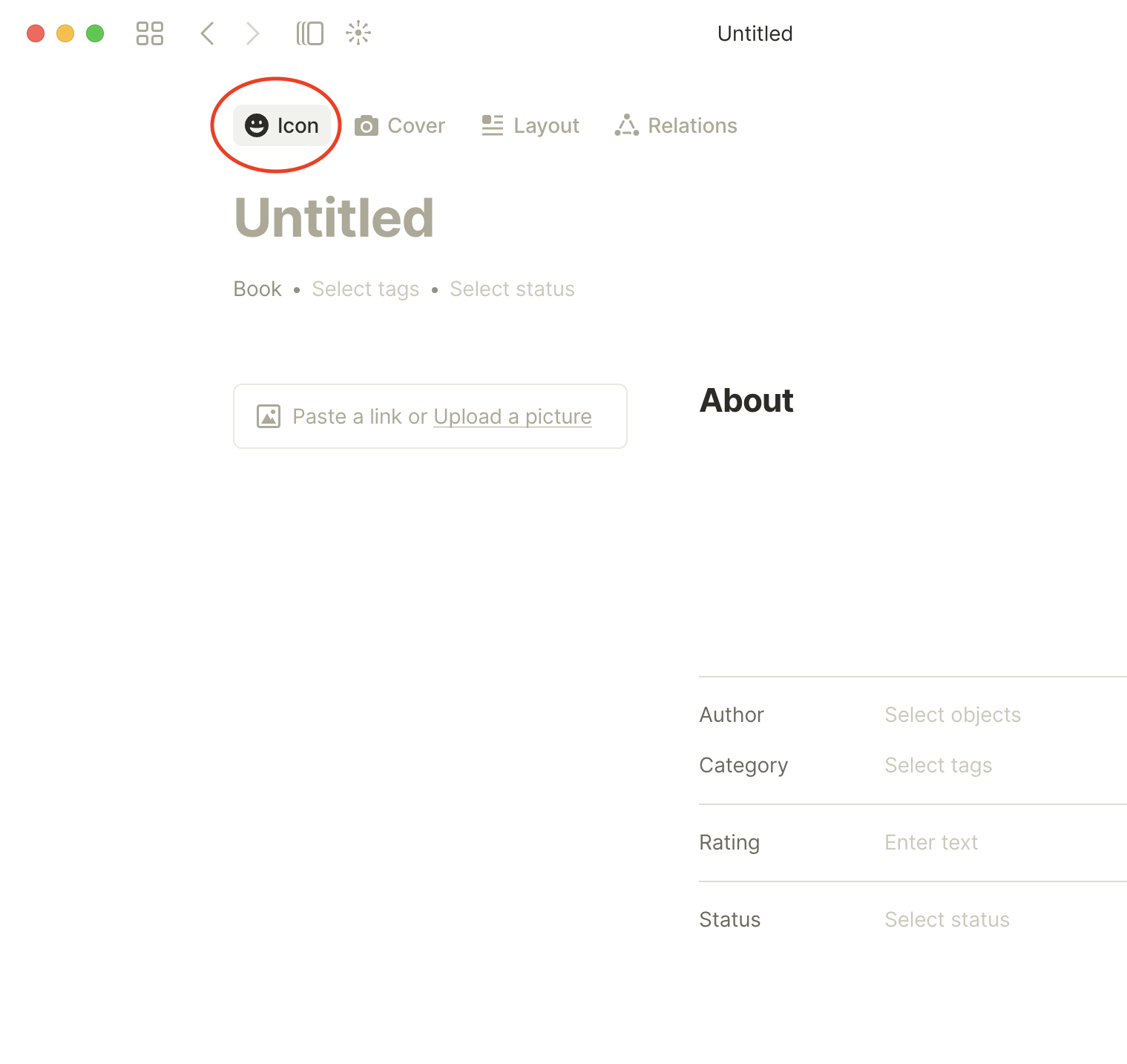
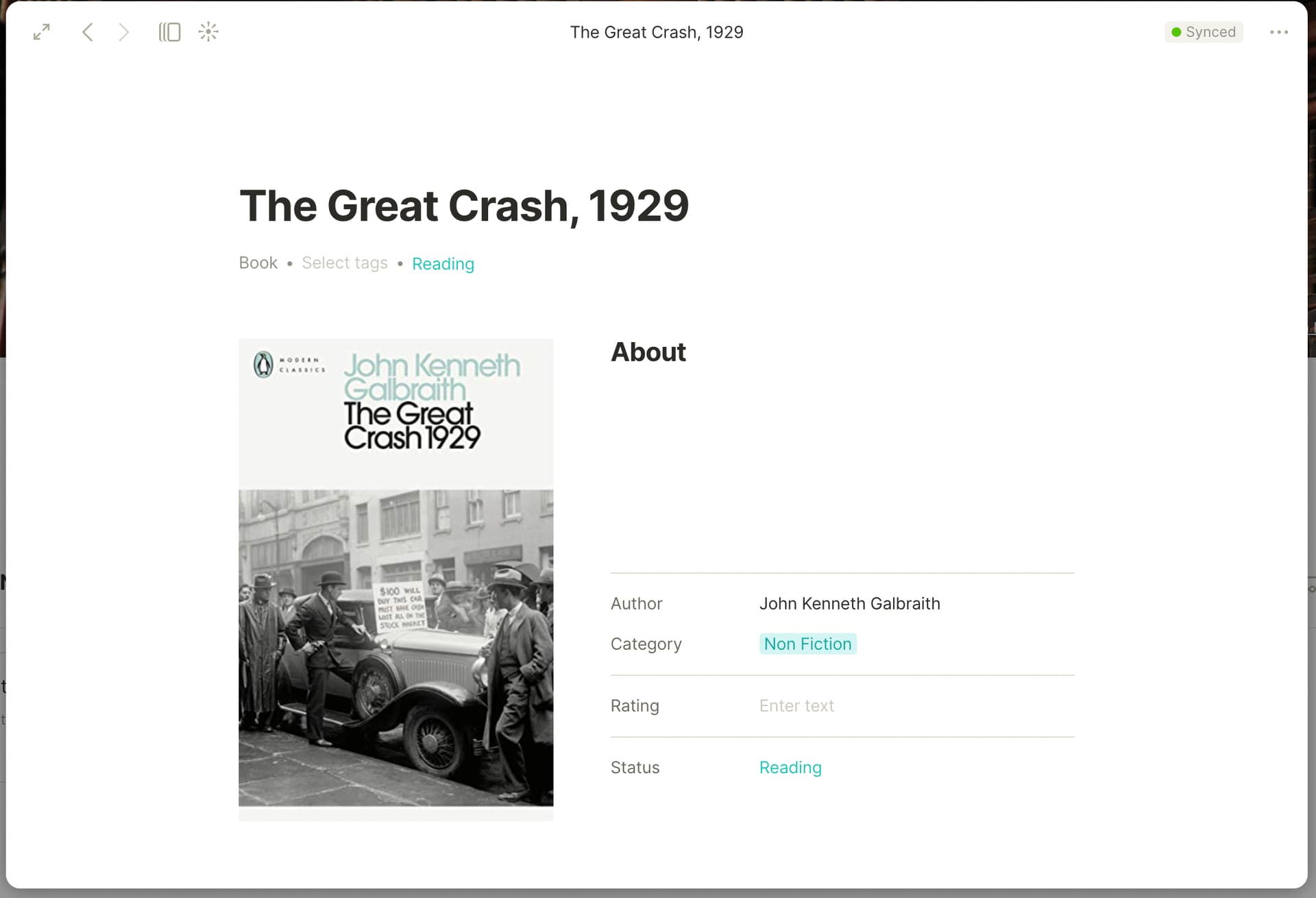
The book template is really nice, and I particularly like that you can upload a cover image from a file or via a URL link:

but then the set list of all my books doesn’t allow me to use that image and looks really boring.

@boulderer You can achieve this by adding the cover image as the book’s icon. Same result for graph view.

Also have a look at this My personal library topic posted by @Konstantin in the showcase section. I think something like that is what you’re aiming to do.

Sure @angelo, but why doesn’t it do that automatically?

Using this workflow I need to:

  1. Get the URL of the image from Amazon/Google.
  2. Paste that URL into the “paste a link” section
    (Love this so far, but then it goes off the rails because I then need to:)
  3. Download the image from Amazon/Google
  4. Upload it via the icon button.

At an absolute minimum there should be an option within “icon” to “use images on this page”.

Ideally the template would allow you to specify where it should get the icon from so I only need to deal with images once.

I agree, it would be great if it were a set-wide option (use book cover as icon) at the creation of the set. The idea currently with the icon is that it’s a customization / personal touch, and some folks will opt for traditional looking icons for their (text)books, etc.

I have something similar for my books and the way I found to show the book covers on a Set was by using the relation “Attachments”. It can be a bit complicated if you copy and paste a book cover because it might have a random name.

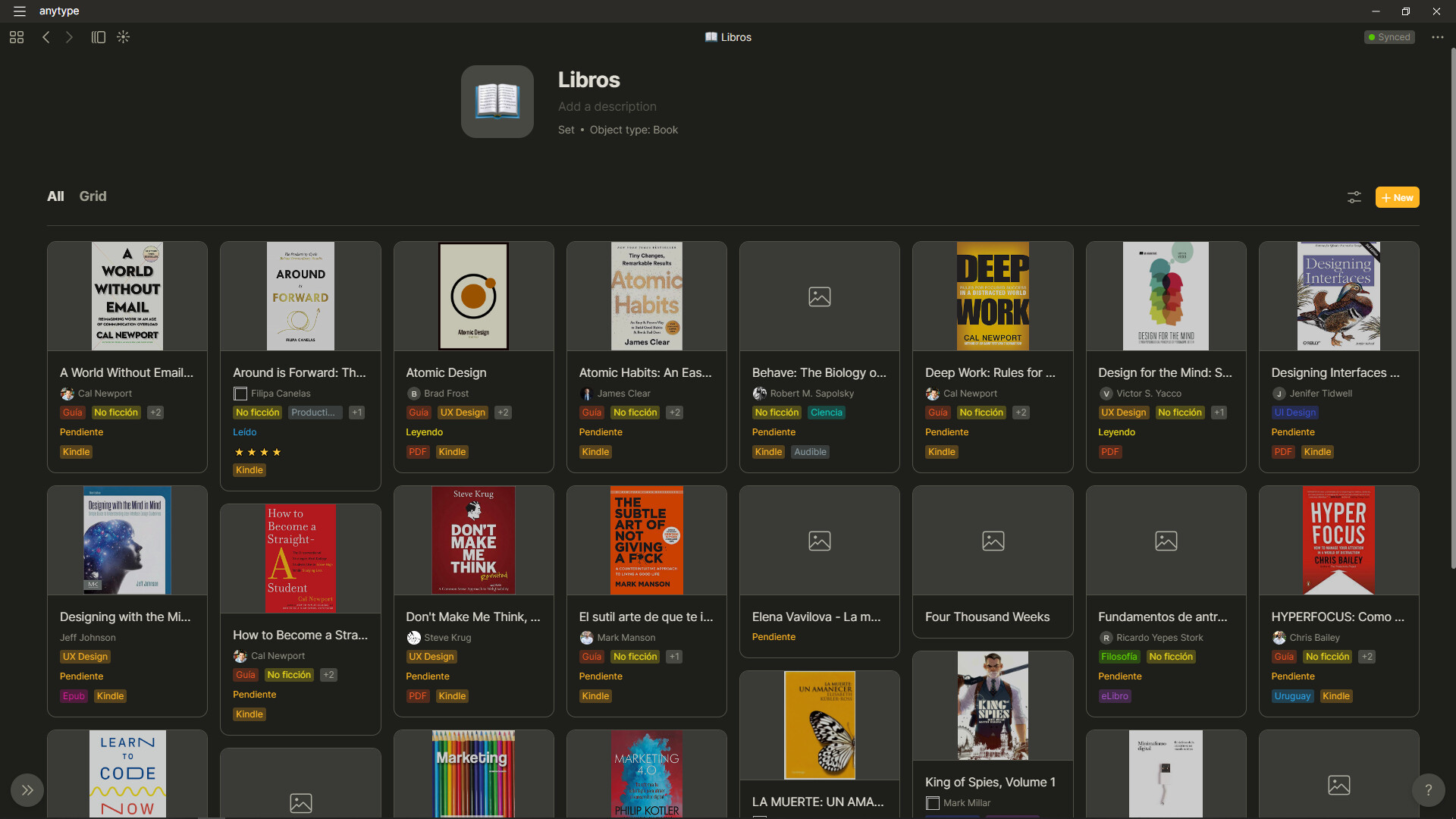
This is how my set looks:


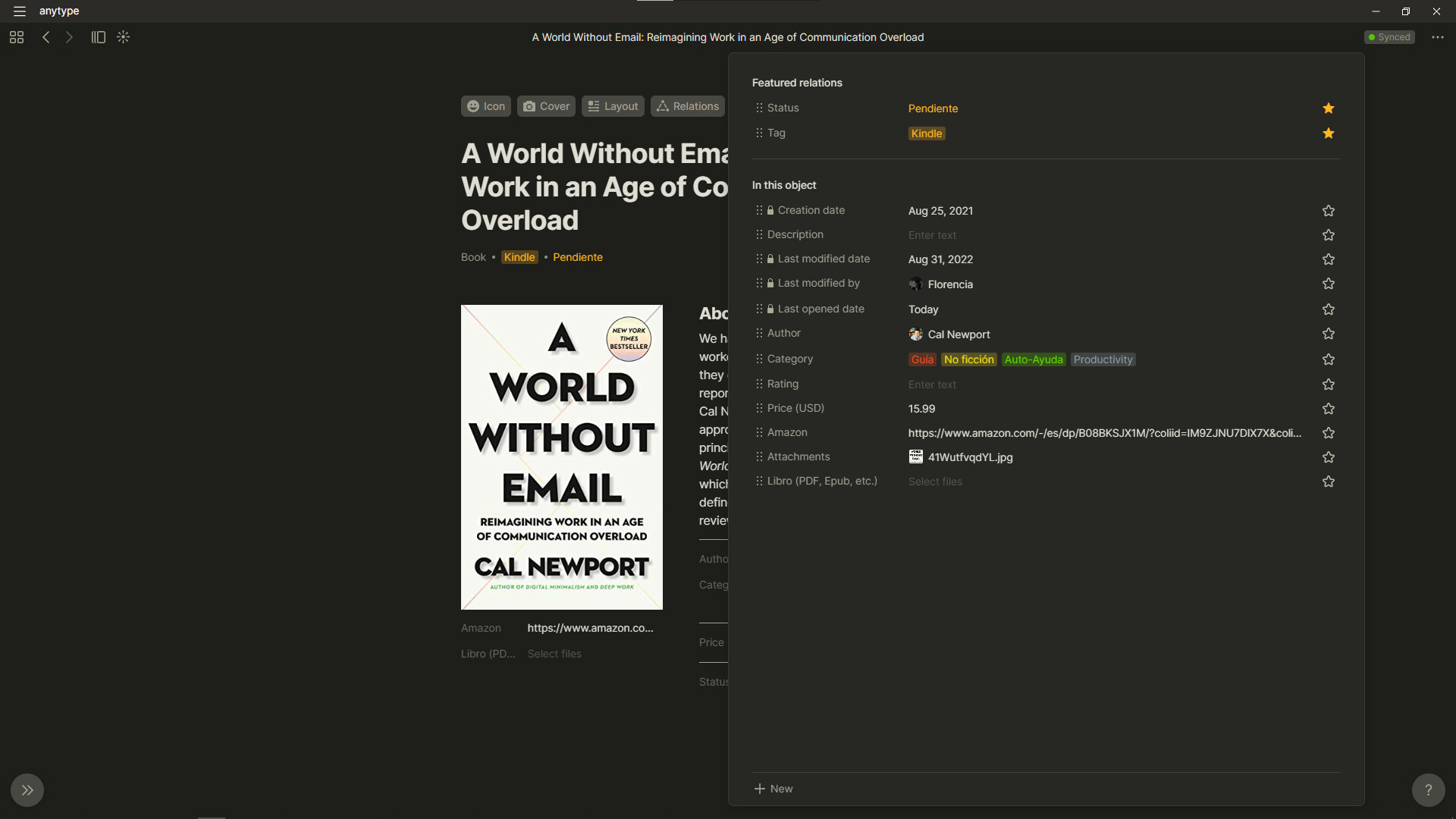
Book page, here you can see “Attachments” with the cover of the book (the hardest part is to find it😵):

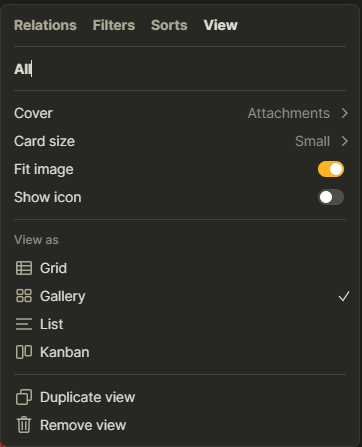
Book set settings:
image

Is not the best option but I couldn’t see my set without the covers, it would be nice if I didn’t need to do the “attachments” step.