I used anyType on 3 devices (Windows, 2 Android). Version 46.3. Everything was synchronized with each other
Today I tried to log into anyType from another Windows device, version 46.4 was automatically installed. When logging in, I found that the space was empty. After that, the entire database, all folders, texts, and so on disappeared on the main Windows device where the space was originally created, and on one Android device.
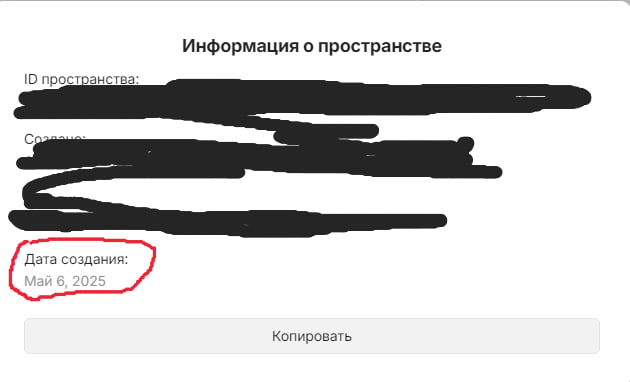
What could be the reason for this? And how to fix it and get the whole database back? The keyword was entered the same everywhere and correctly. The creation date has also been updated, although the space was created about six months ago. It turns out that by entering my space, created six months ago, using a keyword, I created a new one
How To Reproduce It
Log in to anyType of a different version from another device
The problem occurred after trying to log into the space from the first device in the list. The second device in the list is Android. The rest of Windows
OS version: win32 x64 10.0.19045
App version: 0.46.4
Build number: build on 2025-04-24 10:15:57 +0000 UTC at #923bc2c8ad34e7b6babbd5edaa6aefef3b432341
Library version: v0.40.18
Anytype Identity: AAa1bqqQLzMtAsFpUfnqaiPvJM7yi2kBMGuvUgdarFLoy8Qg
Analytics ID: MeExmF81e9xof17e198gFHkHJuboqyADkhczMhbNFa2AmVbU
Device ID: 12D3KooWC4vjZdPATJpiRfUDVv2tQpBfNnFotHCsQ1RqJMbUHGbp
Ethereum Address: 0x4724212b04F470764D18Bc57576B740cd2F68A91
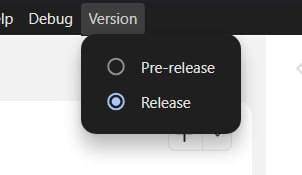
Did you perhaps change to pre-release version and then changed back to release versions of the app without remembering it?
Another issue could’ve been if you changed your data location to somewhere else, but didn’t do it properly (since you are using local-only mode).
Try to switch again the version.
Each version has its own folder with data (to prevent problems).
In local only, it cannot resynchronize from the server to retrieve the data in the empty folder. But the data is potentially still in the release (or pre-release, depending on the version previously used) folder.
I’ve tried many previous versions. The data is not being restored
Previously, before the problem arose, I made a copy of the folder with all the data.
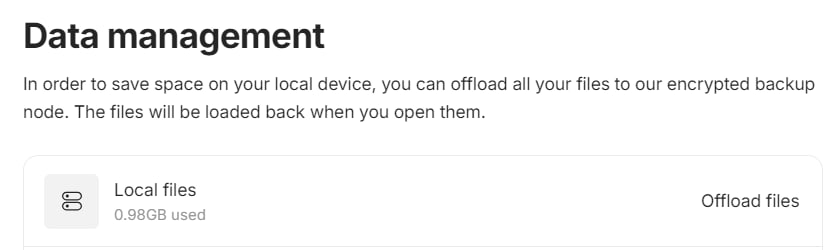
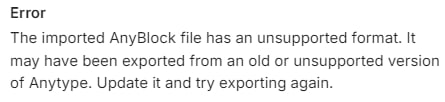
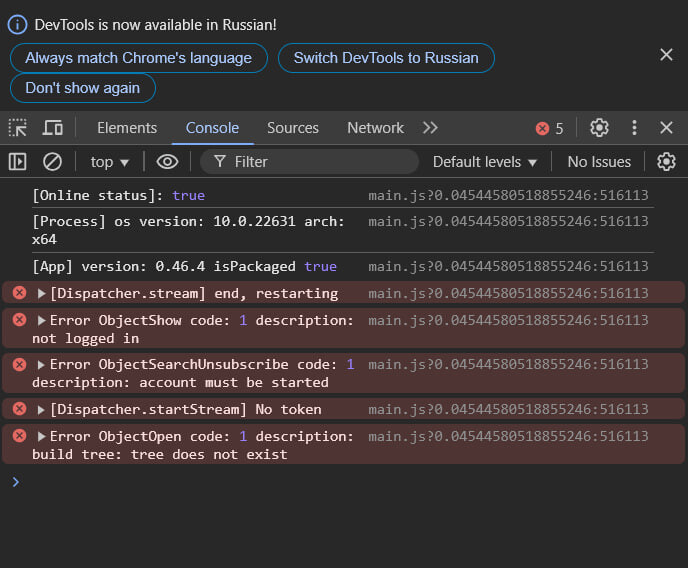
When you select this folder as a data storage location, before logging into your account, on a Windows device (Screenshot 1), it also shows that 0.98 GB of local files are being used (Screenshot 2), but an error occurs and the data is not restored (Screenshot 3)
I also made a mistake in the testimony. Network Mode Was Used: Anytype (Screenshot 1)
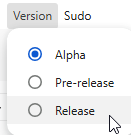
For the avoidance of doubt, the switch mentioned by Filip is the one in the Version menu, it’s the one you may have modified and in this case, it’s the one you tried to remodify?
The switch was on Release all the time. I switched it to Pre-release when I wanted to update the Anytype version to match the app versions on all devices, then switched back to Release.
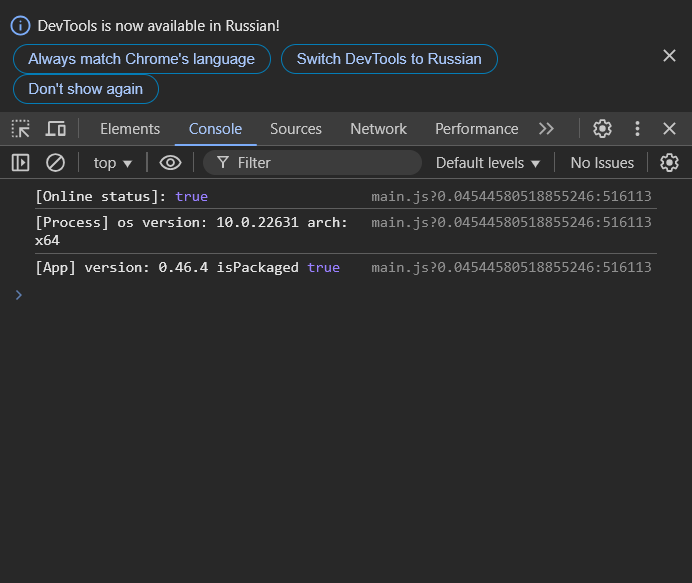
No errors were detected in the console.