Shampra
February 4, 2025, 12:53pm
1
Without an automatic publish method, we can have a published page different from the current page into Anytype (more recent version).
Actually, we can’t see that.
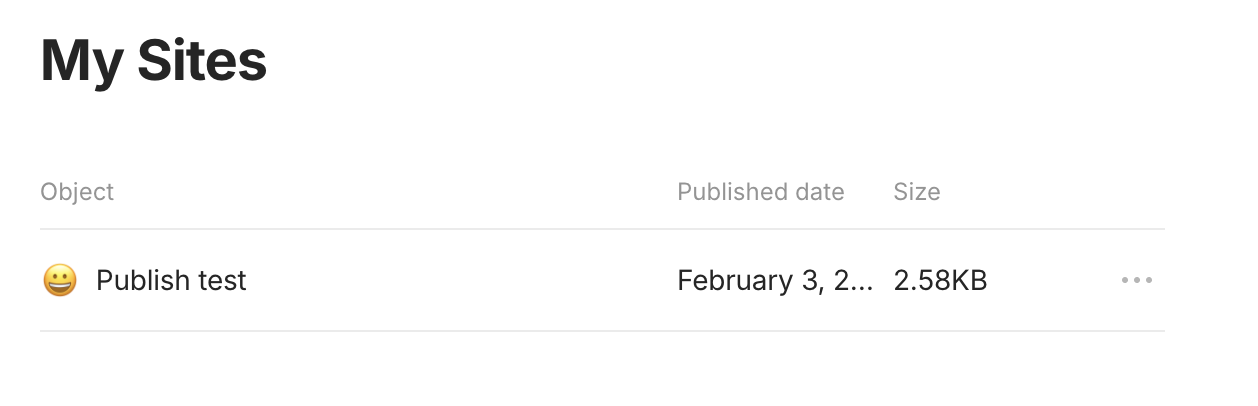
Into “My sites”, add a “Published date” value.
And pehaps
Into the “Publish to web” window, add last update date (instead of the duplicate link
Related to this (but both are useful and independent I think) :
Some situations where having to update manually is a problem:
on small updates.
On my page, I regularly correct or modify small things.
Having to force an update every time doubles the processing time.
A checkbox that needs to be ticked also becomes more cumbersome.
Another consequence is the risk of forgetting. Hop, I tick my box and go off to do something else… and it’s not published (which can be important).
Lastly, on a collaborative page, my experience has taught me to strongly doubt t…
Razor
February 4, 2025, 7:01pm
3
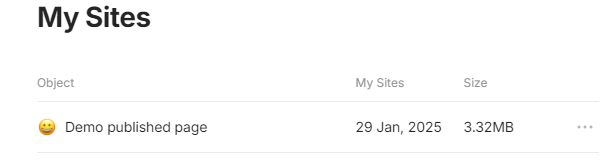
There is a date, in latest beta title of the column is incorrect
I promise, I checked first!@Razor !
Edit : I update just now and …
date into My Sites is 29 Jan
Last update of my object is 30 Jan
Last update of Published page is now (so, 04 feb)
vs
A bug?
And after adding relation into this object and publish it :
published object :
Razor
February 5, 2025, 8:46am
6
Yeah, I mean that the date might not be working as you request but there was a date initially =)
Filip
February 7, 2025, 9:22am
8
Can you create a separate FR for how you think the published date should work?
I don’t know what to add.Into the “Publish to web” window, add last update date ”
 , or with a tooltip)