Add horizontal scrollbar to grid view

[Edit:] Changed title and some wording below to a more accurate description. I’d been focused on inline queries, but this applies to the grid view more broadly.

WHAT DO YOU RECOMMEND?

Add a scrollbar to the bottom edge of the grid (whether inline or in full object view) if content extends past the right edge.

REAL WORLD USE CASES

The grid view has no horizontal scrolling capability I’ve been able to find. On smaller displays, this means I can’t see columns on the right side past a certain point without the workarounds described below, which has its own problems.

RECOMMENDED ALTERNATIVES

Moving the left side of the AT window offscreen and enlarging it to the right can reveal the obscured columns. However, that then obscures the left side, including the sidebar. Alternatively, the column widths can be compressed, but depending on the size of the display, number of columns, and amount of text in them, this can greatly impede readability.

[Edit:] Per discussion below, hovering the cursor over the grid and holding down shift while rolling a single-axis mouse wheel will scroll horizontally. For my purposes, I think this will work, though I’m not sure if requiring a two-handed function will suit whatever accessibility intentions the team may have.

ADDITIONAL CONTEXT

[Edit] Another issue that could potentially be addressed in tandem is that the headers don’t remain visible if the user scrolls down too far.

You should be able to horizontal scroll for an inline query. Which version and device are you referring to? Here is a video of it:

OS version: linux x64 6.17.0-35-generic
App version: 0.55.5
Build number: build on 2026-06-02 16:45:57 +0000 UTC at #5e888f1b9b8590575ea81da218e95c472daf0fdf
Library version: v0.50.8
Anytype Identity: A8nYEUbwcamde71gTKbbnNp1waoPq8x9VFh65BkZHFP4UYfa
Analytics ID: Mauqrw5tDLjCfhSEhRLKvwVP9s7tNJ7Wd1H52hMLQCtnXTgW
Device ID: 12D3KooWBCW9Z44EfeKjLGNx9R1dXKsPZwux2mZHRuLJq5rTYtfz
Ethereum Address: 0x950fFb9E3fD8CF4D4C5c997874a3440fEbe2B683

I don’t understand how the user is doing that in the video. I expected a scrollbar, like there is on the side. No combination of mouse actions and/or keystrokes that I’ve tried has worked.

The user is me, I made that recording just then. I’m on macOS and I simply scrolled with my mouse.

The UI does not show a persistent horizontal scrollbar. I’m not sure how it works on Linux, but does simply horizontal scrolling not work? Maybe another Linux user can chime in.

Do you mean that when you roll the mouse-wheel when you’re hovering over the inline-query block, it scrolls horizontally instead of vertically? For me, it only scrolls vertically no matter where the cursor is.

[EDIT:] Okay, yeah, rewatching the video, I see how that’s what’s going on. The change to horizontal scrolling doesn’t happen for me.

My mouse has both horizontal and vertical scrolling functionality (Magic Mouse). Vertical scrolling on an inline query will not do anything, you have to explicitly horizontal scroll. Does your mouse not have a horizontal scroll?

Correct, I only have mice with single-axis wheels. I’ve never encountered any software that required more than that.

Apologies for the dumb question, as I’ve never used Linux. But how does this work for you when you’re viewing a Type/Query (that’s not inline on a page). Often they have many columns that expand beyond the horizontal view. Are you also not able to horizontal scroll in these instances?

Heh, actually that’s a very good question - checking now, the same problem exists when I’m looking at the query as its own object. I hadn’t noticed because most of the time I’m working on a display that’s big enough for all my columns, but I don’t have access to that right now.

Is there some other means of horizontal scrolling in the Mac-version UI? Right now this isn’t sounding like a Linux thing, just a mouse thing.

To be frank, I’ve never encountered this challenge before because I’m on macOS (like most of our team). And it’s curious that nobody else has brought this up before, I wonder if people don’t horizontal scroll? I see online that some people use shift scrolling or keyboard shortcuts, but I can’t test that because it seems device/platform specific.

Oh hey, shift-scrolling! I didn’t even know that was a thing. Okay, that works. Still seems less than ideal - like, why have scrollbars at all in that case, if requiring mouse-wheel usage is acceptable UI? Also not everyone has the physical ability to do two-handed functions - not sure how high a priority accessibility is at this stage of development. But I’m glad to know there’s a better workaround than what I came up with, so thank you for that :+1:

Oh, there really isn’t a horizontal scroll bar for grid view if the width exceeds the width of the window! I hadn’t noticed that before because I usually use the Shift key and the mouse wheel to scroll horizontally on a Mac.
At first, I thought @Astro-L was referring to a missing fixed horizontal scroll bar at the bottom of the window, so that on long grid pages you don’t have to scroll all the way down to find the horizontal scroll bar - but there isn’t one at all, let alone a fixed horizontal scroll bar.

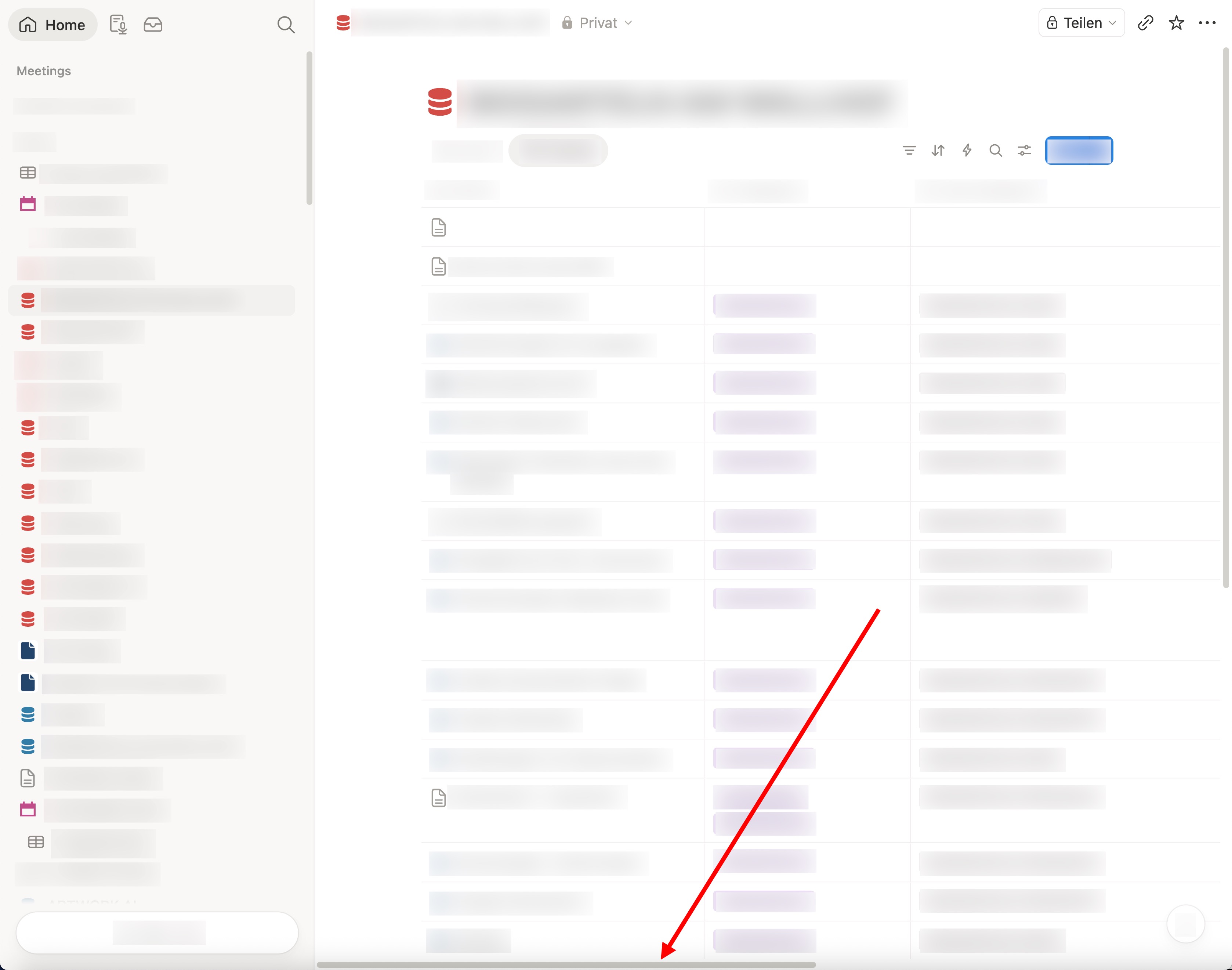
It’s not nearly as unusual as it’s being portrayed here. Notion, for example, has a horizontal scroll bar fixed to the bottom of the window that appears the moment the table is wider than the window. Please see the screenshot below.

I would actually expect the same thing in Anytype.

I’m seeing what’s happening: on macOS there is a setting that changes scrollbar visibility behaviour—which I assume is different for other platforms (Windows/Linux). In testing the different setting options, indeed Anytype’s horizontal scroll doesn’t seem to display consistently like in other apps.

We’ll see what to do about this. Thanks for reporting.

Thanks for being responsive! Do you mean that AT has a horizontal scrollbar that does show up, just inconsistently? I’m poking at the system settings for scrollbar visibility (in Linux Mint Cinnamon, for the record), and nothing seems to make a horizontal scrollbar appear in AT.

I can’t confirm on other platforms, but it doesn’t show on macOS. Hopefully the shift-scroll solution can suffice temporarily until we get it sorted out.

I’m sorry that I see this thread only now!
Otherwise, I would have confirmed it immediately for Windows 10, that there is indeed no horizontal scroll bar under the grid.
It is so since some versions already.

I know there was some time ago some rework on the behavior of the horizontal bar; it’s since then that it suddenly wasn’t there anymore.

– I’ve never reportet that, assuming that the behavior is intended (though strange) and because it didn’t affect me, because Shift-scrolling works and I normally don’t need horizontally scrolling at all.
But I found it indeed always strange that the scroll bar never appears anymore, no matter what I do.

All the time I’ve thought it is intended, because it is simply much too obvious to be possibly a bug. Everyone can see it and surely would anyone report it – that’s what I’ve thougt!

Interesting (and a bit disturbing, to be honest) is that the team seemingly doesn’t make tests on all platforms after reworking a specific part of the software!
I mean, as said, there was some rework on the scroll bar’s behavior. I would find it more then natural, that after finishing such a work it becomes tested on all possible platforms (and ideally by multiple testers)!

There was again and again unbelievable stupid and totally obvious bugs in Anytype, where I couldn’t believe that the team didn’t know about it!
But now it has become a bit more clear: the team mostly works on Apple AND they don’t do tests after changing things, especially they don’t do tests on other platforms. :-/

I’m not in the position to tell the devs here how they should work.
BUT, I can tell how I work: After changing the slightest thing on a software routine, I immediately compile the whole program and test it under all imaginable conditions!
– This is extremely good invested time, because I can assure that my software (even very complex one) normally hasn’t had bugs. Especially not many many dozens of bugs, like it was always and still is the case for Anytype!
If I recognize a bug in my software, I fix it, compile everything, test it – and deliver the update direct after that!
Bugs don’t pile up. And there is no hassle with “Alpha” and “Beta” versions.

There’s no denying that our testing could be much better—the amount of bugs we get reported will attest to that. :smiling_face_with_tear: Most of our team is on macOS and Linux, we do run tests in Windows but it obviously doesn’t get as much attention. Not only because most of our team isn’t on the platform (which would lead to organic testing through usage), but also because macOS is the largest user base.

As for more thorough testing, this is something we’d love to do but we’re pressured to release more regularly—and obviously testing everything slows this down. So things like this can slip.

Nonetheless, we’re aware now. Thanks for reporting.

Sorry that I disagree and that I hit again in that notch:
Testing doesn’t cost time. – OK, it costs a bit time in the moment when the tests happen. But on the long run, it cancels out.

Imagine the devs would work as I described in my last post:
There would be as good as no bug in the software!
Maybe one or two. Or sometimes, if everything runs bad, even three bugs. But never more then that! And no normal bug would live till the next day!
Half of this forum wouldn’t be necessary! That saves time!!! It saves time for the team to moderate the forum, it spares time for the devs to read all the BRs. It spares time for all of us.

Also all the hassle with Alpha and Beta Versions – what’s the need for that?
Implement a new feature and test it. If OK, then let it test the other team members. If still OK, then deliver!
Normally (IMHO) there could/should be every day an update.

And one thing more (it’s not the first time that I write it somewhere in the forum) : Each update should come with a clear description what was changed!
– Don’t tell that’s the case, it isn’t!
For example our actual case, where the horizontal scroll bar isn’t there anymore. I can’t tell when it has happen. It was months ago, maybe even up to one year.
There is no history in which we can comfortable read and search in case that something is wrong suddenly.

And normally, the update routine should inform the user about the changeings BEFORE he installs it!
Then it’s up to him if he wants to install it, or not, but in every case he knows what the update brings.
Because he knows exactly what was changed, he has also the best chance to test the modifications immediately. And because of that, he could report each bug immediately.
We simply wouldn’t have such a large pile of bugs.
And a case like this here, with the scroll bar, simply wouldn’t persist for so many months, it wouldn’t happen.
All the time consuming discussion here, wouldn’t happen.

Resume:
Testing doesn’t cost time.
In doubt, it saves time. And it holds the software always as clean as possible and it holds the users happy!

I just tried on a Win10 machine, and shift-scrolling didn’t work; however, pressing and holding the wheel and moving the mouse to the side did. I learned that trick from this thread, where otherwise the only solutions involved writing scripts and/or installing an app. The wheel-button method works just well enough for me that I wouldn’t bother with that other stuff, but it feels clunkier than shift-rolling in Linux. Luckily I rarely use AT in Win.

I’ve been poking around in 0.56.0 today, and this fix seems to have been implemented in all the places I’ve thought of to check. Thanks, team! :+1: