With the release of Anytype for Android 0.7.0-alpha (available on Play store, APK to be made available on Monday, release notes available on Telegram and will be posted here on the Discourse forum on Monday) templates are now supported when creating a new Object on Android!
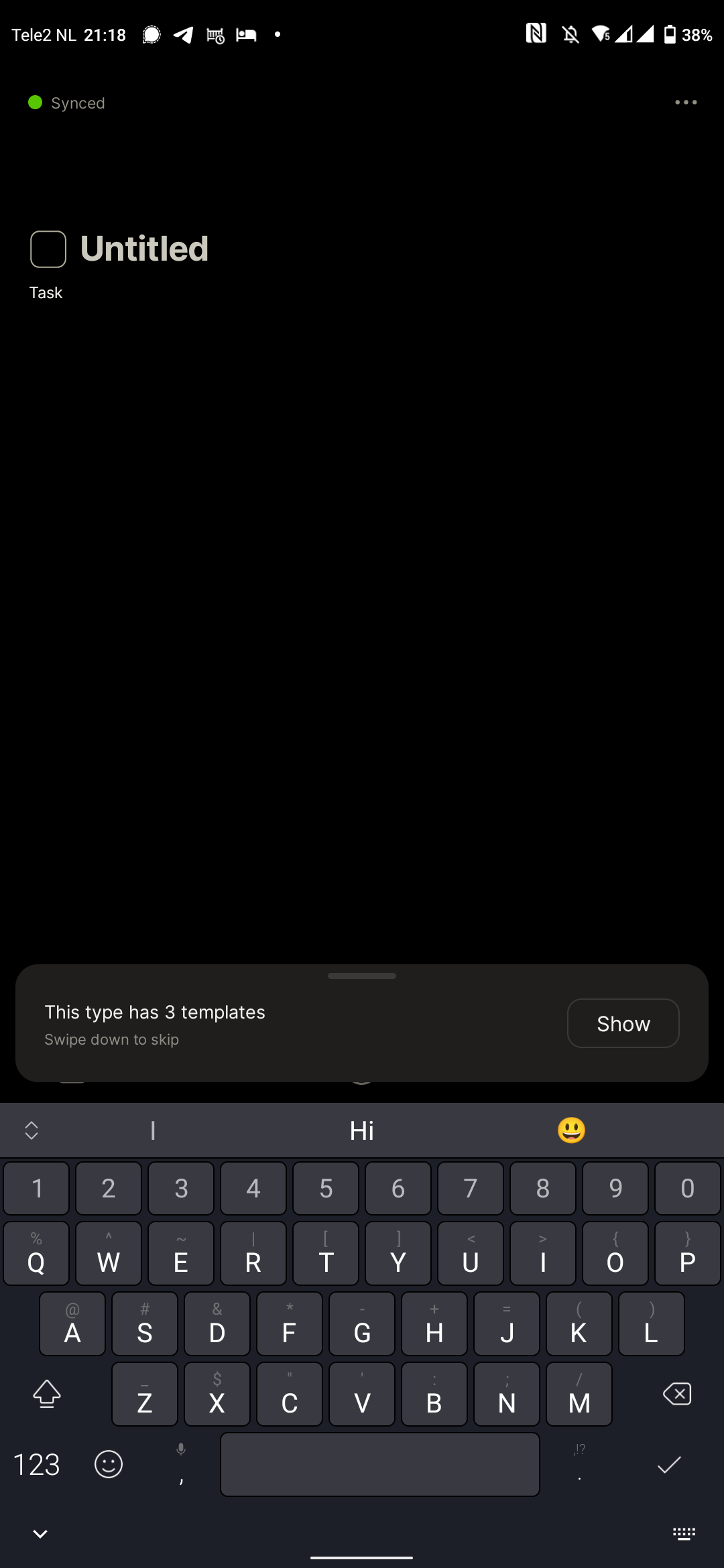
After creating a new Object you’ll see a notification at the bottom of the screen that there are multiple templates for the Object Type:
After clicking “show” you can swipe left and right to preview and select the template you want to use:
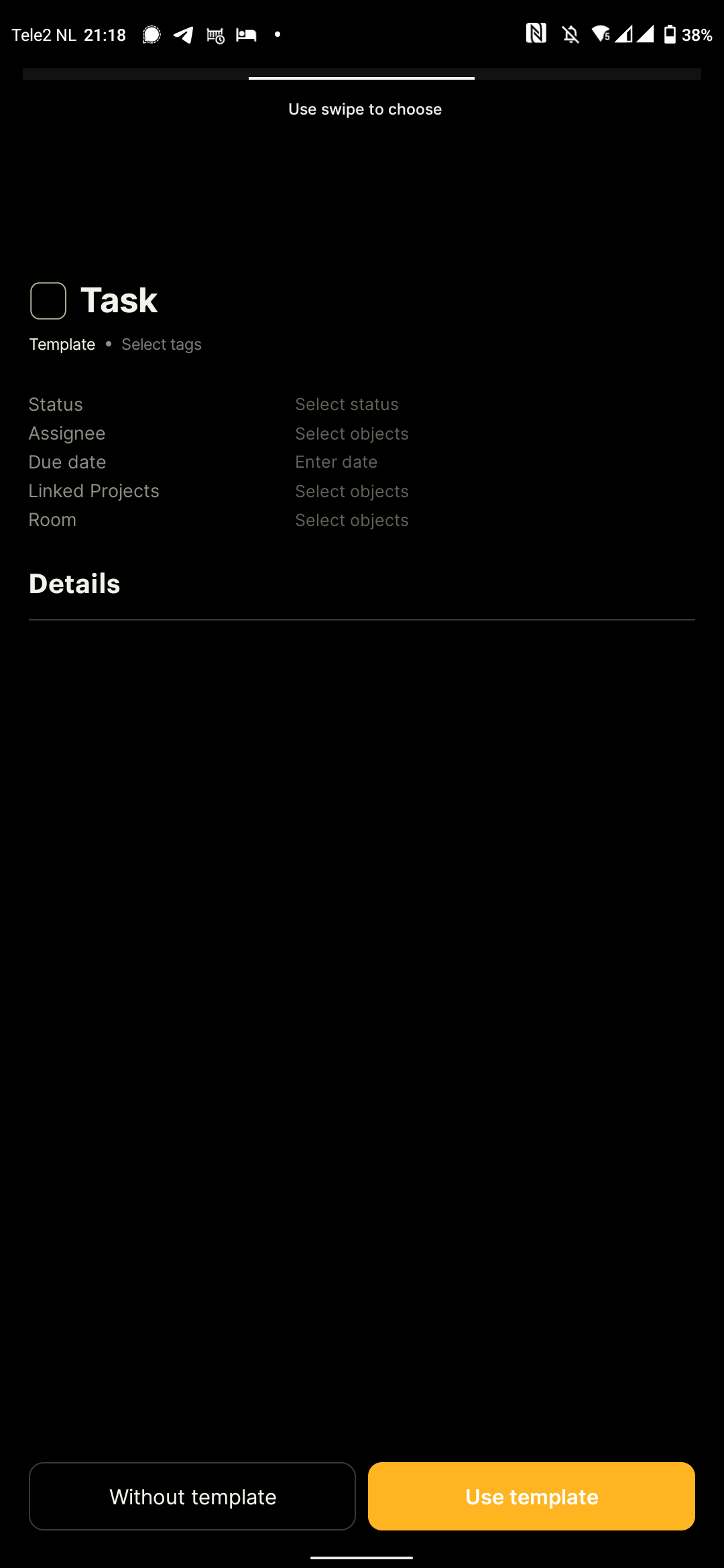
Edit: please note that using templates on Android is limited to the moment you create a new Object. Once you dismiss the option to apply a template there is no way to apply a template later on. This is also a limitation on the other platforms. See also here: Platform feature parity (overview) - Feature Requests - Anytype Community.
@Jed in your original post you mention:
Do you mean you’d like to be able to use (apply) templates or do you (also) want to make (create) new templates on Android? If you are asking for the first point only, we can consider this topic to be solved. If also the second point is important, I’ll hold off and update the title to reflect this.