Anytime Web Clipper still will not pair on Pop!_OS 22.04 LTS with Anytype 0.41.1 on Google Chrome Version 126.0.6478.126 (Official Build) (64-bit).

Typing numbers will not do anything.
My web clipper is not working on Brave either.
0.41.1 Debian
Version 1.67.123 Chromium: 126.0.6478.126 (Official Build) unknown (64-bit)
(Flatpak)
Note: the above issue is a problem with the flatpak version of Brave. This issue with the pairing can be resolved by using the debian version of brave.
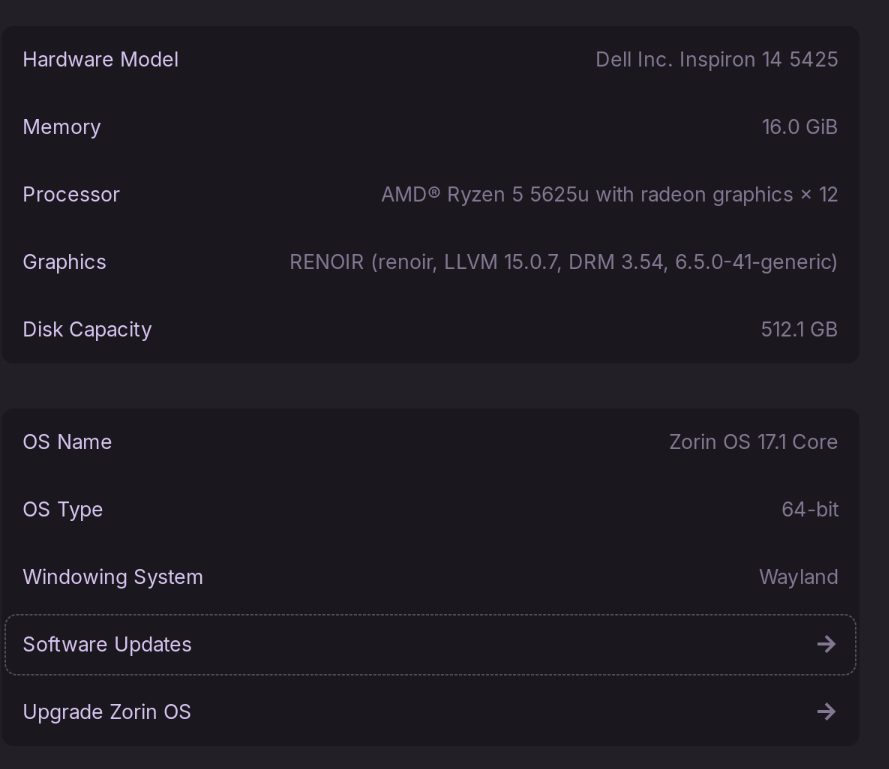
Whenever I go to pair Anytype on the debian version of Brave, it will allow me to open up the extension. Opening up the extension then makes anytype give me a four digit code for pairing. The problem is that every time it pops up the four digit code, my window manager (on Zorin OS 17.1, Wayland) will select the anytype window. Selecting the anytype window then results in the browser extension closing and loosing all progress. If I click on the extension again, the process completes.
P.S. You can’t see my cursor in the screencast.
Thank you for the recent fix for this! I can now sync the extension!
Hi!
If it can help someone, I experienced the same issue with my config and I solved it :
I solved it by removing the flatpak version of Anytype and then installing from the RPM available on the Anytype website and it works fine!
Hi Folks. I have a problem here!!!
Can´t make it work (no pairing) either with 0.43.8 Flatpak nor 0.43.8 Appimage.
Same problem with the nixos repo packaged version of Anytype, which is still on 0.43.4.
Can someone check this ? How can I help debug?
Thanks
EDIT [SOLVED]: I figured it out by reading the /tmp/anytype_nmh.log file!
The problem was the ‘lsof’ package is not installed by default on NixOS. Installing it made everything work.
Please submit a separate bug report regarding your issue.