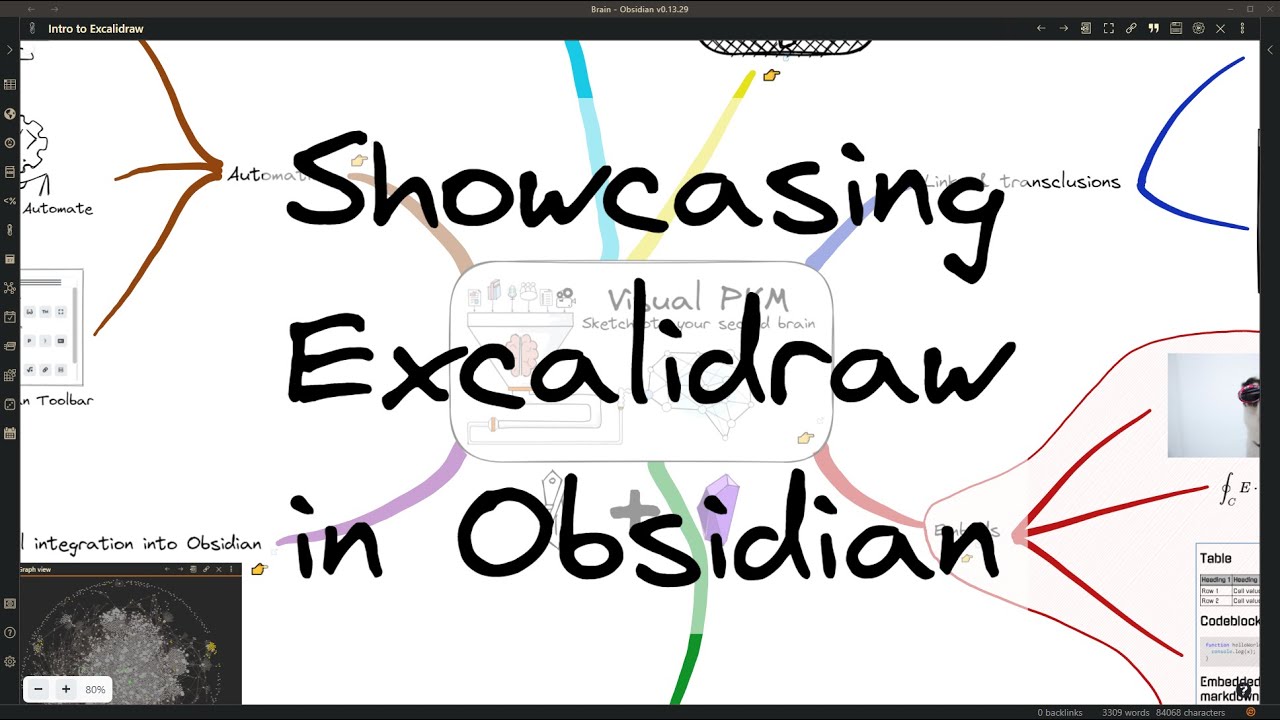
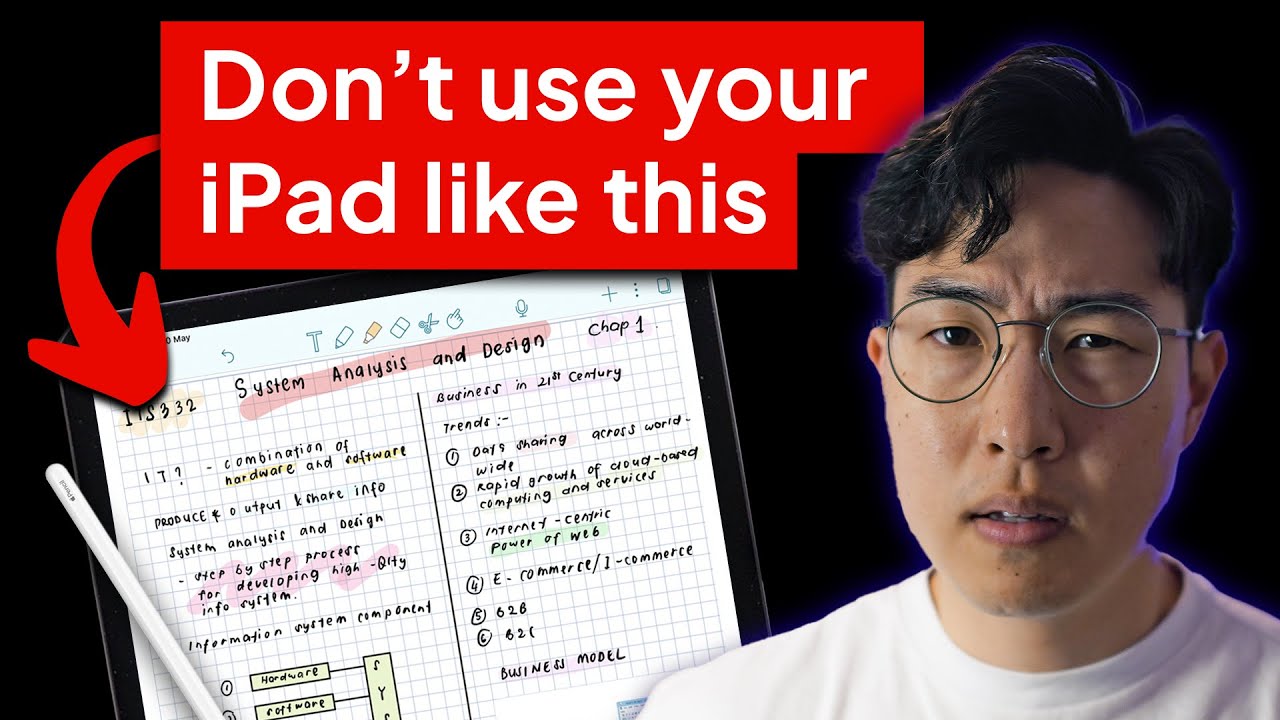
I found this recently…this seems like this would be perfect for AnyType for the Handwritten feature.
This gives a glimpse into what could be done with Anytype. Very powerful!
It also goes with the Block Transclusion that was talked about before for Anytype.
OCR seems to be a very important feature, but there aren’t a lot of OCR solutions for handwriting - especially not good ones that are open-source.
I have tried this before with my handwriting. If I would need to rank them, it would be like this:
Samsung Tab S-Series integrated OCR/ Android OCR (works offline, but probably got a lot of training data via telemetry)
Google OCR (via Google Drive API, unofficial implementation)
Apple OCR (via Shortcuts on iPhone, (offline?))
PP-OCRv4 (open source, multiplatform, offline)
Samsung/Android provides exeptional outputs for texts (and special-characters from a wide range of languages), but it has problems with dots, dashes,…
Google and Apple’s results need manual correction, but it is still faster than writing manually.
From testing multiple PaddleOCR models, result vary a lot by different variables (for example, scaling when vectors are converted to pixels greatly impacts text quality).
Results range from: corrections could be necessary for almost every word, to: writing the text manually wouldn’t be much slower.
Allthought I wasn’t able to test it, Paddleocr supports tables and preservation of images/sketches when converting.
I also tested tesseract and EasyOCR, but their outputs were worse than Paddleocr. (Easyocr states that Handwritten text support is planned, but there was no update to this in over two years)
The great thing about ocr is, that it can be added later down the road to allready existing notes. Implementation of the ocr engine could also be added via plugins for allowing users individually to choose/compromise between privacy and quality.
This is a great example of what many people would like to use AnyType for when handwriting your notes.
This reminds me of the Graph view because it’s the same concept. You’re connecting your thoughts and ideas together and writing out your notes the same way helps with this connecting.
Even if there is an app that works great for handwritten notes, I would still prefer to use Anytype’s version even if it was not the best because I want to keep everything in Anytype (one place) and also because of how it can be connected to everything ells that are in Anytype.
Also, when Anytype comes out with “Multiplayer” mode and then you add on top of that the Handwritten part with it, is going to be so amazing!
And who else is doing this? no one! that’s why for Anytype to do this, is going to make them stand out even more among all the other apps out there.
Also, I think this is going to help attract those people who may not want to try anything that is too complicated into Anytpe because everyone can relate to writing and drawing. this makes it more appealing to those who may not want to get into the complexity of a note app.
I told a friend to try Anytype but after they did, they deleted it because it was too complicated for them but I know, if there was something to interest them, they would ignore that and learn how to use it. I think handwritten notes are what is going to help with this! Everyone can relate to these handwritten notes.
The feature roadmap on github got updated, unfortunately handwriting is still in the backlog for 2025. It seems like I’ll have to get used to excalidraw. But this means we will get it eventually with collaboration and a ml framework (that’s maybe usable for OCR) from the start.
I just want to add my support for this request. I want to ditch OneNote, but I can’t until I have a replacement which supports writing by hand and drawing. I am just learning about Anytype, and I love it’s features along with its focus on privacy. I have started using it for some notes. But since much of my note taking is (necessarily) hand-written, I can’t switch to it completely.
Same. I totally agree with you. I can’t ditch onenote because this app have very good infinite pages. I saw Affine app which realised infinite canvas with notion notes. But this project still very raw for use. https://affine.pro
bear note app has added Handwritten notes.
Just wanted to post this here for Anytype team to see and to help give ideas how it can be implemented in Anytype.
I feel like it’s also worth mentioning, that a lot of the Whiteboard/Canvas implementations and standalone apps out there also support this type of handwriting, so could be a good opportunity for a 2-for-1 deal (Especially if a standard like Excalidraw were integrated).
The supernote (e-ink device) runs android and recently they officially support sideloading *.apk.
It would be great if handrwritten notes could be created from the supernote.
Microsoft Onenote has mostly figured it out I think,
It treats whole page as infinite canvas to be handwrite on
whereas for typing u can click on where to type from there it treats that section as line-based overlapping up on the default handwriting canvas
But I don’t really like their implementation as it leds to lot of chaos
I was thinking about this. Heptabase is a good example of Combining both whiteboard. and handwritten notes together as one, along with all the other components and features of Anytype.
I really want to see this in Anytype! This would take Anytpe to another level all together!
I would really love to see this… being a college student has made me realize how useful handwritten notes are. Even if it was a System Object (although an embed/toggle would be nicer), it’d go a long way towards making Anytype universally useful.