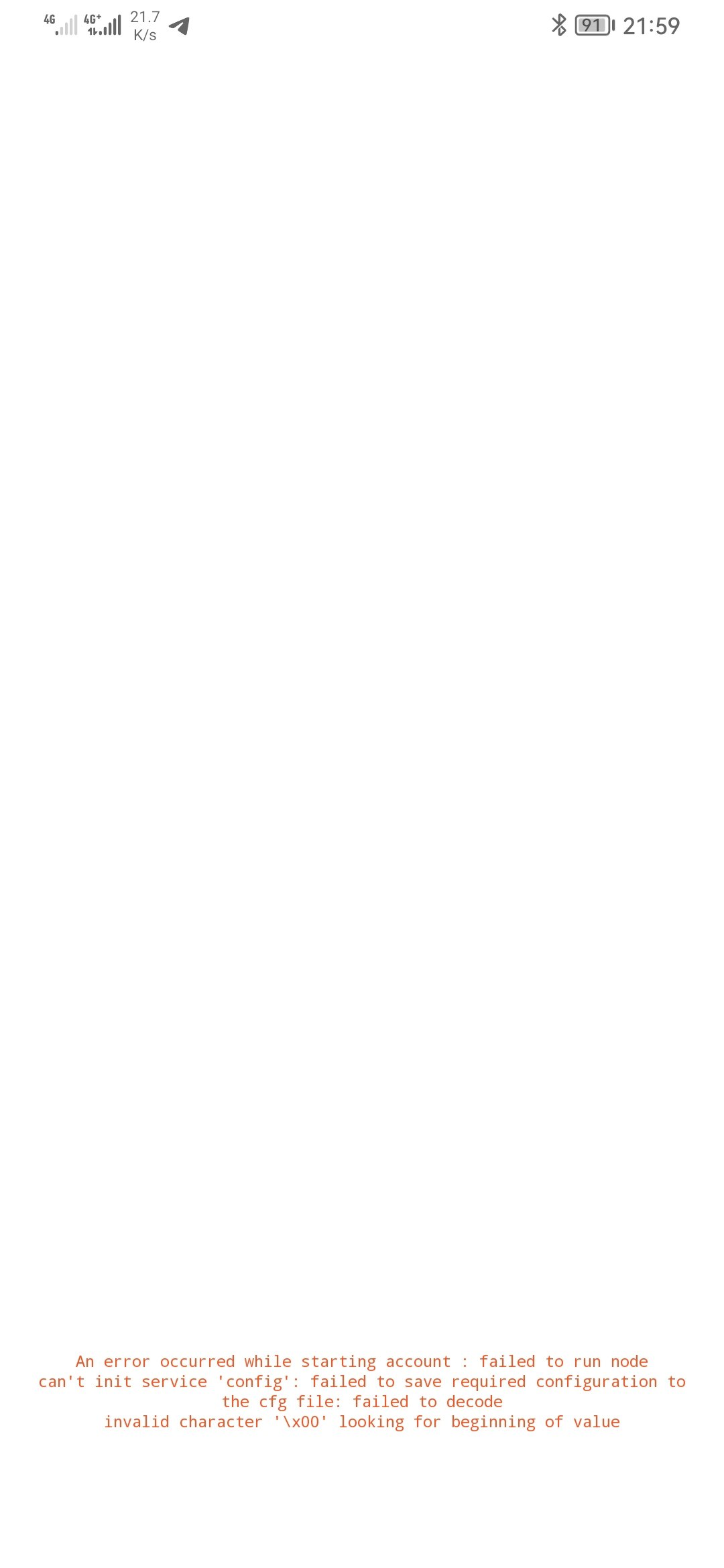
Thanks for taking the time to investigate this  . I made some trial and error myself which I’m going to share with the team in the hope that it would be useful.
I’ve learned that for some reason it’s directly related to the size of these channels. I’m not sure whether on newer, more powerful devices this would also occur or not but my device is a flagship, albeit from 7 years ago. So, that may be a factor. Nevertheless the main problem lies with the two of my channels: My main one, named Second Brain and the ‘Nightly group’ one from the team itself. I know that my main space has become very huge, and because how I operate in my space, I can’t divide my different areas of life into separate spaces because as of right now I can’t ‘@’ mention, or use ‘link to objects’ across channels. Maybe with the whole Transculsion project and synced blocks, I can in the future, but as of right now it’s not possible. As for the nightly group, I believe maybe the amount of growing chat in it, together with the amount files, videos and images being uploaded in it daily, it may have caused it to be so heavy. I’m not sure how Anytype is handling the efficiency of memory and data management for channels with high amount of data, but I guess something is missing here.
So, I’ve tried many tricks in the past week and I will share my failed and successful findings with you guys; hope it helps!
- When I performed the data clearance, I had limited time to act. So, when I first entered Anytype and after entering my passphrase, all my channels would appear. Upon first trying both mentioned channels, I could enter them. It was shown that they’re syncing and loading the data. But, if I remained more than about 10 seconds in any of them, my device would crash.
- Again, I had to mention that every time that my device crashed, when it booted up again, and I went into Anytype, it wouldn’t let me enter the channels again. Apparently, the crash would damage the database on my device similar to what you said.
- I had to start over again, this time, I tried locking Anytype in RAM on android from the recent menu, this way I could enter one of my spaces, then return home and by the ‘Network Speed Indicator’ in my status bar, I could see that the download and syncing is being continued. However, after a couple of minutes, it would stop. I had to enter Anytype again, and go into my channel. Obviously more data has been synced, but again, it would download again, and if I remained more than 10~ seconds on my space, it would crash again and I had to start over.
- What worked for me, was to trick the OS or Anytype, I don’t know exactly but I would periodically, about 5-6 minutes or so, I would open Anytype, and go to one of these spaces, and then go back again to the vault and then exit Anytype before the 10 seconds mark. This way, it would initiate syncing again without the need to be in the app causing to crash. By doing this for about 2-3 hours, I could get my device all synced up.
- Now, I can access my channels normally again, however, I’ve had it crashed on me 2-3 times. Especially it happens when I click on a notification from the chat in the Nightly group. It would show the splash screen of Anytype but it would fail on me. But when the device was booted up again, I could enter them with no issue or need to clear the data again.
- Lastly, sometimes, especially with regards to my vault, when I click on Nightly group, nothing happens. But a 2nd or 3rd click, it would let me enter the channel again. It’s random and doesn’t happen every time but at least after all this, I didn’t have to clear the data while having all of it synced on my phone.
Again, I would be happy to assist you guys in any way or shape that I can. @requilence @konstantiniiv